
Applies to: Lasernet Core 11
Azure Storage Queue commands are added through the Commands menu in Lasernet Developer.
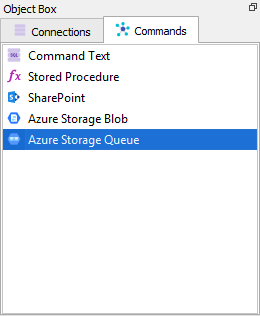
There are five command types:
Create Queue
Delete Queue
Insert Message
Peek Message
Get Message
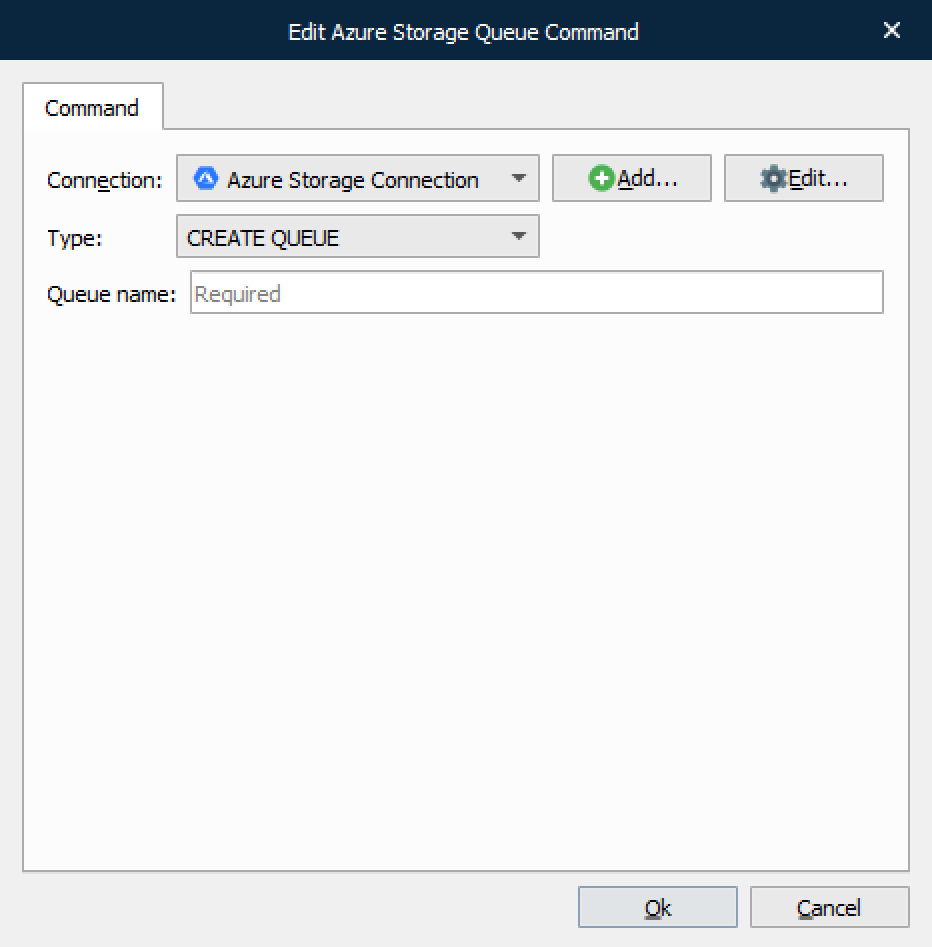
Create Queue
This command type is used for creating a message Queue.
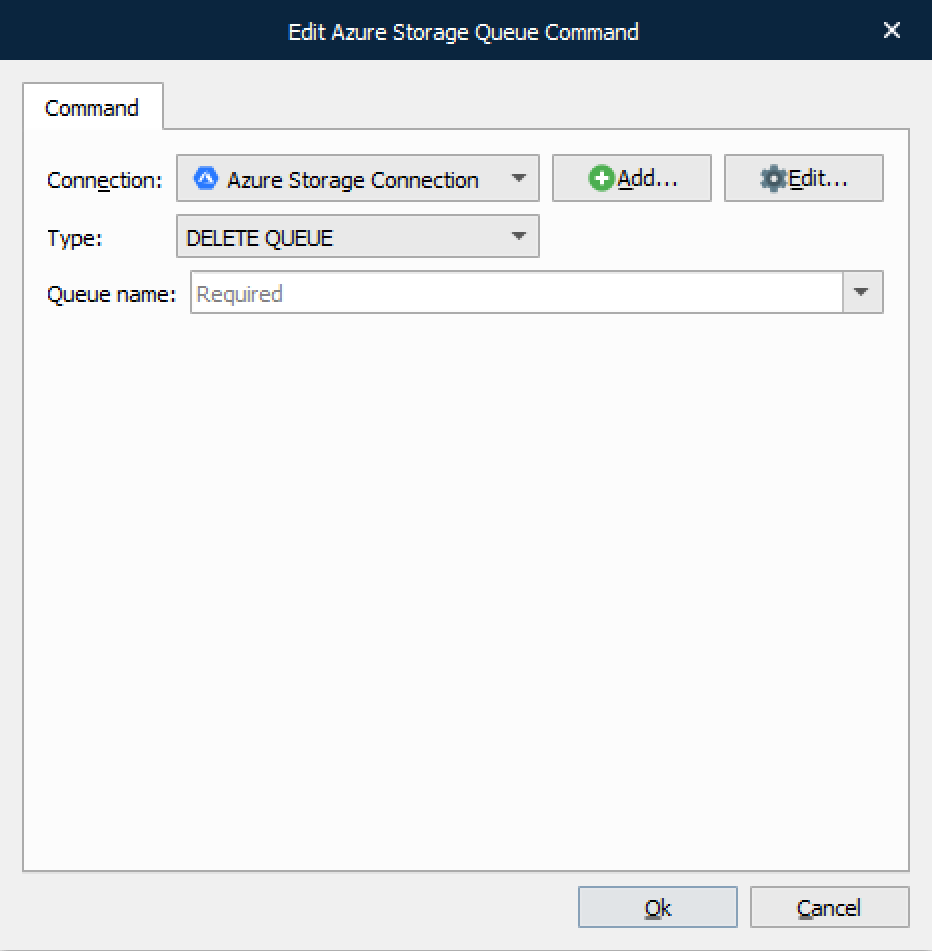
Delete Queue
This command type is used for deleting a message Queue along with all contained messages.
Insert Message
This command type is used for inserting a message in a specified Queue.
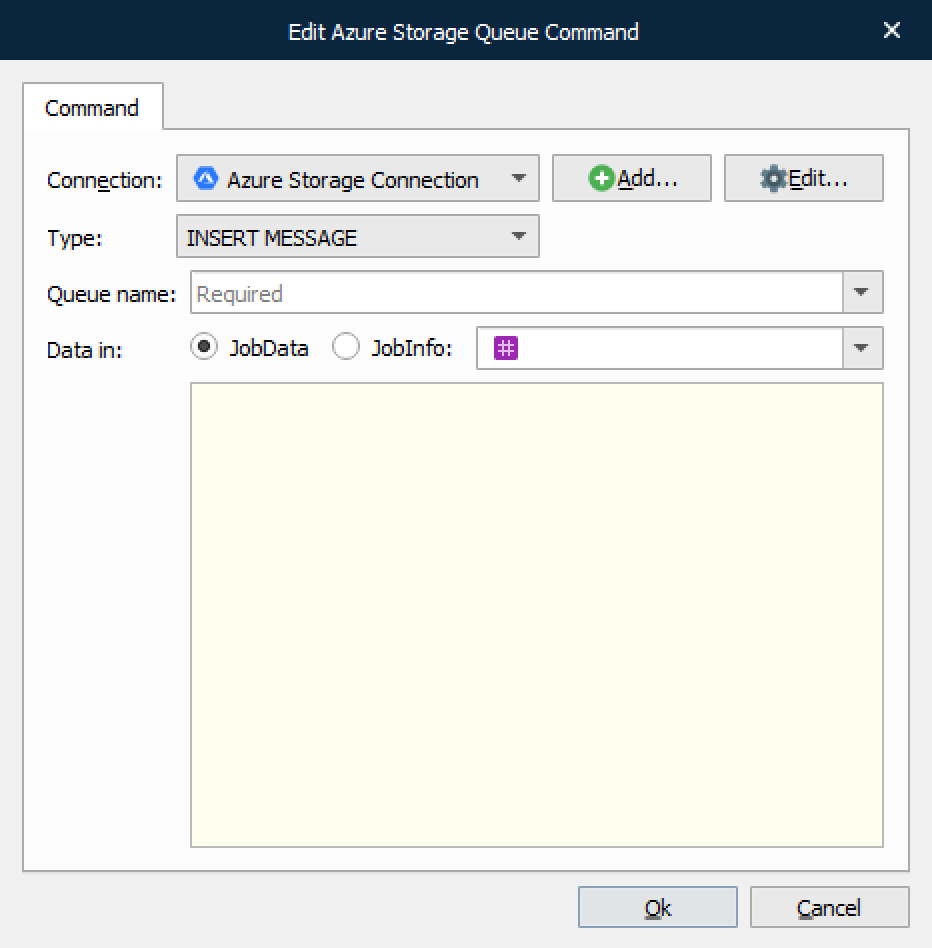
Data can be inserted from either JobData or a JobInfo.
Peek Message
This command type is used for peeking at a message in a specified Queue. Peeking a message does not delete it.
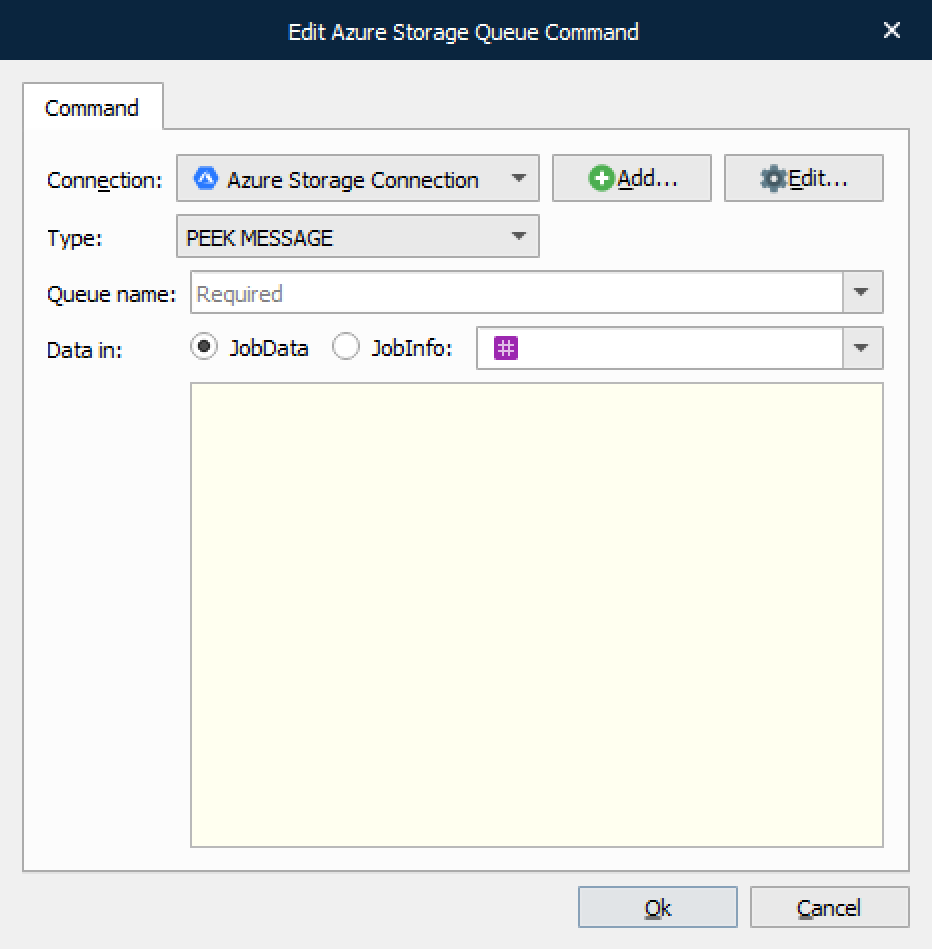
Data can either be inserted in JobData or a JobInfo.
For a list of JobInfos set, see JobInfos in Azure Storage Input Module.
Get Message
This command type is used for fetching a message from a specified Queue. Fetching the message will delete it from the Queue.
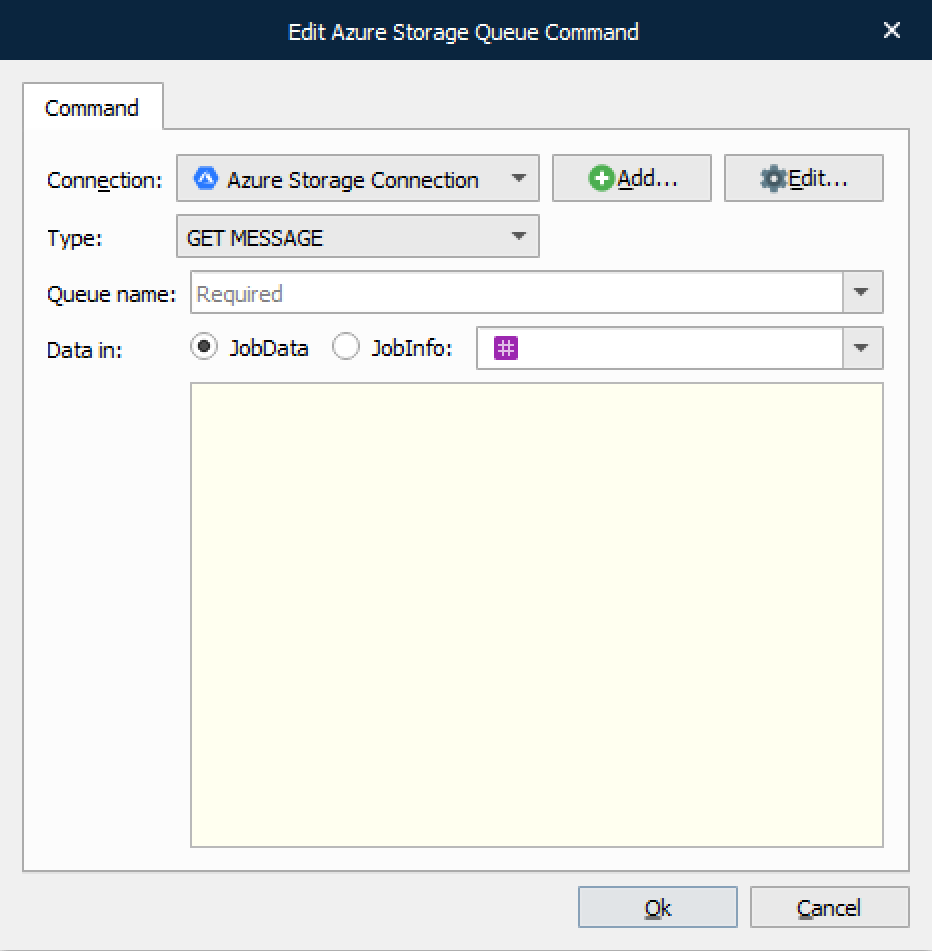
Data can either be inserted in JobData or a JobInfo.
For a list of JobInfos set, see JobInfos in Azure Storage Input Module