
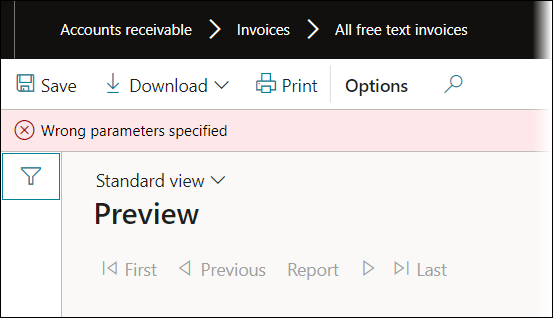
When printing a Lasernet report to Lasernet Screen or using Review before sending, the following error occurs if no records exist in the DocuType table:
Error
Wrong parameters specified
Solution
To solve this issue, navigate to Organisation administration > Document management > Document types.
When opening the Document types form, the following four records are automatically created if the DocuType table is empty:
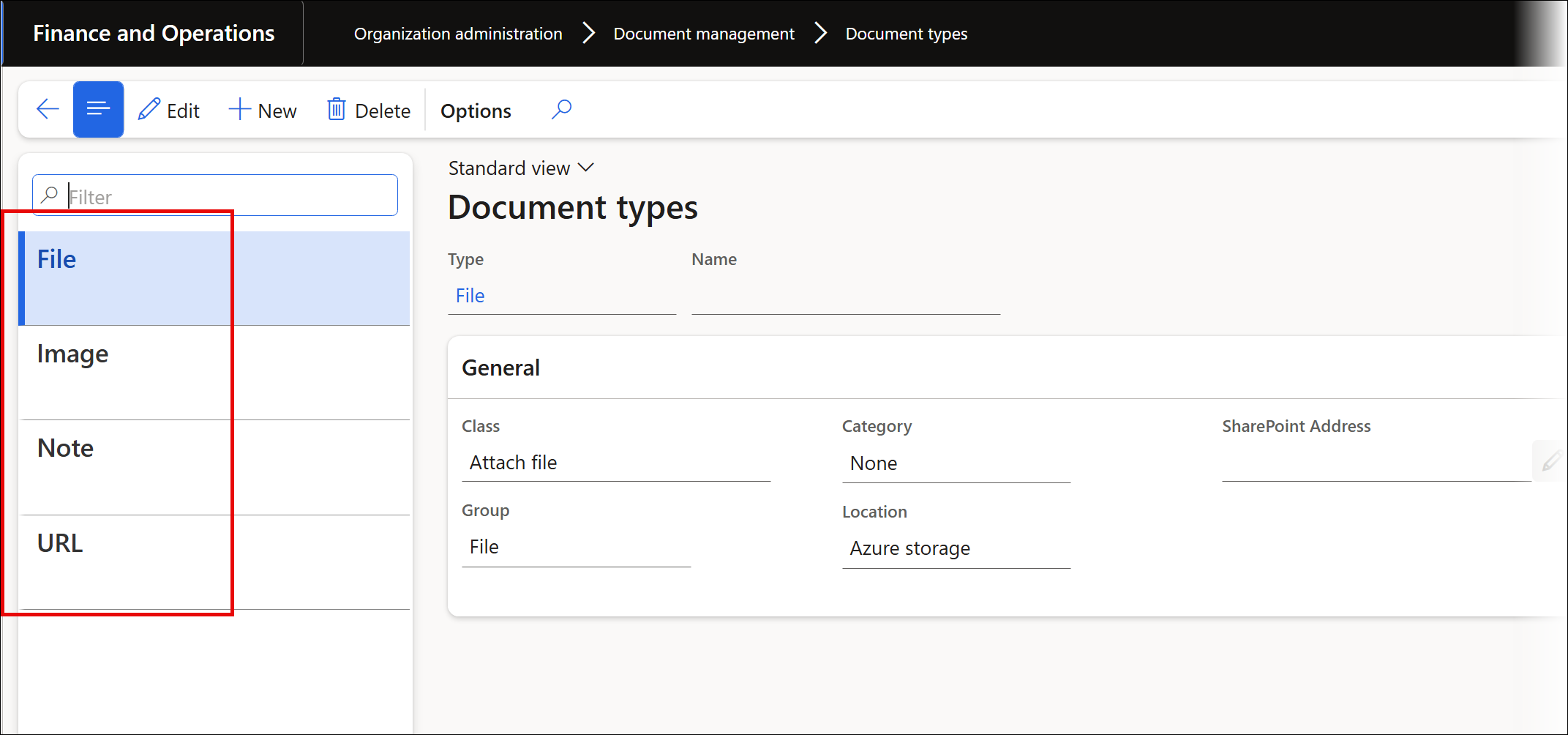
If you wish to print to Lasernet Screen, File must be the first record in the DocuType table. File does not need to be selected in the Document type for preview field in Lasernet parameters form. If this parameter is not specified, Lasernet FO Connector will use the first record from the Document type form.
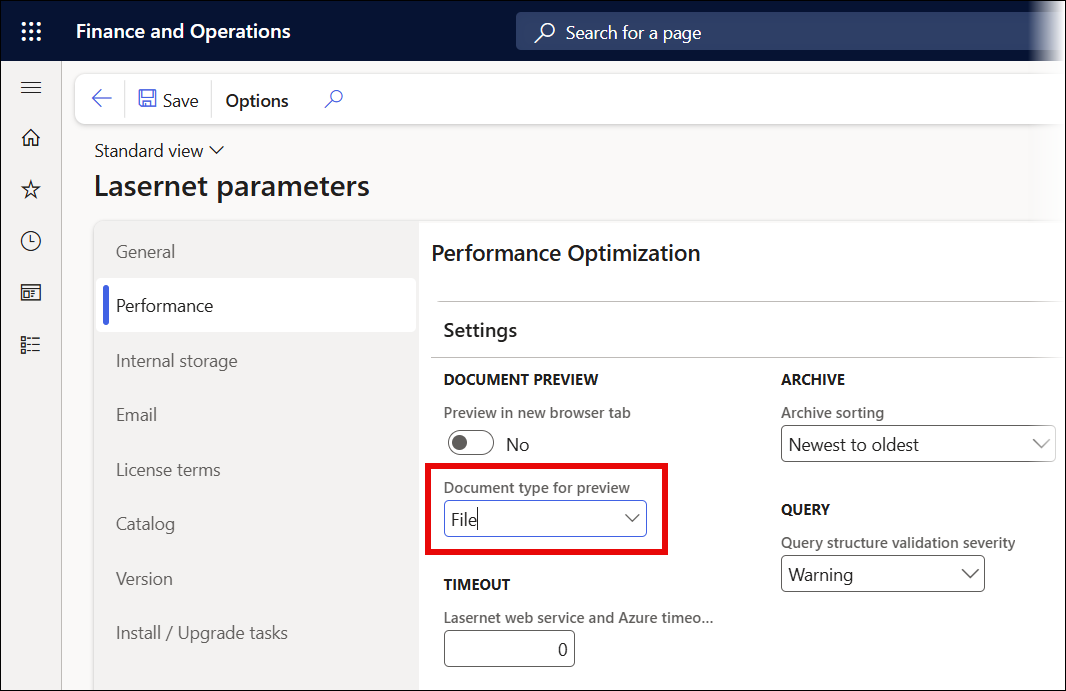
Document type for preview must be specified only if the first record in the Document type form is not File, and if its Location is not Azure storage.