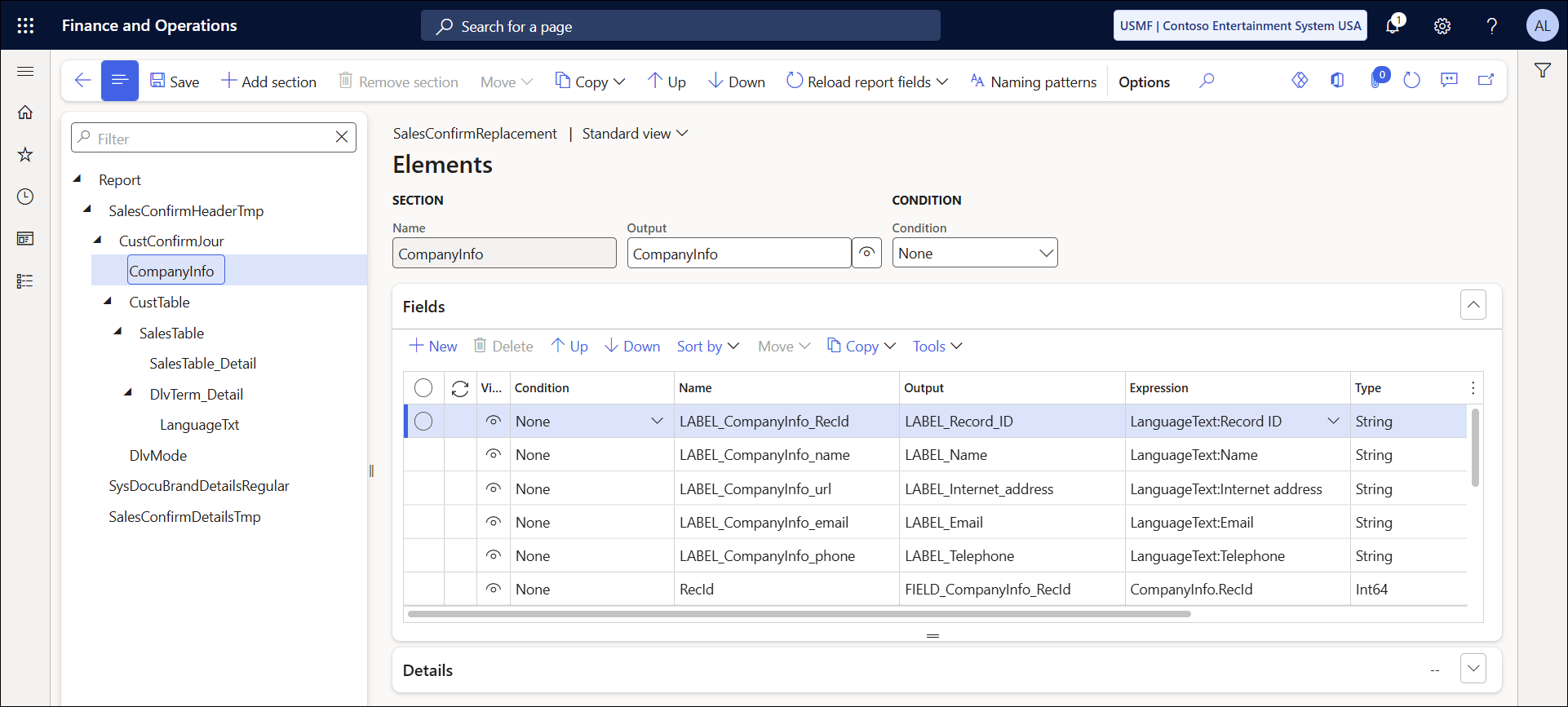
This article provides a solution for the following error message you may receive on a Lasernet report:
Error
Updating XML Processing Custom fields #Field# elements in #StructureSection# The value #TableName# is not found in the map.
The term “Custom fields” refers to any fields that have been manually created, added, or manipulated on the report. This error indicates a problem with a specific custom field because the table it belongs to cannot be found. It is likely that the table was removed from the report, but a manually added custom field was not.
To resolve this issue, follow these steps:
Navigate to Lasernet > Common > Reports.
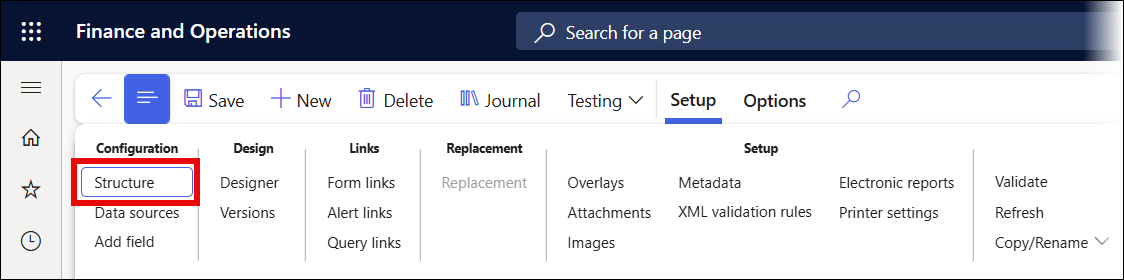
Find your report and click Structure on the Action pane.
Select the path’s section mentioned in the error.
Find the field referenced in the error and remove it.