Applies to: Lasernet Core 10
Whilst processing a job, this modifier can retrieve additional files from different locations like a file directory, FTP server, or HTTP server, in either normal or secure mode.
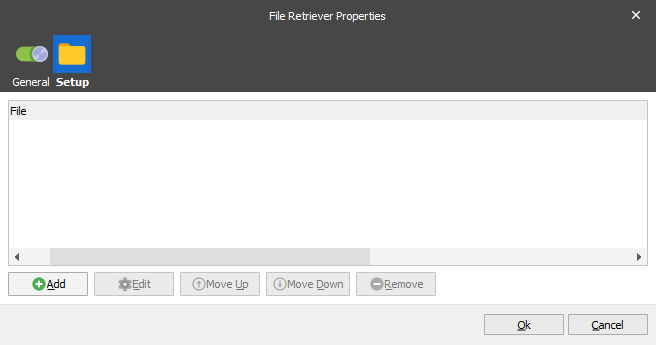
Settings
You can add a list of locations to retrieve your additional files from, based on a filename stored in a user defined JobInfo. If the file is successfully retrieved from the specified location the data will be placed into a result output JobInfo.
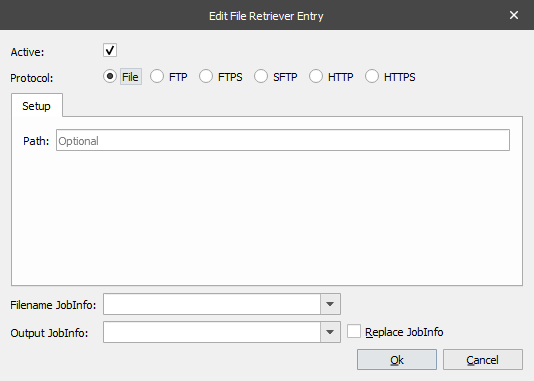
If the file you want to retrieve is stored on a file system, you must configure the following settings:
| Protocol | Data will be retrieved via the specified protocol (File, FTP, HTTP) in secure or non-secure mode. |
| Path | The location where your files are stored. |
| Filename JobInfo | The name of the JobInfo containing your file name. |
| Output JobInfo | The name of the JobInfo where you want to store your data. |
| Replace JobInfo | If active, any retrieved files will be added to index 0. |
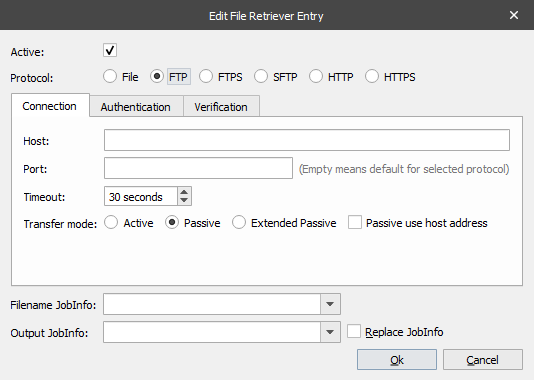
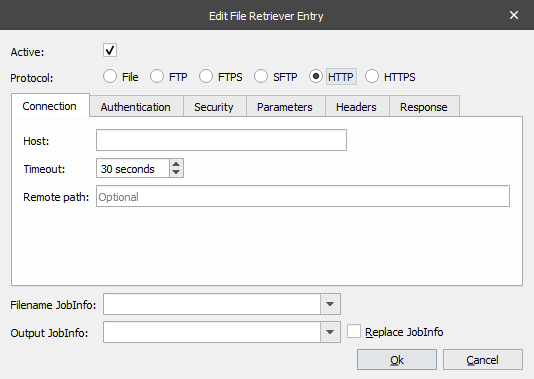
If the file you want to retrieve is stored in an FTP or HTTP location, you must specify additional settings for host name, port number, path etc. For more detailed information about FTP and HTTP protocols search the internet.
Note
The File Retriever is developed as a replacement for the File Database engine, with support for several protocols and an improved / easier way to define references for files to be retrieved. Therefore, we recommend using the File Retriever where possible.