
Lasernet Essentials can be downloaded from the Download section of the Lasernet Support Portal with the latest version of Lasernet FO Connector.
Once you have downloaded the package, install it on your machine via LCS (Microsoft Dynamics Lifecycle Services) - the same as any other version of Lasernet FO Connector.
If other ISVs (Independent Software Vendor) are already installed on your machine, you must create a new package containing Lasernet Essentials and the other ISV packages and push them all into the Finance and Operations environment.
You must include all fourteen models in the new package:
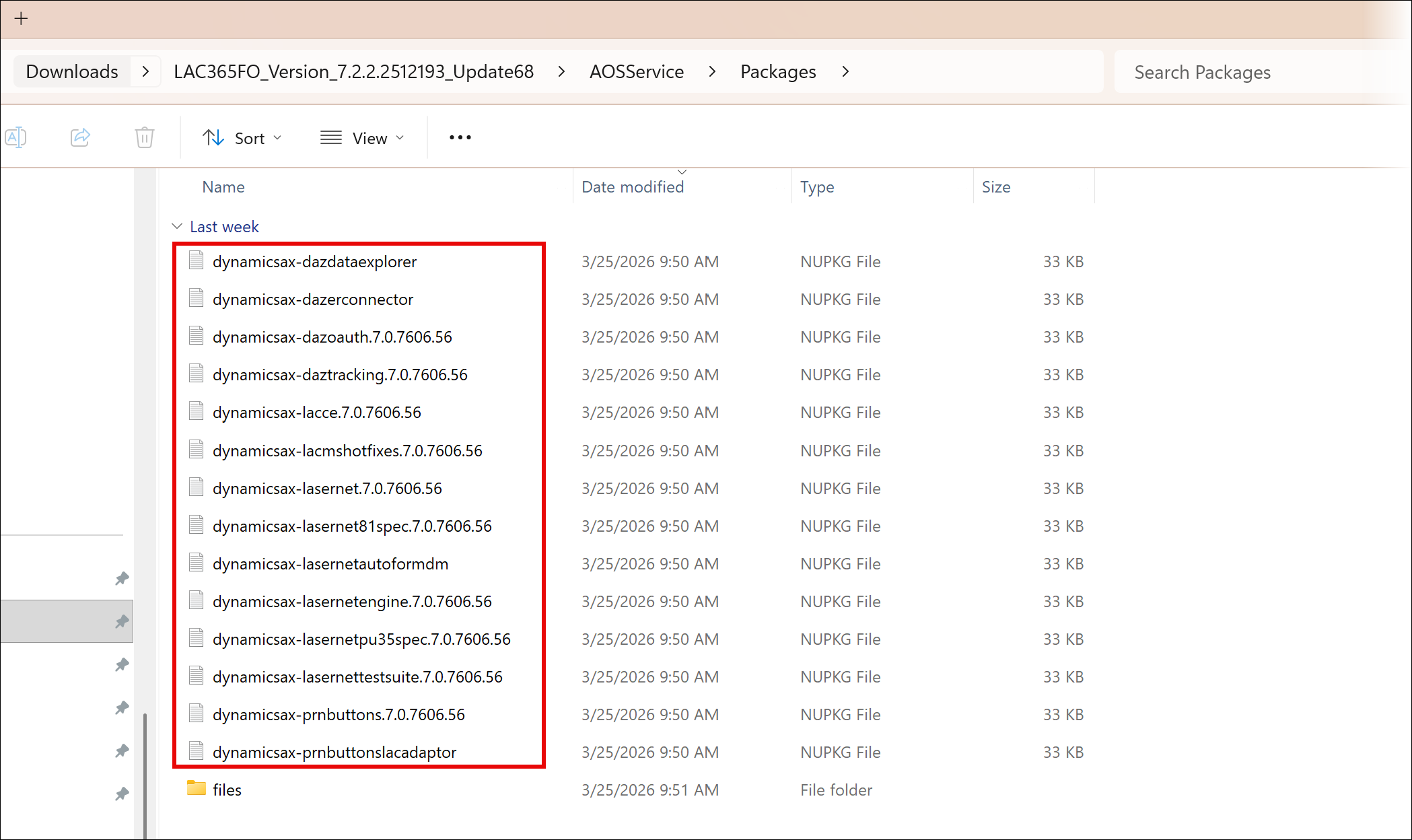
The following table describes the function of each file in the package:
Model | Description |
|---|---|
Lasernet | Core and main engine for the Lasernet FO Connector |
Lasernet81Spec | Additional requirements in relation to 8.1 and newer versions of standard Dynamics 365 for Finance and Operations |
PRNButtons | Lasernet Print buttons |
PRNButtonsLACAdaptor | Adaptor between the Lasernet Print buttons and Lasernet FO Connector |
LACCE | Integration to CE from Lasernet FO Connector |
LACMSHotfixes | Hotfixes for standard Dynamics 365 for Finance and Operations |
Lasernet Test Suite | Test and Performance Suite |
LasernetPU35Spec | Support of Wave labels in Dynamics 365 for Finance and Operations |
Lasernet Autoform DM | Integration to the Lasernet Autoform (Archive) |
Lasernet Engine | Embedded integration with Lasernet |
DynAzure Data Explorer | Lasernet Data Explorer |
DynAzure Electronic Reporting Connector | Lasernet E-Documents |
DynAzure Tracking | Lasernet Tracking |
DynAzure OAuth tools |