
Keep uses utilities to write data to and read data from the document archive. To avoid interruptions to the operation of Keep caused by locked files, antivirus scans and backups must ignore the archive and related directories.
You can find the archive directory paths you need to exclude using the Keep web application.
Log in to Keep as an administrator.
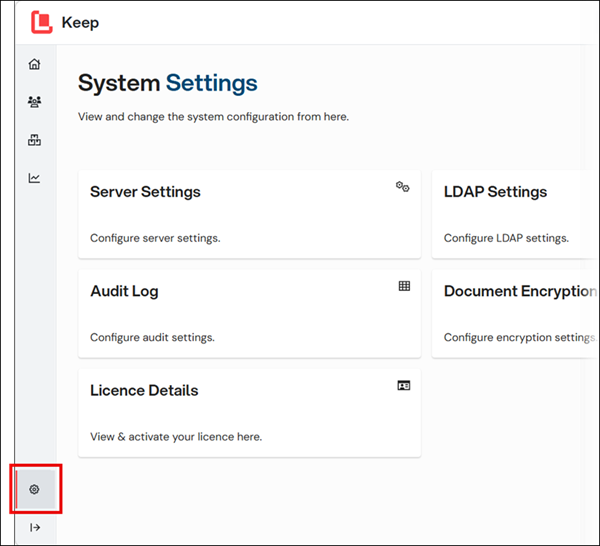
Click Settings in the admin menu, then click Server Settings.
On the Archive Paths tab, in the Available Archive Paths area, copy and exclude the paths to any archive directories you are using, for example, paths to the main archive or chunks directories (see 1 in the image below). Your archive directory paths may vary from the default paths shown.
.png)