
You can view and manage all your support tickets with us at the Lasernet Support Portal (https://support.lasernetgroup.com/).
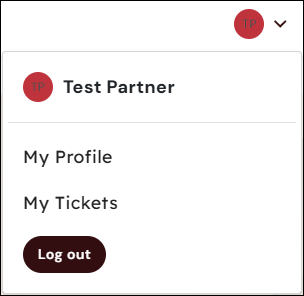
To view all your tickets, sign in to your account and click My Tickets in the dropdown menu of your profile.
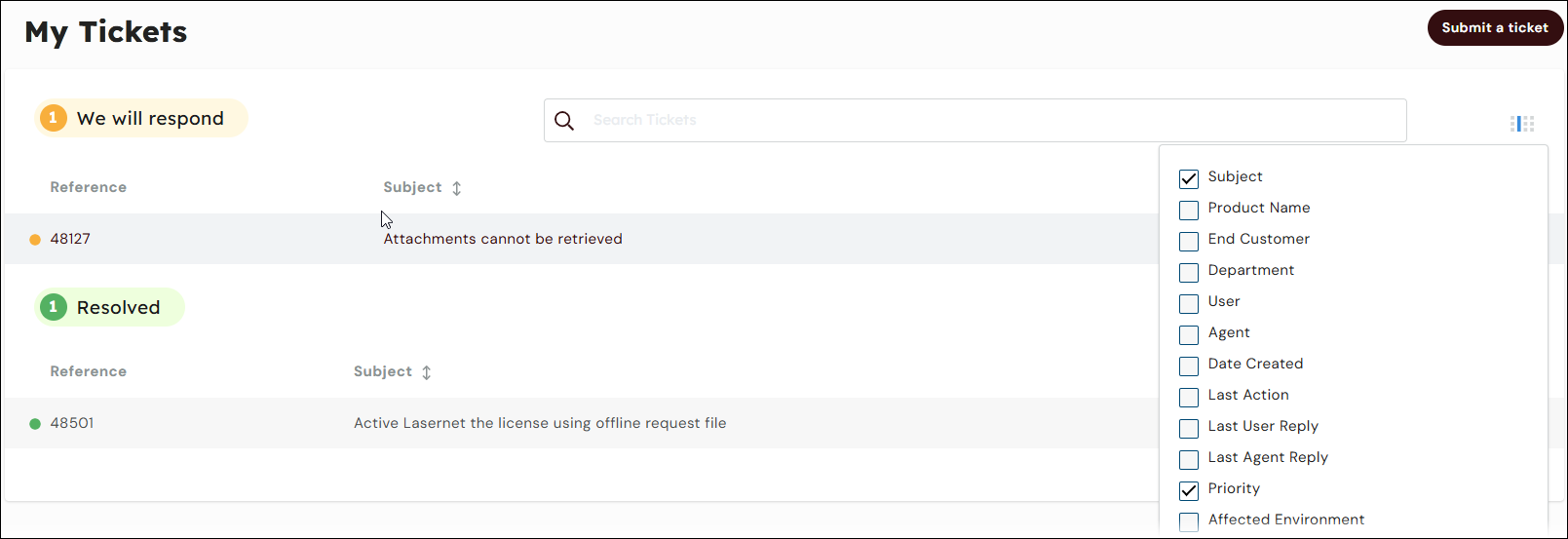
A list of all your support tickets is displayed. Only tickets associated with your account will be visible. The tickets are categorized into three groups:
You need to respond
We will respond
Resolved
This list shows the default details of each ticket, such as the reference number and subject. To customize your list, click the grid icon. This will provide a list of columns you can select or de-select to tailor your view.
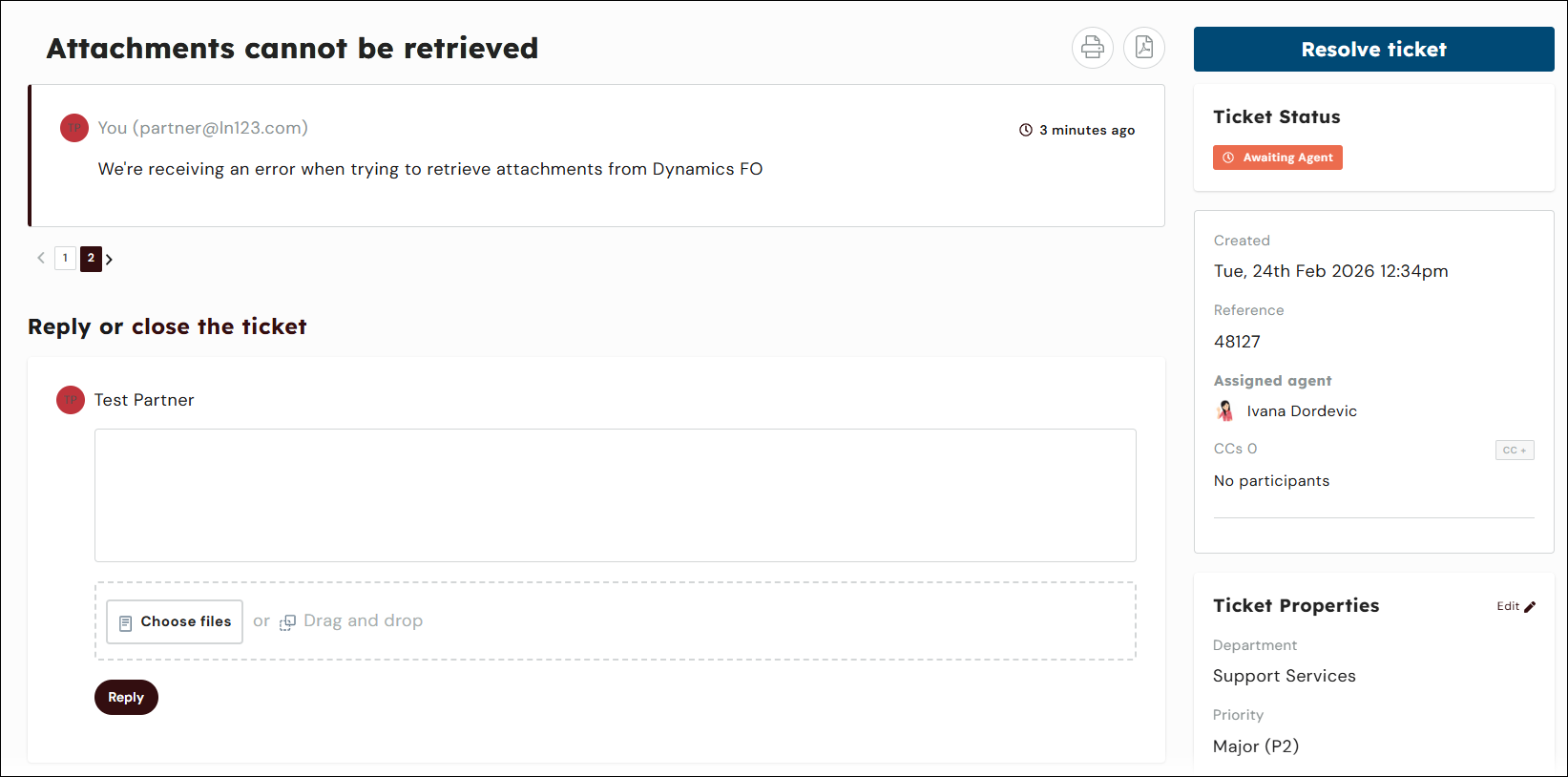
Click on a ticket in the list to view and manage its details. You can view all messages related to the ticket, review included emails, send a reply to a support agent, resolve the ticket, and view ticket properties.
For information on raising support tickets, see Best Practices for Raising Tickets.
If you have any questions, contact Lasernet Support.