Applies to: Lasernet Core 10
This modifier is used to flatten a PDF document containing interactive elements such as text boxes, check boxes, combo boxes, etc. and lock it for changing values of such fields.
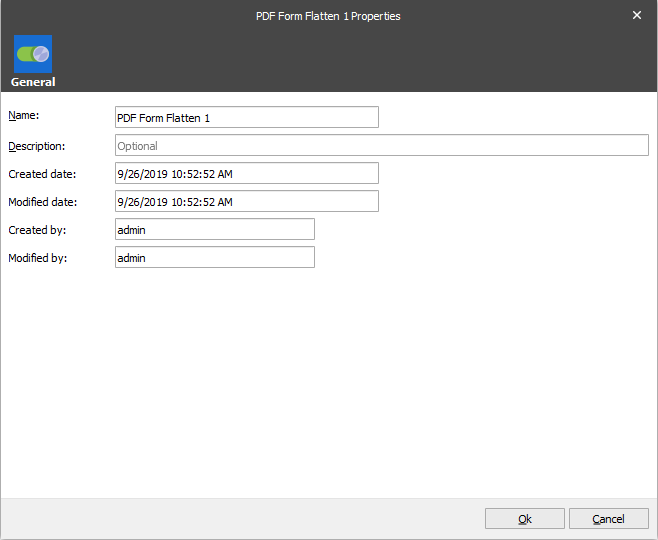
When you use the forms to add values to interactive fields in a PDF document and make this document either flatten or non-flatten to have different versions of it for sending them to different destinations, it is possible to apply this modifier on a specific stage of the flow by defining a corresponding criterion.