
This article provides a solution for the “PDF Pending” error message in the Lasernet Archive.
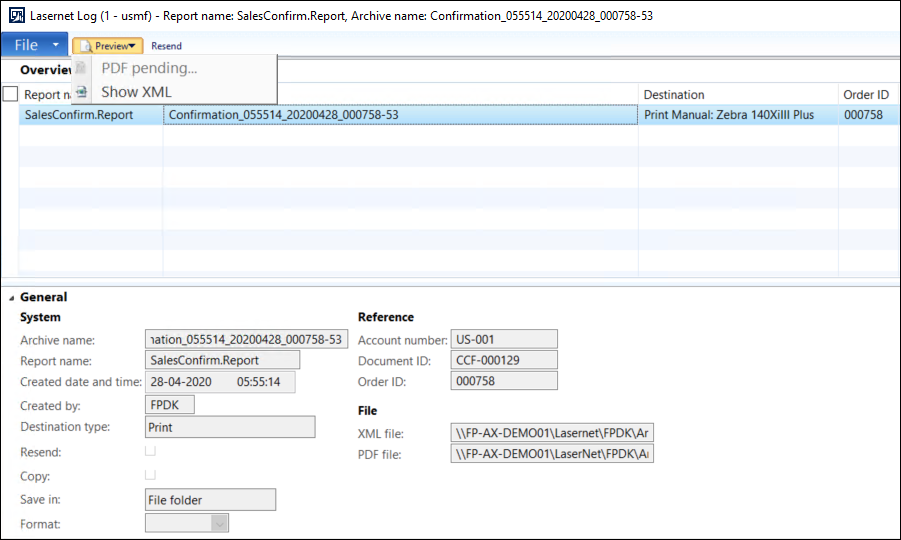
This is normally related to the AX batch. The Lasernet Tasks batch job moves files from the PDF Preview folder to the PDF Archive folder. The “PDF Pending” error message indicates that the file is not available in the PDF Archive folder.
Resolution
Carry out the following steps to resolve this issue:
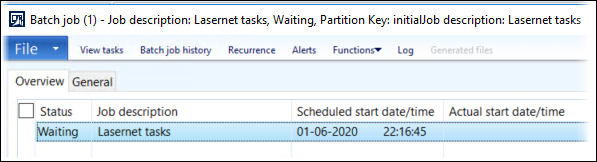
Check the log on the Lasernet Tasks batch job in System administration > Inquiries > Batch jobs for errors.
Ensure that the AOS service account and Lasernet service account have proper rights to the four folders in Lasernet > Setup > Parameters.
More details on the needed rights can be found in our Access Rights Required for AX 2012 Lasernet Connector article.
Check if the Lasernet parameter Batch group exists and that the group has selected a Batch server.

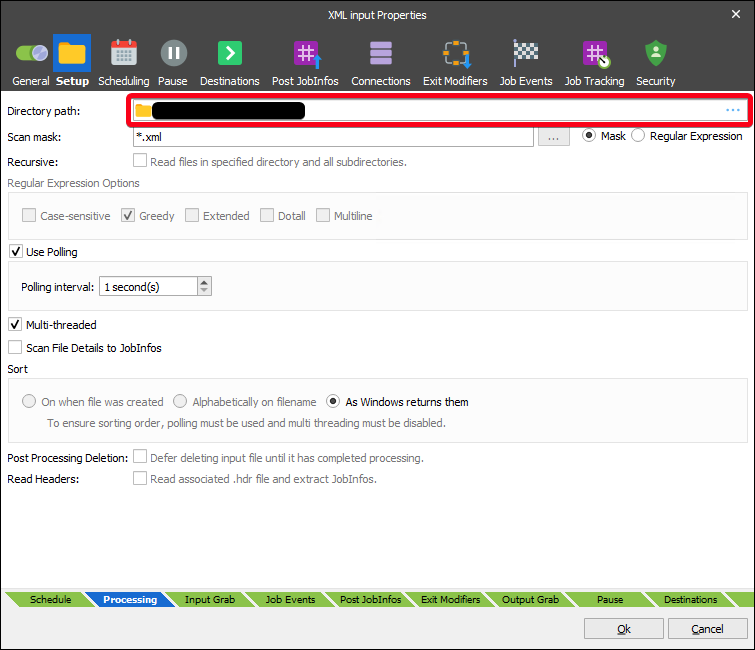
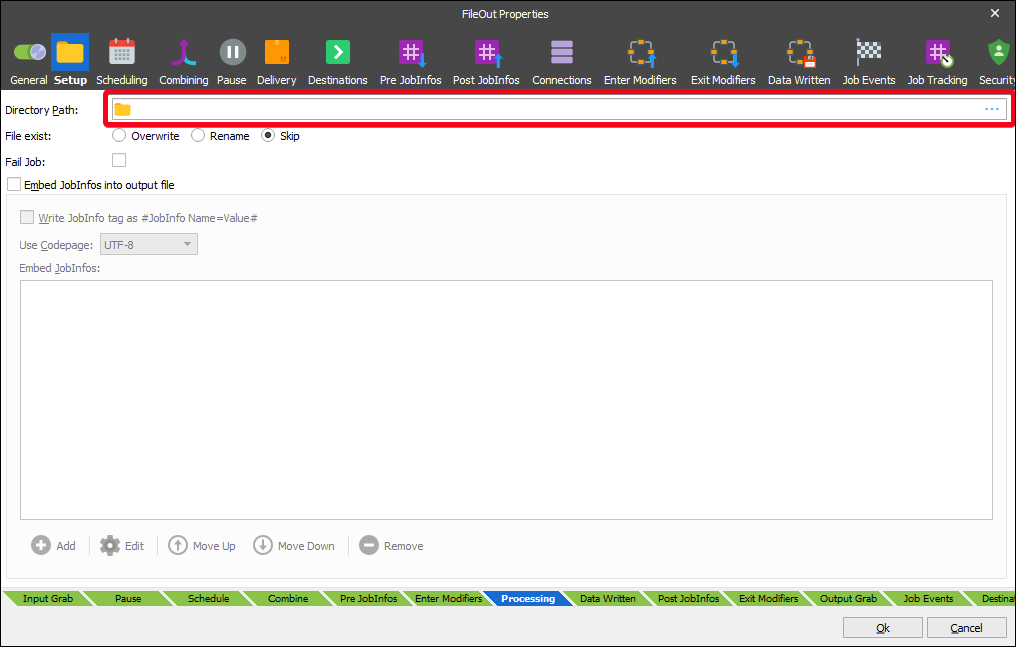
Check that the Lasernet Developer configuration's File Input module and File Output module have their Directory paths set correctly.
Additional Information
It is very important that the selected batch group in the Lasernet parameter exists and that the batch job runs well. Otherwise, Lasernet will not be able to archive anything. Lasernet print to screen will work well.