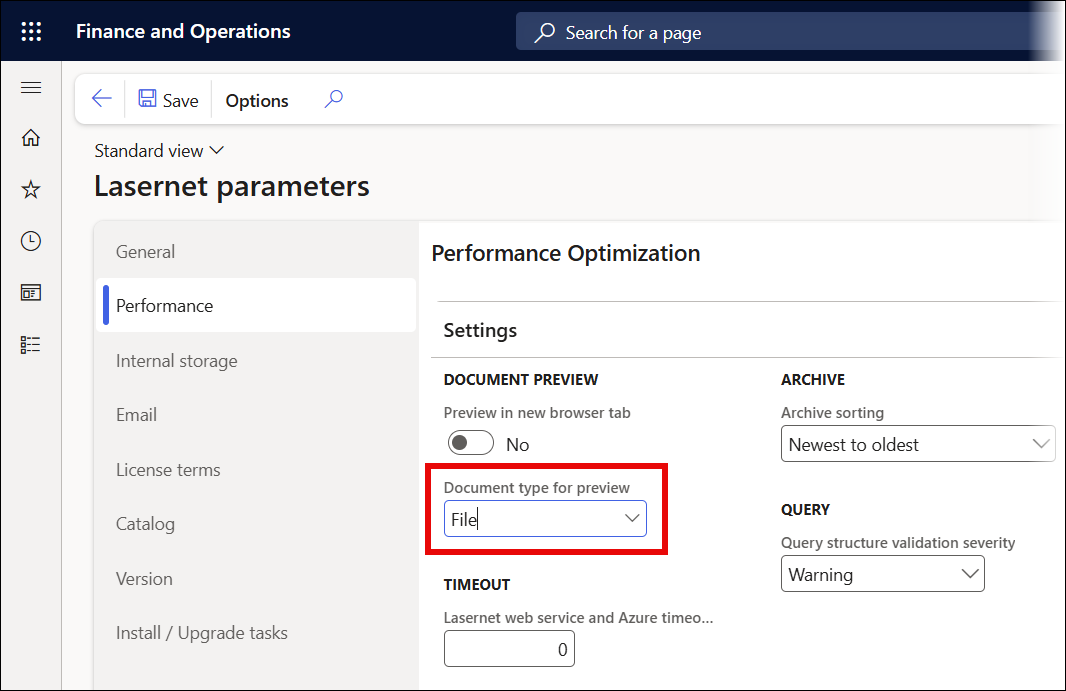
To access the Lasernet parameters area, navigate to Lasernet > Setup > Performance. Here, you will find the Preview in new browser tab button. To create documents successfully, toggle it to Yes.
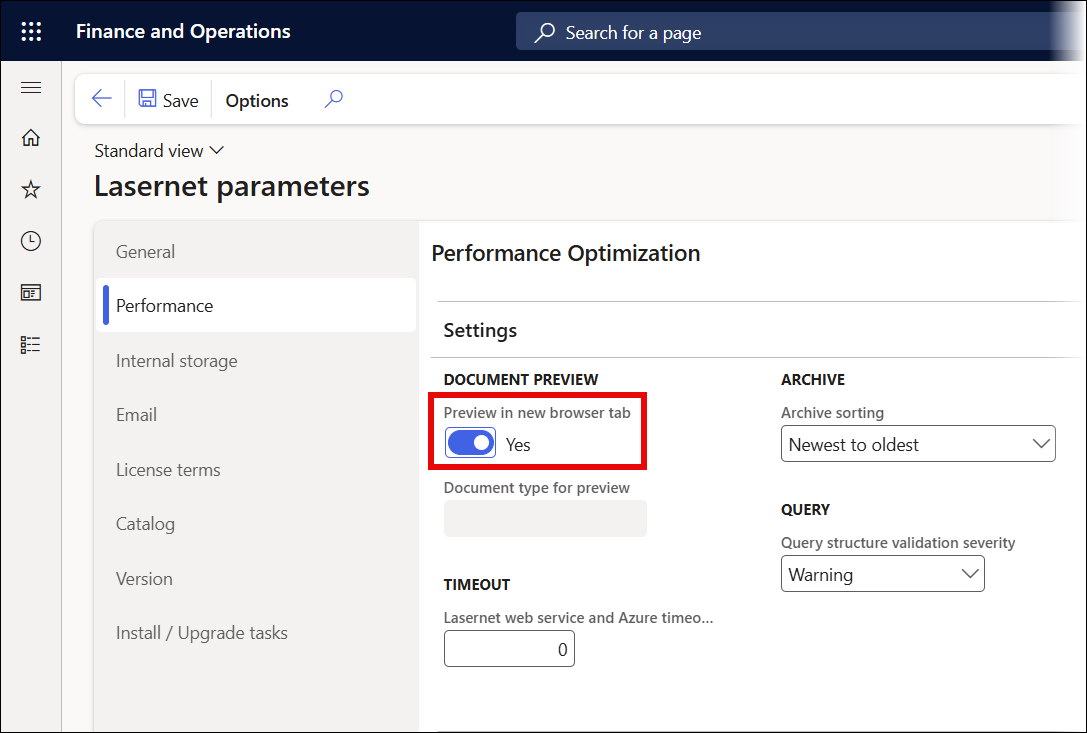
When you toggle this button to No, Dynamics will not show the document, throwing instead an error message or, in some cases, no display at all.

Error
Value cannot be null. Parameter name: externalId
Solution
As a workaround, follow these steps:
Navigate to Organization administration > Document management > Document types and add a new entry. Ensure that a location is selected in the Location drop-down menu.
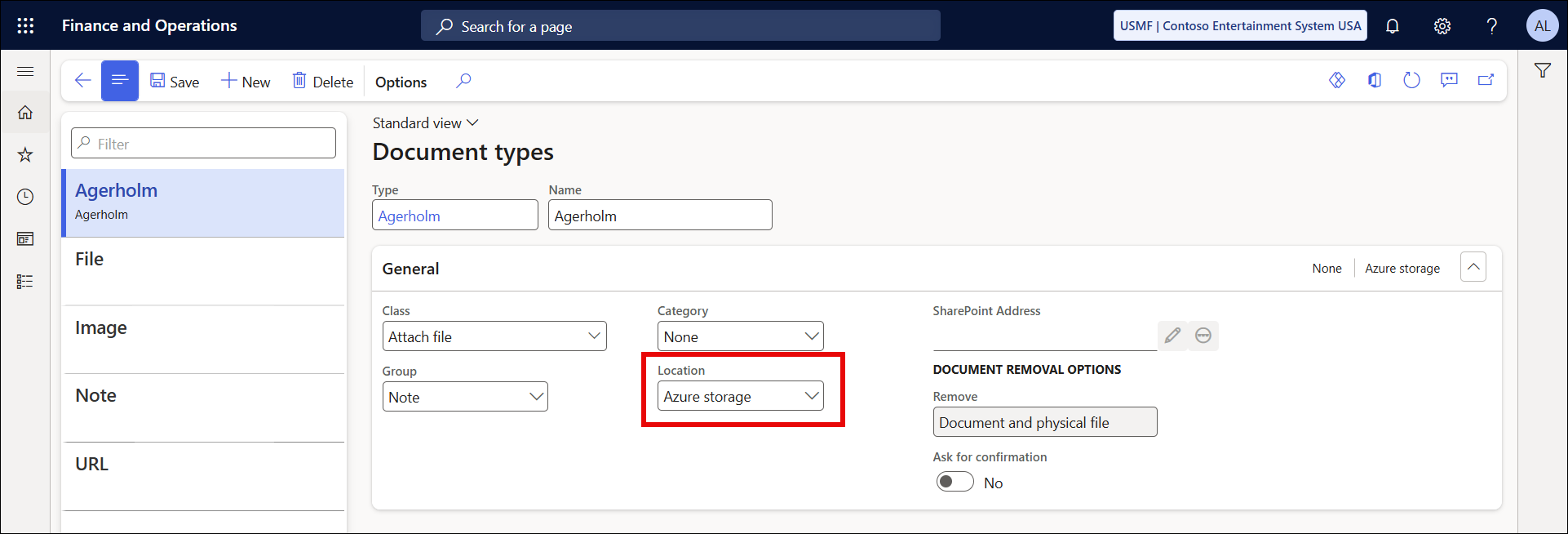
Ensure the entry is first on the list (alphabetically - must start with an “A”).
This problem is also caused by a user selecting the first entry in the list when preparing the preview in the browser, which requires DocuValue.
Lasernet FO Connector 6.1.0.3
To avoid this issue, an extra option has been introduced in Lasernet FO Connector 6.1.0.3. This option has been added through the field Document type for preview and is located in Lasernet > Setup > Parameters > Performance.
The option ensures the correct document type is used if there is a modification to the destination (Azure Storage, SharePoint, etc.).
The option is required only if multiple destination types are or have been used. It is only available when the Preview in new browser tab button is toggled to No.