Applies to: Lasernet Core 10
The Process modifier is used for running external processes. These processes can have data from Lasernet Core as input and produce output that is entered back into Lasernet Core. It is also possible to just run the external process and ignore any data transfer.
Settings
There are a variety of settings to control the Process Modifier. They are divided into Command Line, Process Settings and Environment.
Command Line
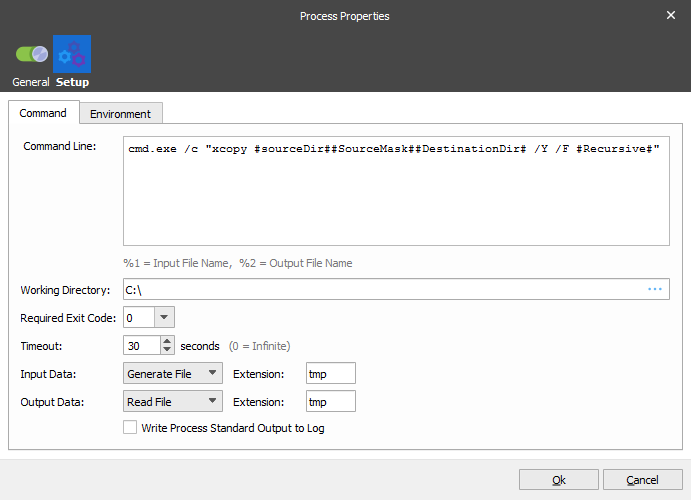
The above example calls the DOS xcopy command to copy some files. As can be seen, JobInfo substitution is available for the command line.
Process Settings
Working Directory
Sets the current directory for the external application. Can be left empty. Can include any number of #JobInfo# references for substitution.
Timeout
How Lasernet Core should wait for the external application to finish. 0 (zero) means that it will wait indefinitely. This setting should be used with care. If the application does not finish, Lasernet Core will appear hung. If, on the other hand, the time out is too short, Lasernet Core will not be able to get the data returned from the application before it continues. Lasernet Core sets the JobInfo ProcessTime with the approximate number of seconds that the process ran for.
Required Exit Code
Which exit code to accept from the application as valid. Ignore means that it is not relevant. Lasernet Core will set the JobInfo ExitCode to the actual exit code.
Input Data
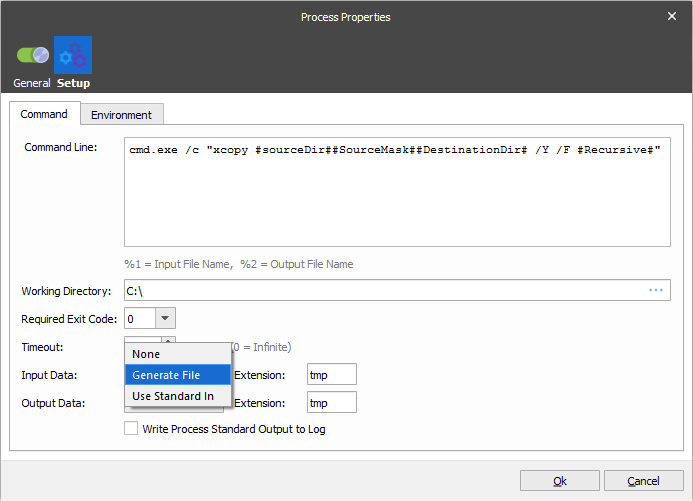
Determines how Lasernet Core should deliver data to the application. Generate File means that Lasernet Core creates a temporary file with the given Extension (the default is ‘tmp’). The filename generated is sent to the application with the %1 setting on the Command Line. Lasernet Core sets the JobInfo InTempFilename with the filename. Use Standard In means that Lasernet Core sends the data to the application via its stdin pipe. None means that Lasernet Core should not send any data to the application.
Output Data
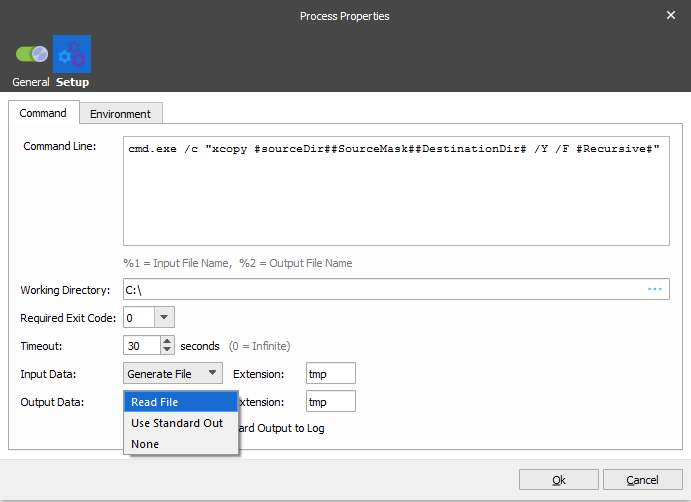
Determines how Lasernet Core reads data created by the external application. Read File means that Lasernet Core sends a temporary filename to the application via the %2 setting on the Command Line. Lasernet Core sets the JobInfo OutTempFilename with the filename. Use Standard Out means that Lasernet Core reads the data that the application sends to its stdout pipe. None means that Lasernet Core should ignore any data sent from the application.
When reading via stdout Lasernet Core sets a JobInfo StdOut to contain any data that was read that way.
Environment
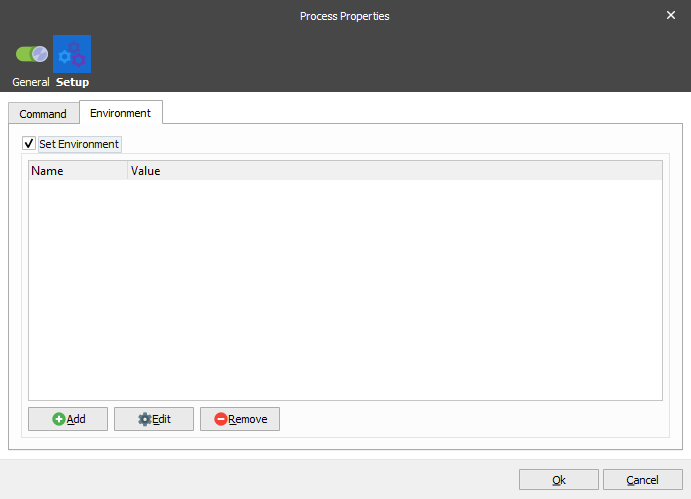
Normally the application inherits the environment from Lasernet Core, but in some cases you want to be able to set the environment yourself. This is possible on the Environment page. Each environment value supports JobInfo substitution.