This article provides a solution for when the Lasernet Cloud Print Connector service for Dynamics 365 Finance and Operations disappears.
Resolution
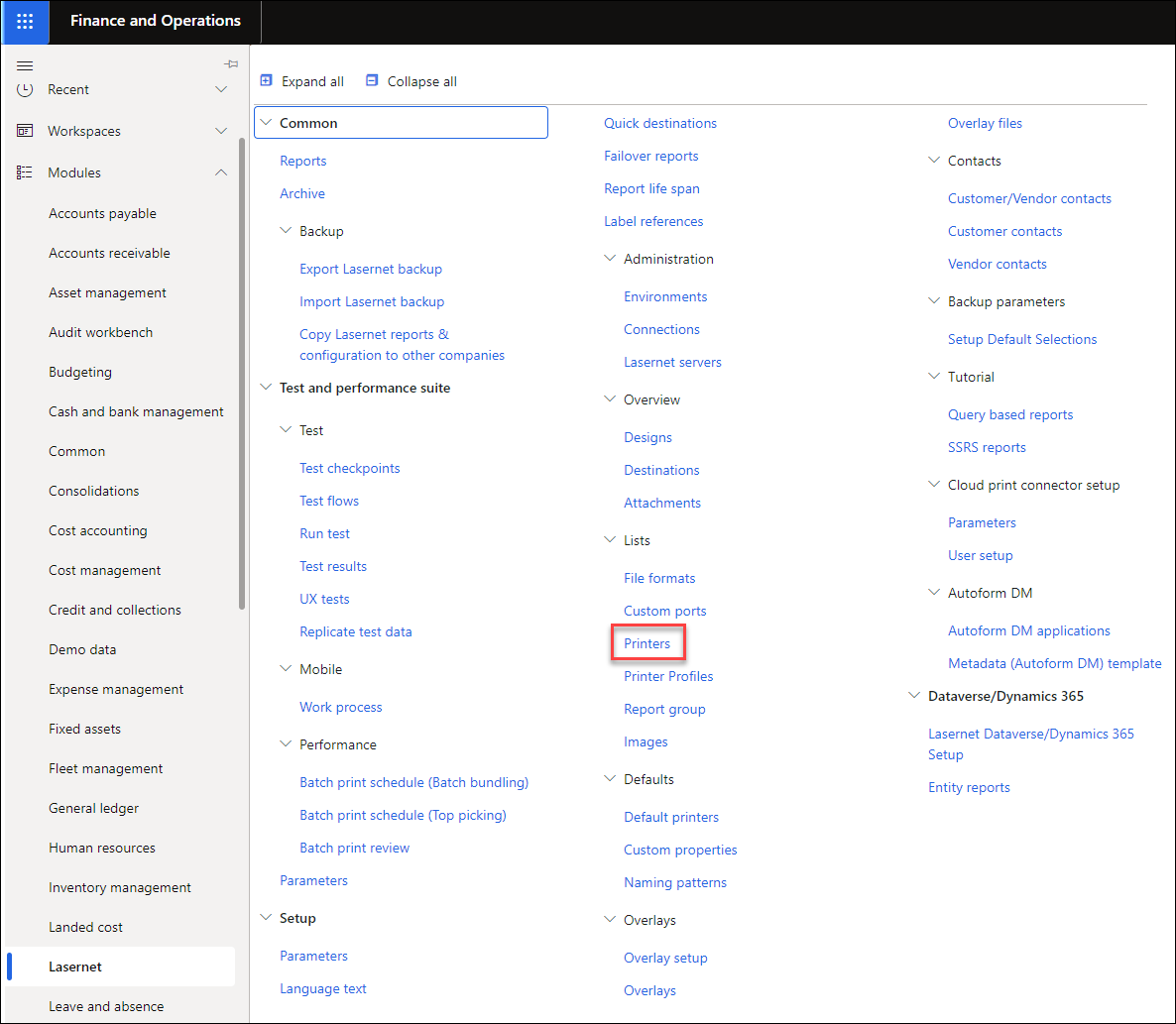
Open Finance and Operations and navigate to Lasernet > Setup > Lists > Printers.
From the top menu bar, click the Download button, then select Download Lasernet Cloud Print Connector from the drop-down menu.

Run
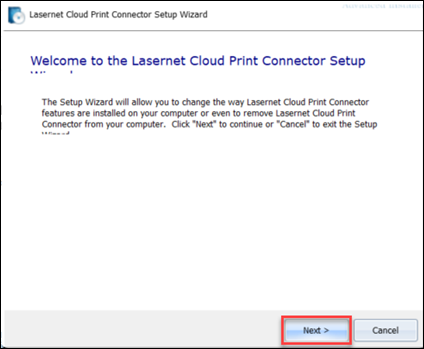
LasernetCloudPrintConnector.exe.The Setup Wizard will appear. Click Next to proceed.
From the options that will appear on screen, choose Repair.
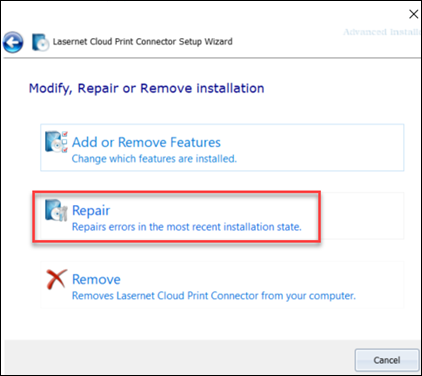
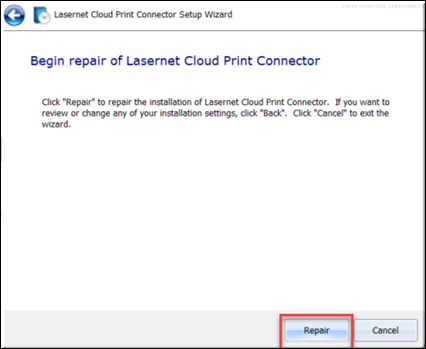
Click Repair.
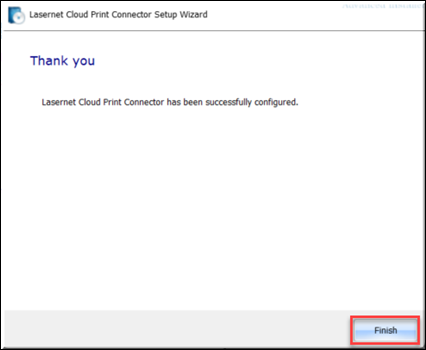
Click Finish to close the wizard and complete your process.