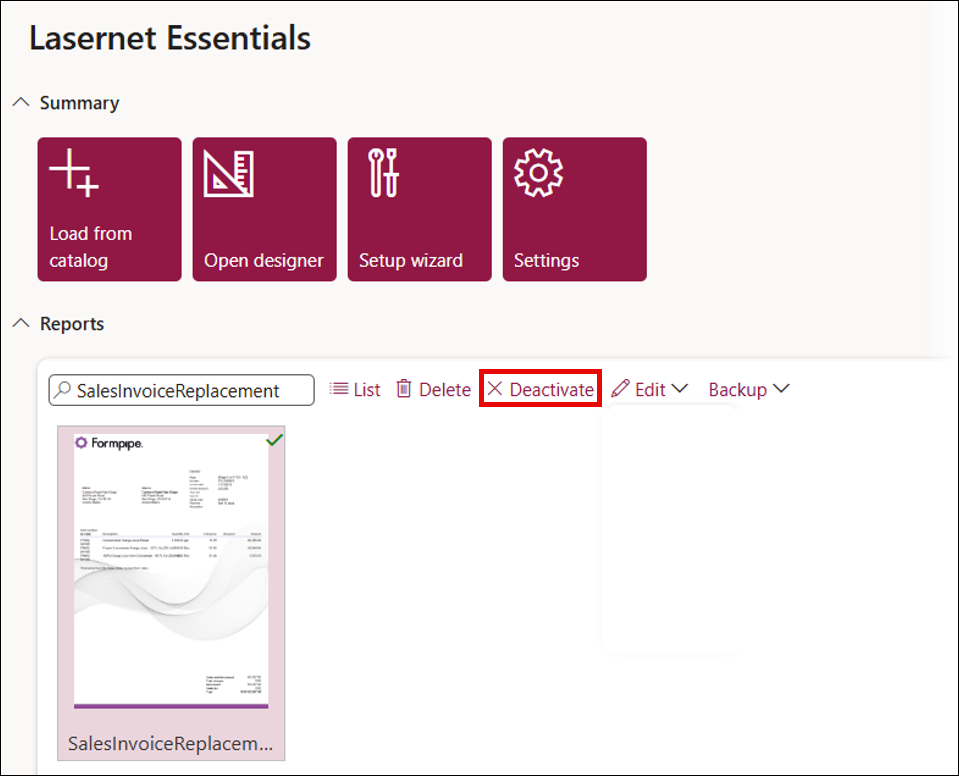
The lower half of the Lasernet Essentials workspace enables users to work on their Reports.
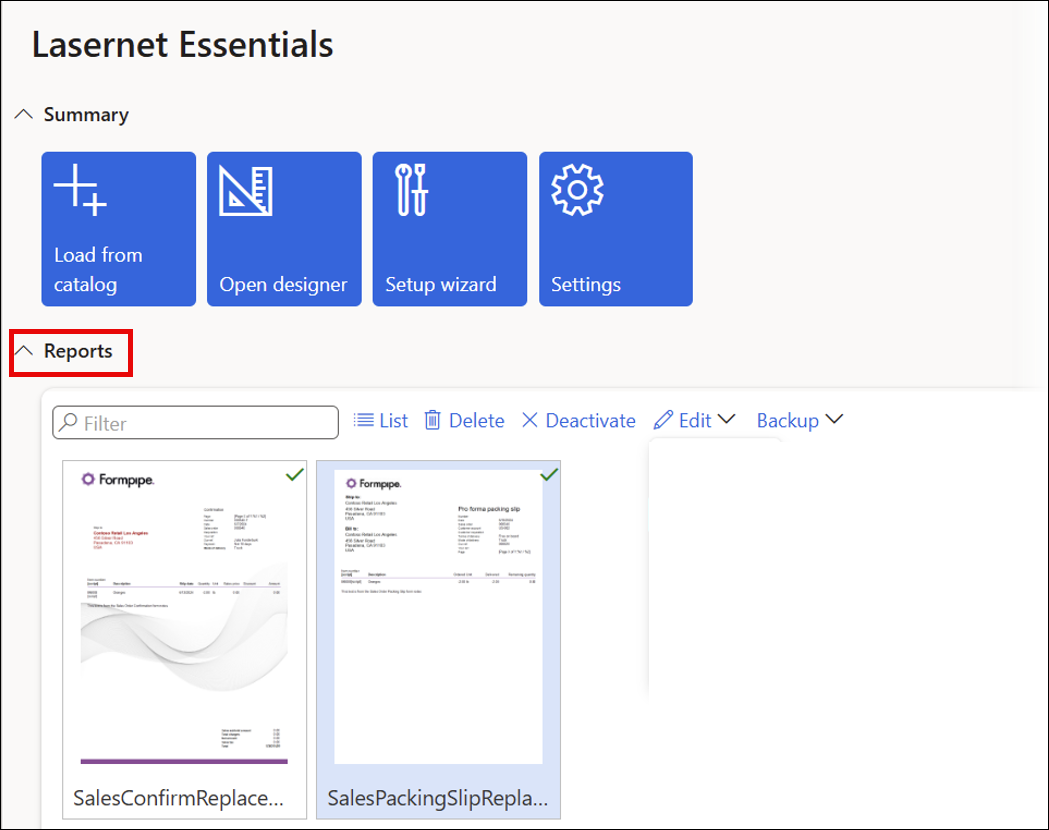
List/Thumbnails
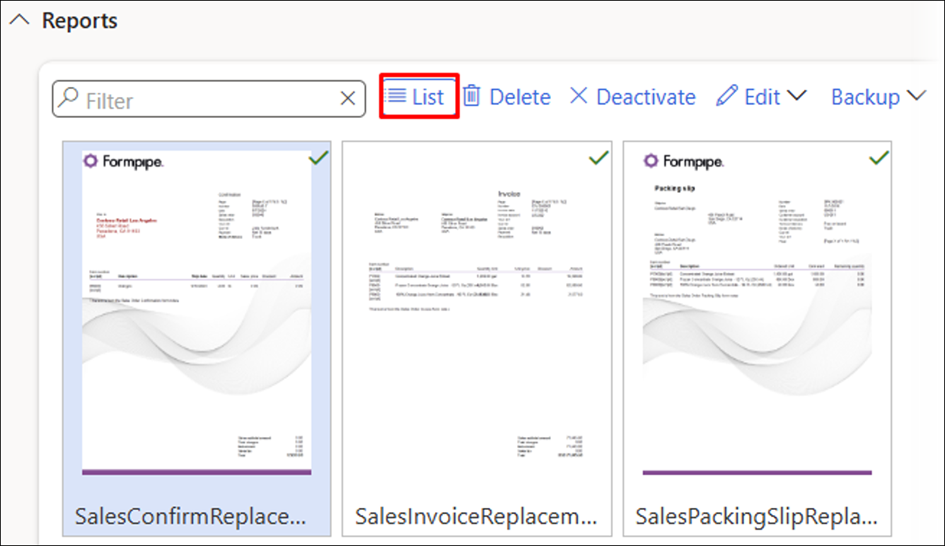
It is possible to toggle between Thumbnails or List view to accommodate the user’s preference.
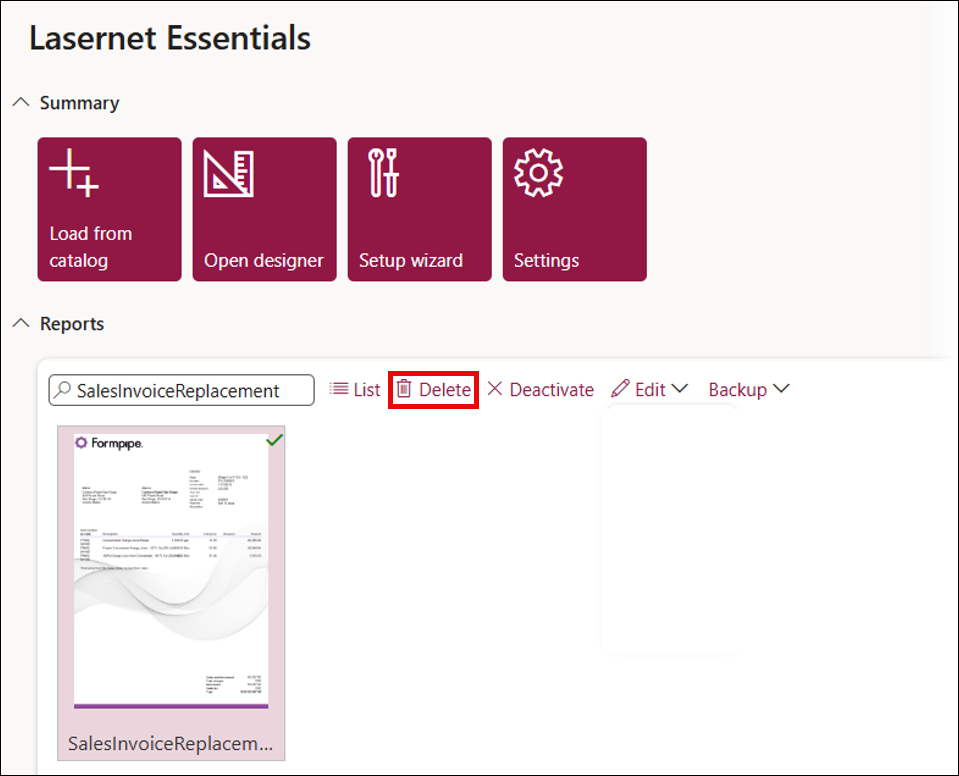
The Thumbnails view shows the first-page design of the report as a thumbnail. Active reports are marked by a green checkmark, inactive reports are marked by a red x.
The List view shows all loaded reports as a list. Active reports are marked by a checkmark, which will not be present in inactive reports.
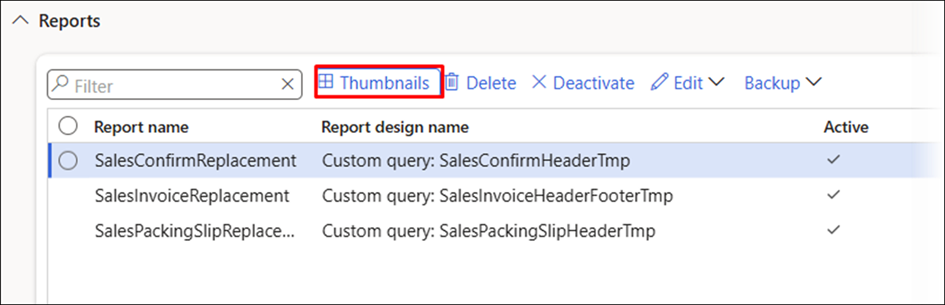
Moreover, the List view allows multi-selection, letting users export or manage multiple reports at once. You can also select and delete several reports simultaneously.
Delete
It is possible to delete one report at a time. Select the report you wish to delete and click the Delete button.
Activate/Deactivate
It is possible to activate or deactivate one report at a time. Select the report and click the Activate or Deactivate buttons.