
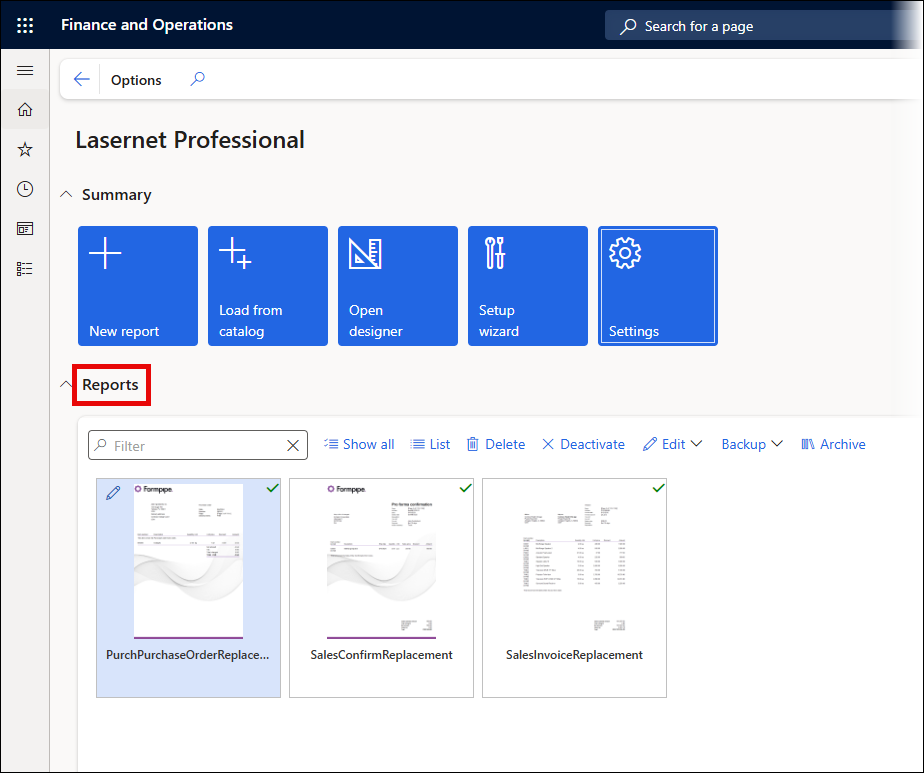
The lower half of the Lasernet Professional workspace enables users to work on their Reports.
List/Thumbnails
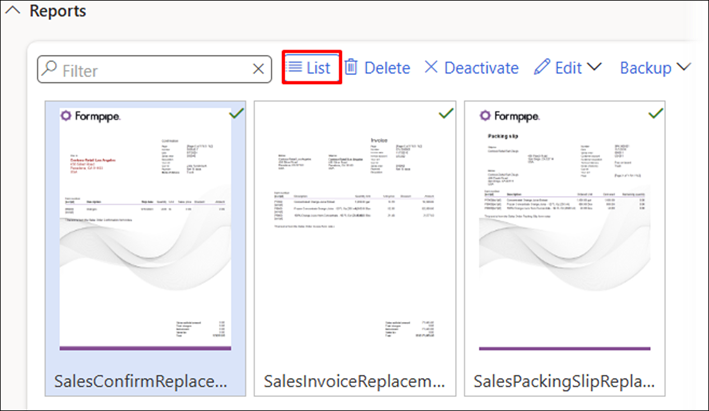
Reports within the workspace can be displayed either as a list or as thumbnails.
In the following image, the reports are shown as thumbnails, but you can switch to a list view using the List feature:
And vice-versa:
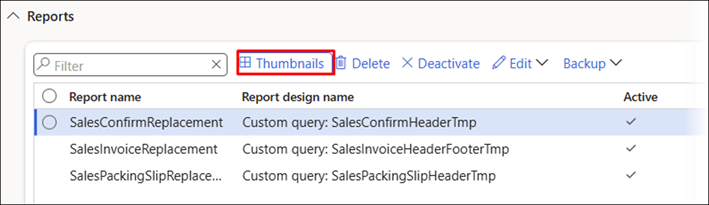
The List view enables multi-selection, enabling users to manage multiple reports at once.
Delete
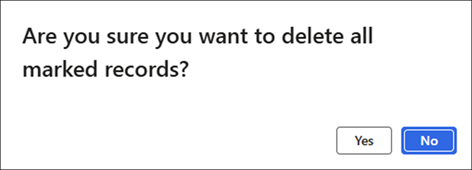
The Delete button is used to delete the selected report(s). A warning appears before the operation is completed.
Activate/Deactivate
It is possible to activate or deactivate one report at a time. Select the report and click the Activate or Deactivate buttons.
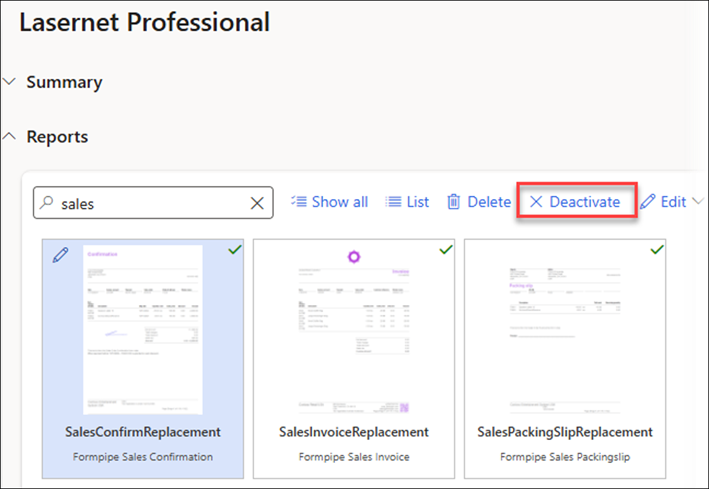
Unlike Lasernet Essentials, Lasernet Professional enables users to keep an unlimited number of reports in an Active status.
However, custom reports are not supported, which means only replacement reports based on SSRS reports are supported.