
Note
This article describes a software version that is no longer supported. Although the software will no longer receive updates or technical support, existing documentation, such as this article, will be retained for reference purposes but will no longer be updated. If you have any questions, contact Lasernet Support.
On rare occasions, the Lasernet service may stop after a report deployment. After some testing, it appears to be a clean-up task against the Lasernet database causing the delay during which no documents are processed (for almost seven minutes). The following steps show how to clean and rest the database to reduce startup time.
Stop the Default Lasernet service.
Note
It may be named differently on a customer setup.
Navigate to
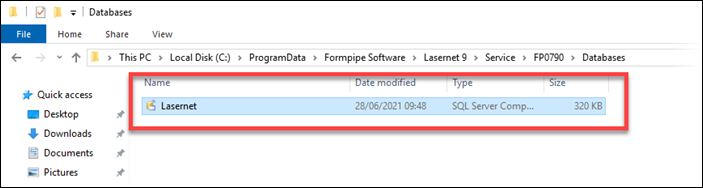
C:\ProgramData\Formpipe Software\Lasernet 9\Serviceand delete theFailedJobsfolder.Open the
Databasefolder and delete theLasernet.sdffile.
Start the Default Lasernet service.