Applies to: Lasernet Core 10
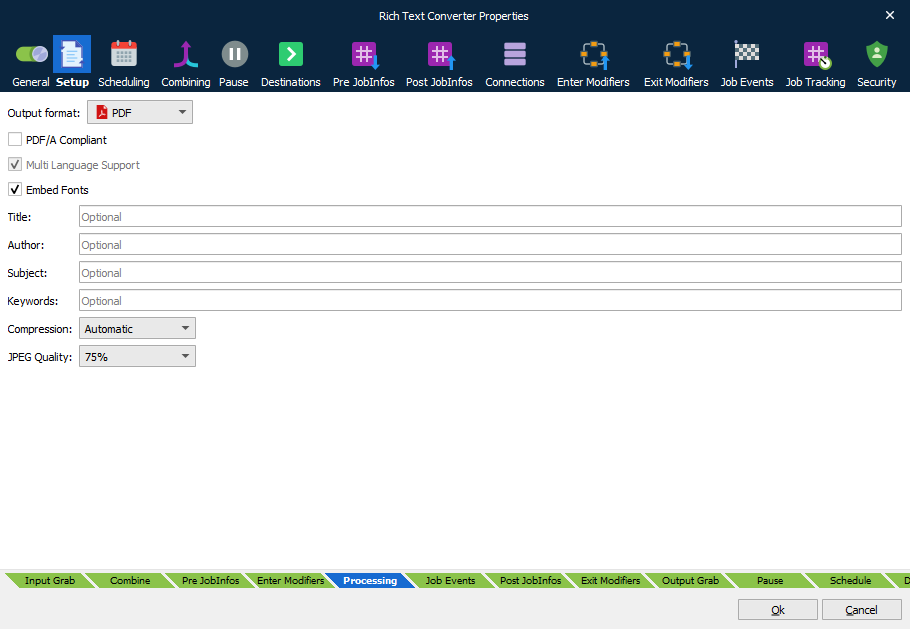
Select PDF as the output format to convert a document, created in DOCX format, to a PDF or PDF/A compliant document.
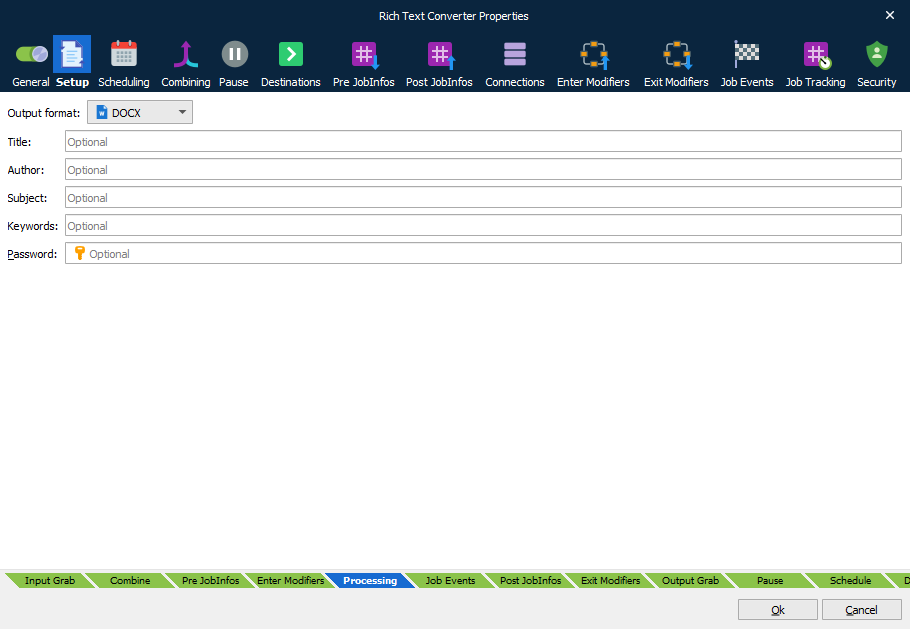
Select DOCX to add additional phrases to a DOCX document.
The Rich Text Converter Engine can only guarantee successful conversion of documents created in DOCX format by the Lasernet Form Editor.
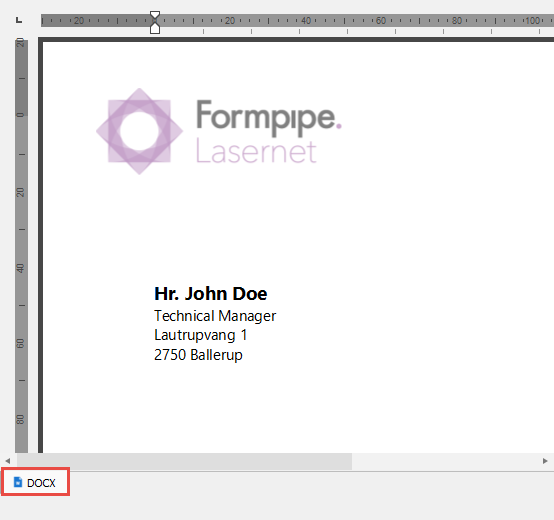
Disclaimer: Lasernet Group cannot guarantee that all element types included in the DOCX format, created by Microsoft Word or other 3rd party applications, are successfully converted to PDF. The use of this module under these circumstances is considered experimental.
PDF/A Compliant
PDF/A is a PDF format typically used for the long-term archiving of electronic documents and is based on PDF reference version 1.4. Fonts and color profiles will be embedded in the PDF file.
Multi Language Support
By default, the PDF format includes 7-bit ASCII characters only. Multi language support allows embedding additional characters and fonts.
Embed Fonts
Determines what fonts are embedded in the PDF file. Font embedding is used to ensure correct output on other client computers.
Title, Author, Subject and Keywords
Descriptions to be included in the document properties of the PDF-file.
Image Compression
Three options are available for compressing images, including the JPEG quality value (default 80%):
| Automatic | Prefers indexed and uses JPEG if image contains more than 256 colors. |
| Indexed | Creates indexed images (using a palette) if image contains no more than 256 colors. Otherwise store as bitmap. The setting will give the best image quality but the file size may increase. |
| JPEG | Compresses all images using JPEG. The setting will compromise image quality for smaller file size. |
DOCX
The DOCX format is used to add additional phrases, created in Lasernet Phrase Editor, to a DOCX document created by the Lasernet Form Editor. From Microsoft Word a DOCVARIABLE + the name of the phrase is required as a part of the document.
Disclaimer: Lasernet Group cannot guarantee that all element types included in the DOCX format, created by Microsoft Word or other 3rd party applications, are successfully converted to PDF. The use of this module under these circumstances is considered experimental.
Combining
You can merge multiple DOCX files into a single DOCX or PDF document by activating the combining feature in the module settings, but it is an experimental feature. Combining multiple documents that contain complex formatting like headers, footers, indexing, page numbering, and so on, may not always be merged as expected.