
Applies to: Lasernet Core 11
The Scheduler Input module is used for initiating actions in Lasernet Core at predefined times.
It is primarily used for checking whether data is available from a database. This is done by creating a database command and attaching it as an exit modifier to the Scheduler Input module.
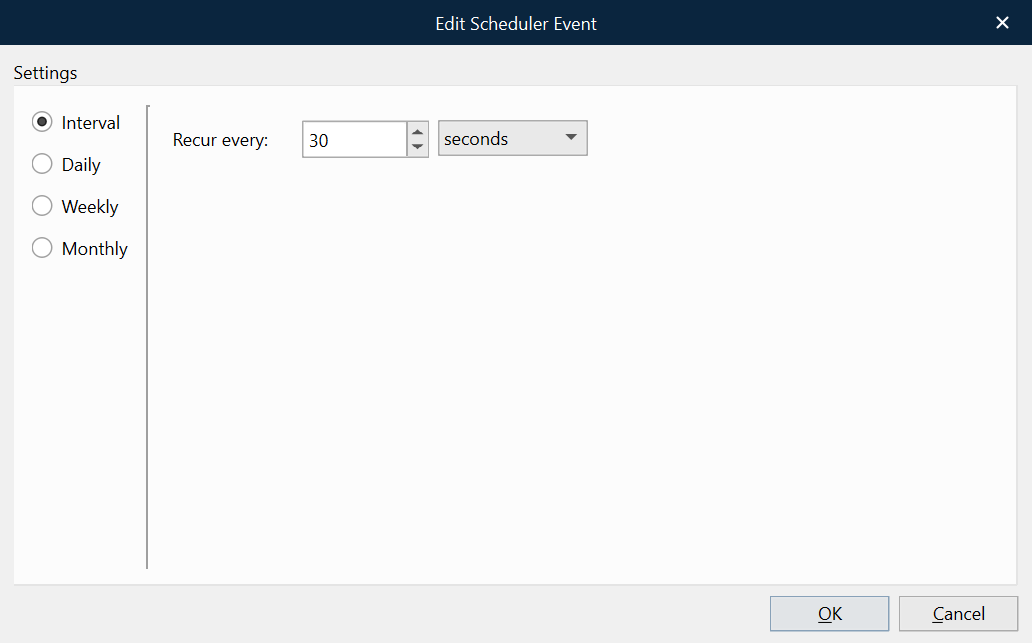
On the module’s Setup tab, the default schedule is a 30-second interval.
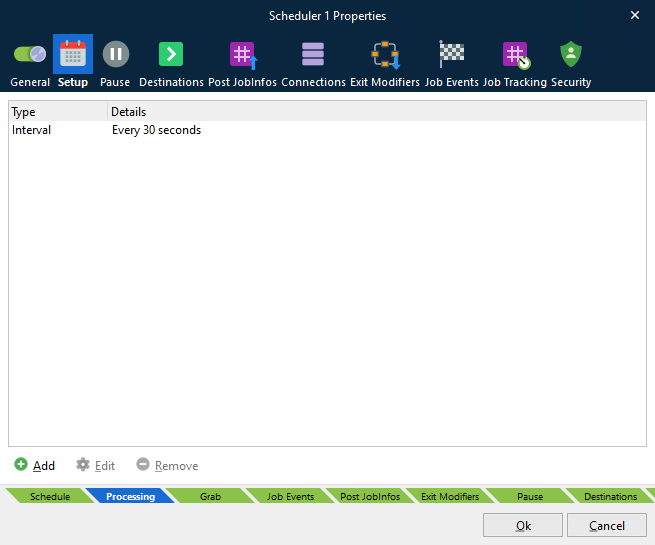
In the Edit Scheduler Event window (for each of the configured scheduler events on the Setup tab), you can specify the schedule that you want the Scheduler Input module to run on. For information about these schedule options, see Scheduling Jobs.
JobInfos
Each time the scheduler reaches a run point, it creates an empty job and sets the SchedulerQueue JobInfo to the name of the queue that generated the event.