Applies to: Lasernet Core 10
The Scheduler Input module is used for initiating actions in Lasernet Core at predefined times. It is primarily used for checking whether data is available from a database. This is done by creating a database command and attaching it as an exit modifier to the Scheduler Input module.
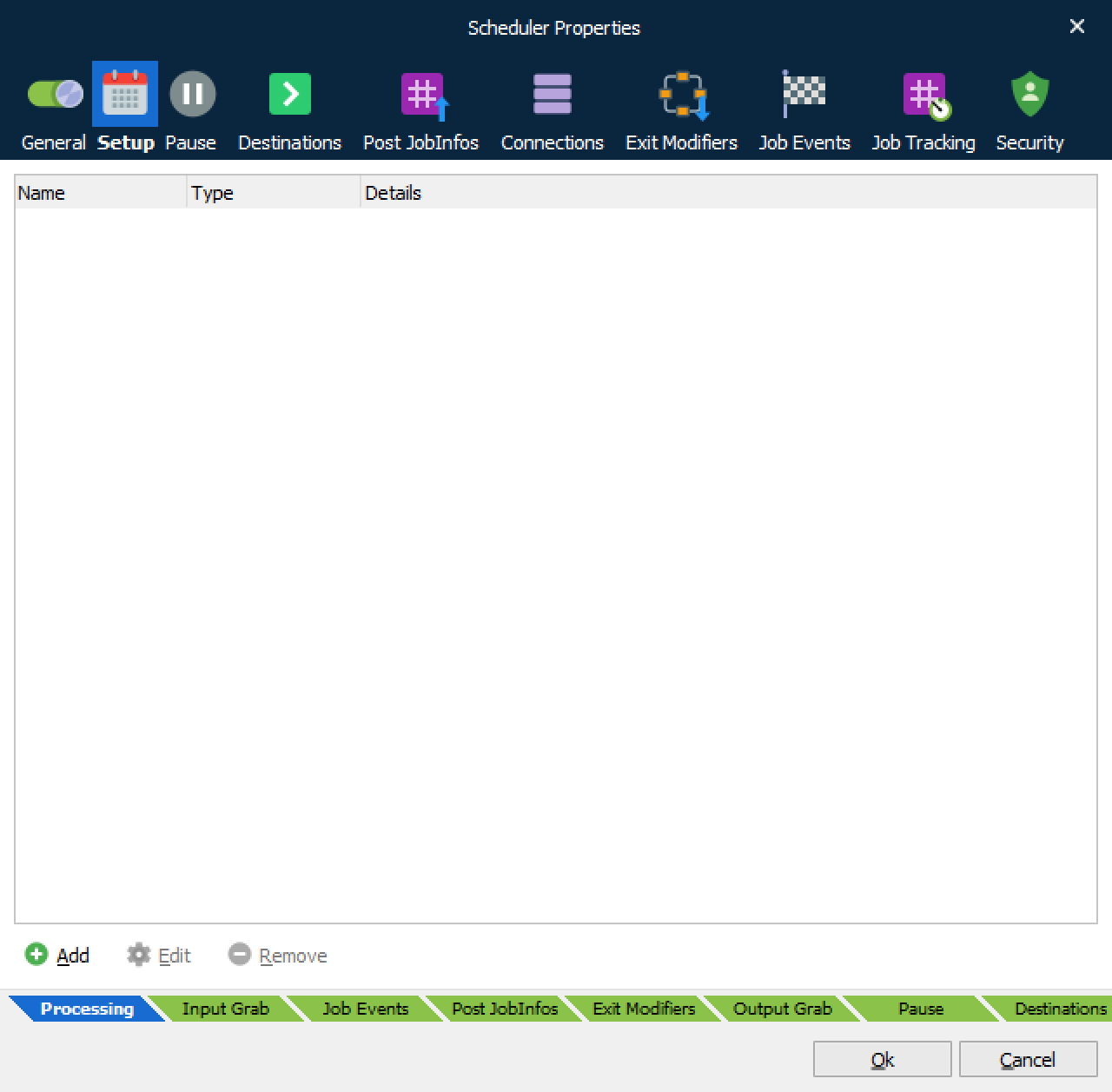
On the Setup tab of the Scheduler Input's Properties window, you specify the times when this module will run. On that tab, click Add to configure a scheduler event.
You specify the schedule for this module in the same way that you control the schedule by which other modules empty job queues. Refer to the scheduler event information in Scheduling Jobs.
JobInfos
Each time the scheduler reaches a run point, it creates an empty job and sets the SchedulerQueue JobInfo to the name of the queue that generated the event – e.g. Every Now and Then.