Applies to: Lasernet Core 10
Rather than continuously sending jobs out of Lasernet Core, scheduling can be used for sending them out at predefined times. When a module supports scheduling, its Properties window contains a Scheduling tab.
Note
All times are specified in UTC (Universal Time Coordinated).
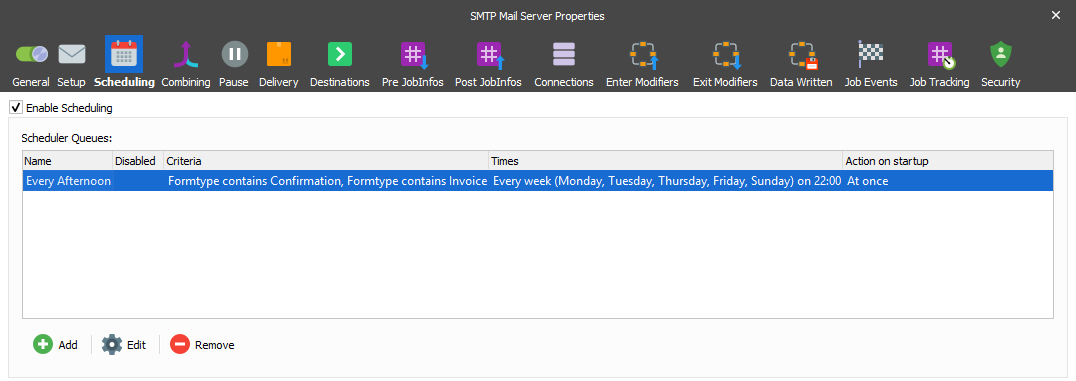
Double-click an entry on the Scheduling tab or click Edit or Add to configure a scheduler queue.
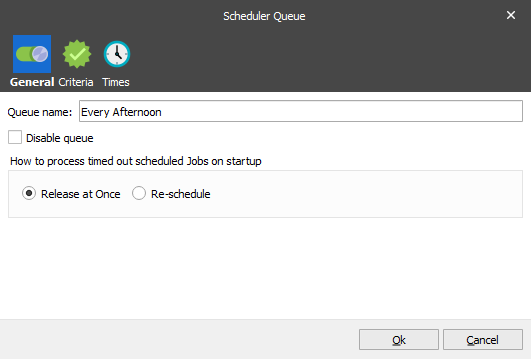
On the General tab, enter a unique Queue name. When a queue is emptied by Lasernet Core, a JobInfo SchedulerQueue is set using this name.
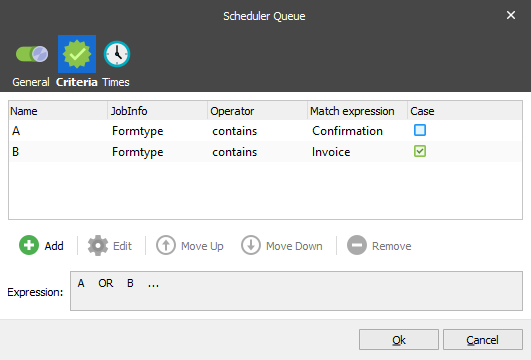
On the Criteria tab you can specify criteria that must be fulfilled for a job to be entered into the queue. If no criteria are met for a job, it is executed immediately.
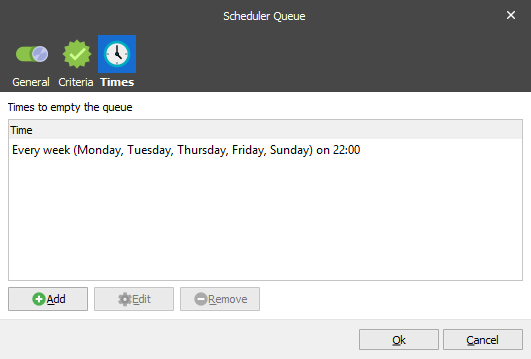
On the Times tab, you specify when Lasernet Core empties the job queue. You can create one or more scheduler events here. Click Add to add a new scheduler event.
There are several ways to set up a scheduler event:
Every hour
Every week
Every month on days
Every month on weeks
Every year
Every minute
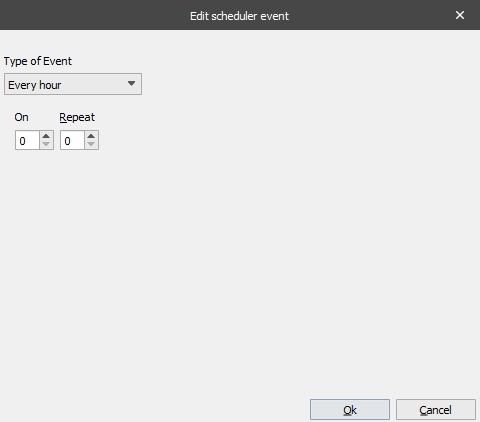
Every hour: At the start of every hour (according to the clock), Lasernet Core empties the queue after the number of minutes specified by On, and then repeatedly empties the queue at the interval (in minutes) specified by Repeat (until the end of the hour). This pattern is repeated every hour. If you set On to 0, the queue is emptied at the start of the hour. If you set Repeat to 0, the queue is emptied once every hour.
For example, if On is 30 and Repeat is 10:
A job queued at 11:00 is released at 11:30
A job queued at 11:35 is released at 11:40
A job queued at 11:55 is released at 12:30
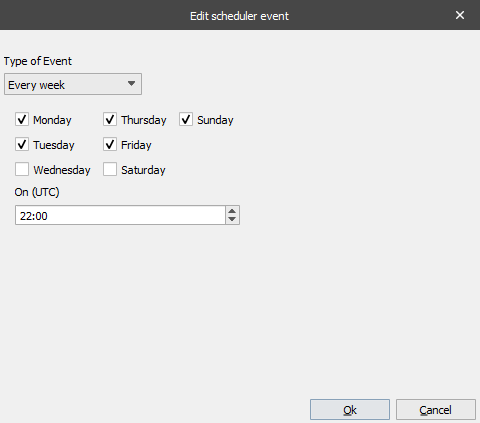
Every week: Empties the queue at a given time on given days.
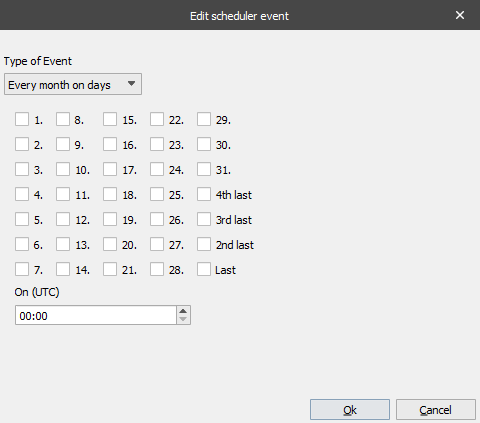
Every month on days: Empties the queue at the given time on the given days. The special day Last is the last day of the month, no matter how many days there are in that month. Likewise, with 2nd Last etc.
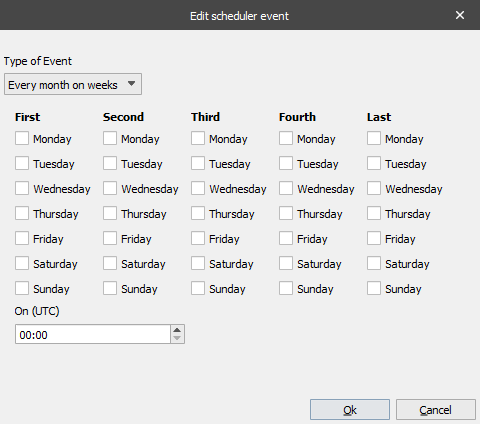
Every month on weeks: Used for running on some specific weeks in the month. If you select Sunday in the Second week, the queue is emptied on the second Sunday in the month.
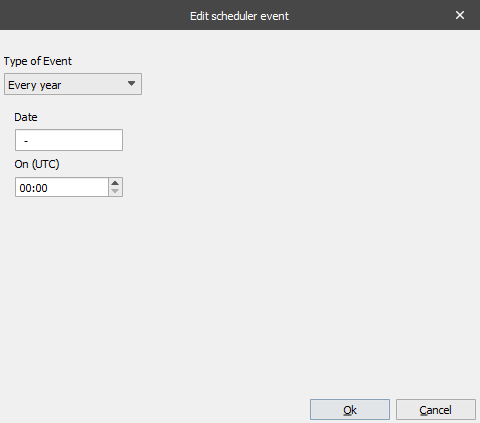
Every year: Enter a date in dd-mm format. The queue is emptied on that date.
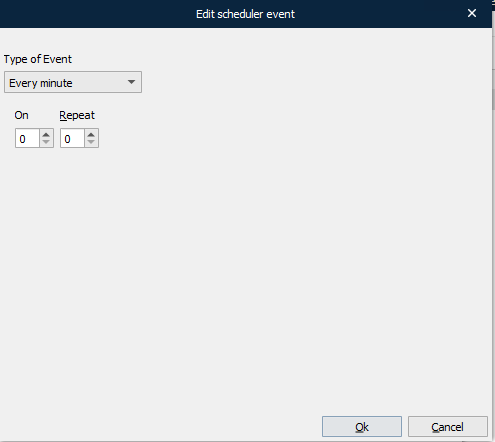
Every minute: At the start of every minute (according to the clock), Lasernet Core empties the queue after the number of seconds specified by On, and then repeatedly empties the queue at the interval (in seconds) specified by Repeat (until the end of the minute). This pattern is repeated every minute. If you set On to 0, the queue is emptied at the start of the minute. If you set Repeat to 0, the queue is emptied once every minute.
For example, if On is 30 and Repeat is 10:
A job queued at 11:00:00 is released at 11:00:30
A job queued at 11:00:35 is released at 11:00:40
A job queued at 11:00:55 is released at 11:01:30
Note
When you use Every minute, do not create a schedule that empties the queue so frequently that Lasernet Core becomes unresponsive.