
Applies to: Lasernet Core 11 and 10 (not Lasernet Essentials / Professional / Advanced)
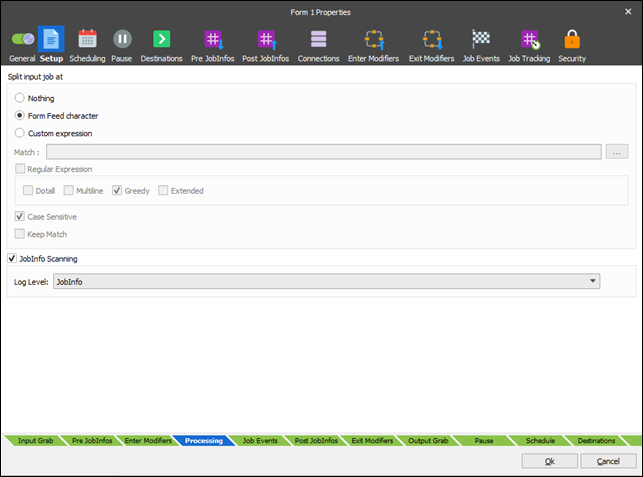
The Split input job at setting (available on the Form Setup tab of the Forms Properties dialog for the Form Engine) provides the control for splitting pages into individual text forms/jobs.
Note
Input job splitting is relevant to TXT (text) input data only.
The most common character used for page separation is a form feed which is represented as ASCII character 12 (HEX 0C).
Note
Changing the Split input job at setting affects all forms included in the list for the current Form Engine. You are able to setup several Form Engines, where each Form Engine contains the exact list of forms with the required splitting character.