
This article provides a solution for the following error messages that may appear when trying to print to Lasernet Screen in AX 2012.
Lasernet 7
Error
The underlying connection was closed. An unexpected error occurred on a receive. Unable to read data from the transport connection: An existing connection was forcibly closed by the remote host.
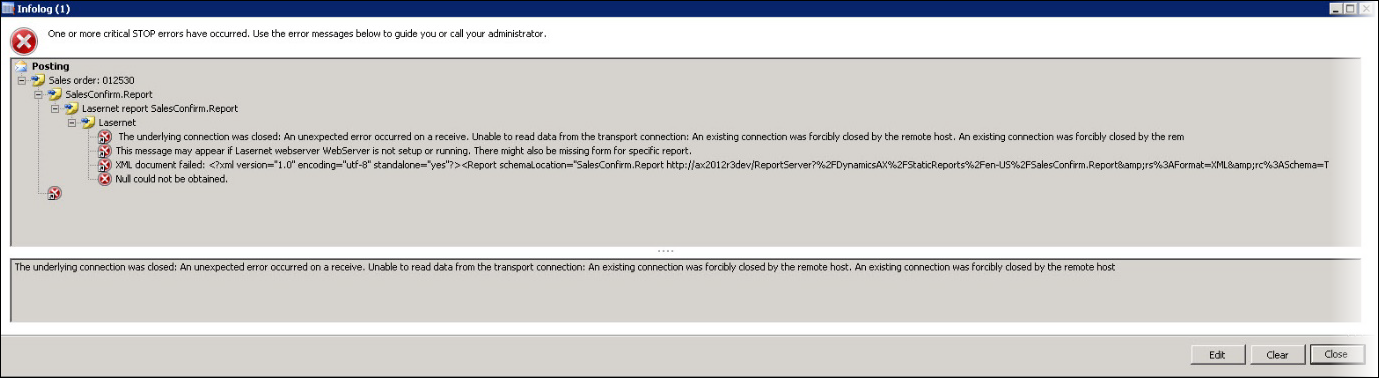
Lasernet 9
Error
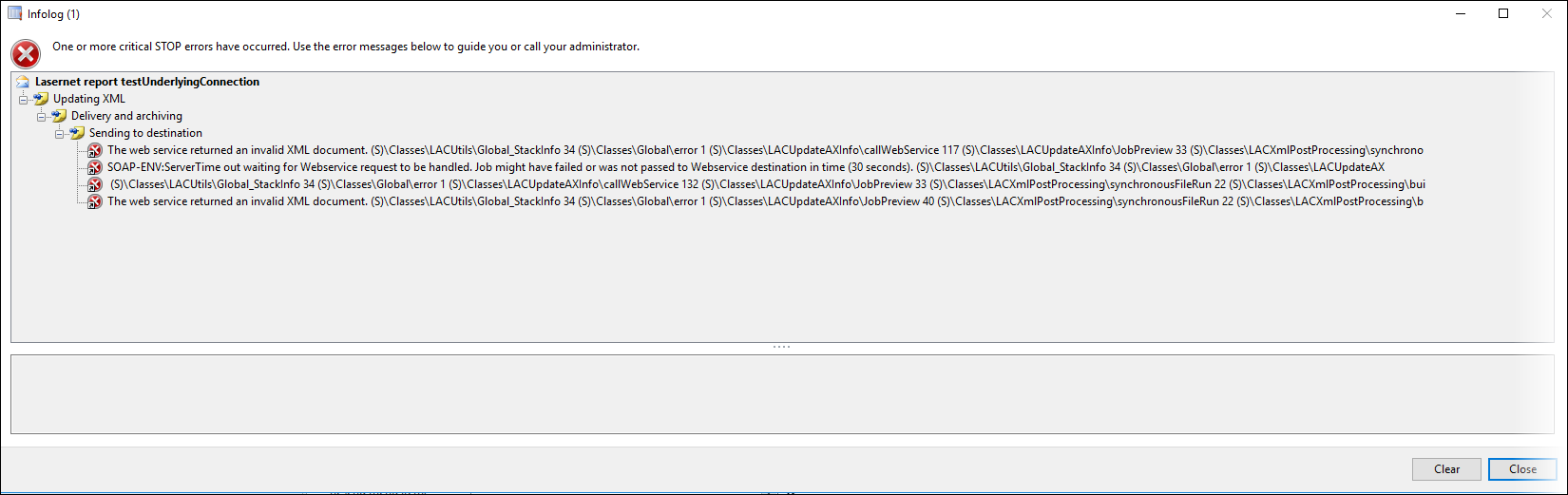
The web service returned an invalid XML document...
SOAP-ENV:ServerTime out waiting for Webservice request to be handled. Job might have failed or was not passed to Webservice destination in time...
These issues have resulted from the lack of a form matching the incoming XML file on the Lasernet server.
Resolutions
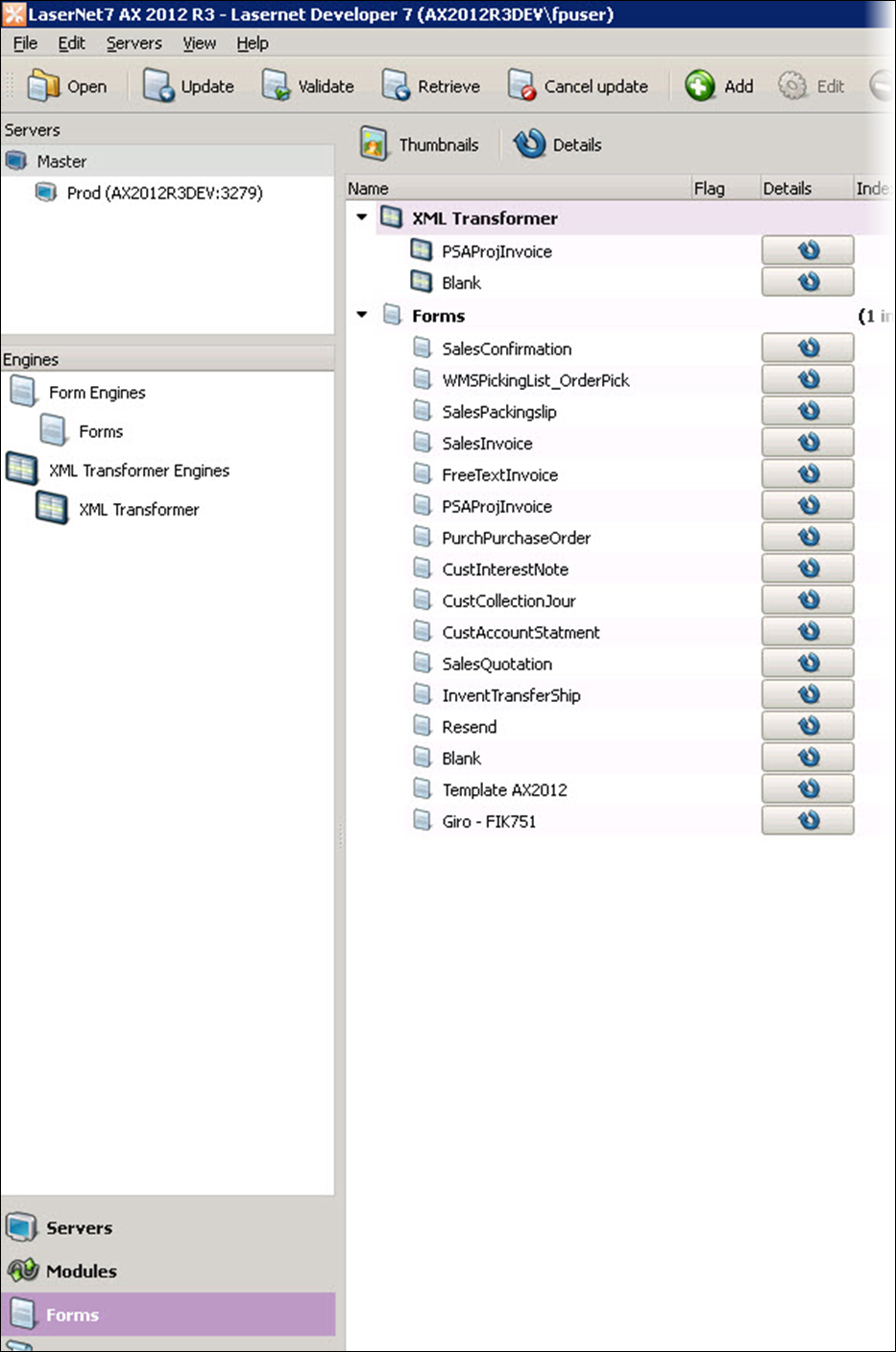
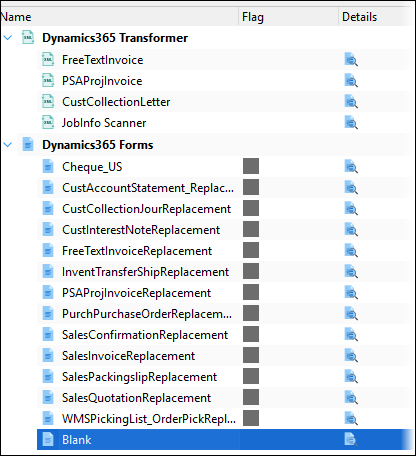
Ensure you have a Form in the Form list that recognizes the incoming XML file through criteria. Newly created reports without a designated Form should be recognized by a Blank form.
Lasernet 7
Lasernet 9
Additional Information
Lasernet Monitor will look as shown in the following images:
Lasernet 7

Lasernet 9
