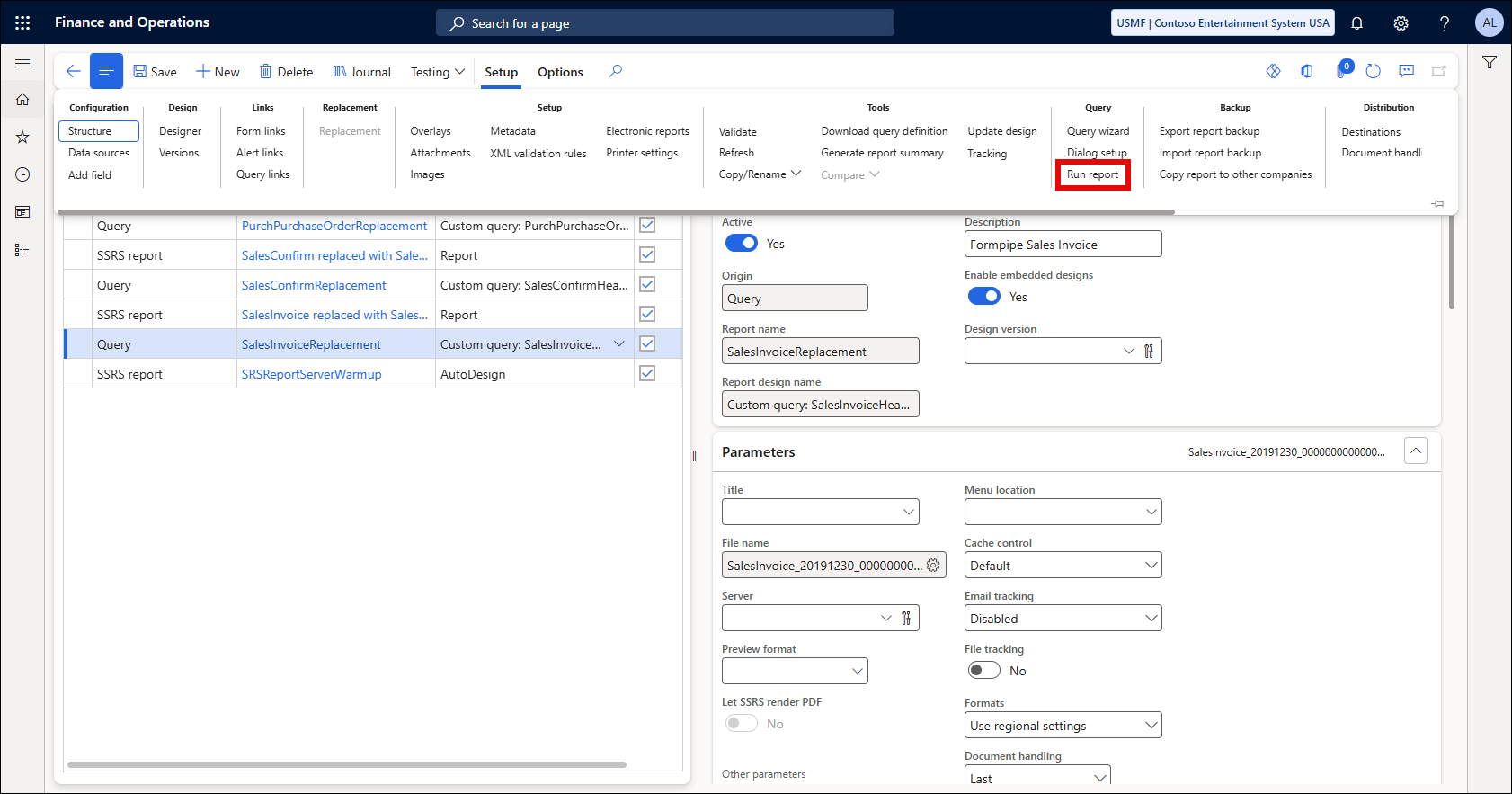
The Run report function in Lasernet FO Connector exists on the Lasernet Reports form and enables you to run a query report directly from the reports list.
You may receive errors when trying to use Run report that result in no report generation. Some examples of errors you might encounter are:
Error
Something went wrong while generating the report. Please try again.
Error
Error executing code: The field with ID '0' does not exist in table '[Table name]'.
Solution
This error can occur with replacement queries with a Resend menu item, as the report cannot be properly initialized from the Lasernet Reports form. Print the report from the corresponding form within Dynamics 365 FO by triggering the form link associated with it.
Example
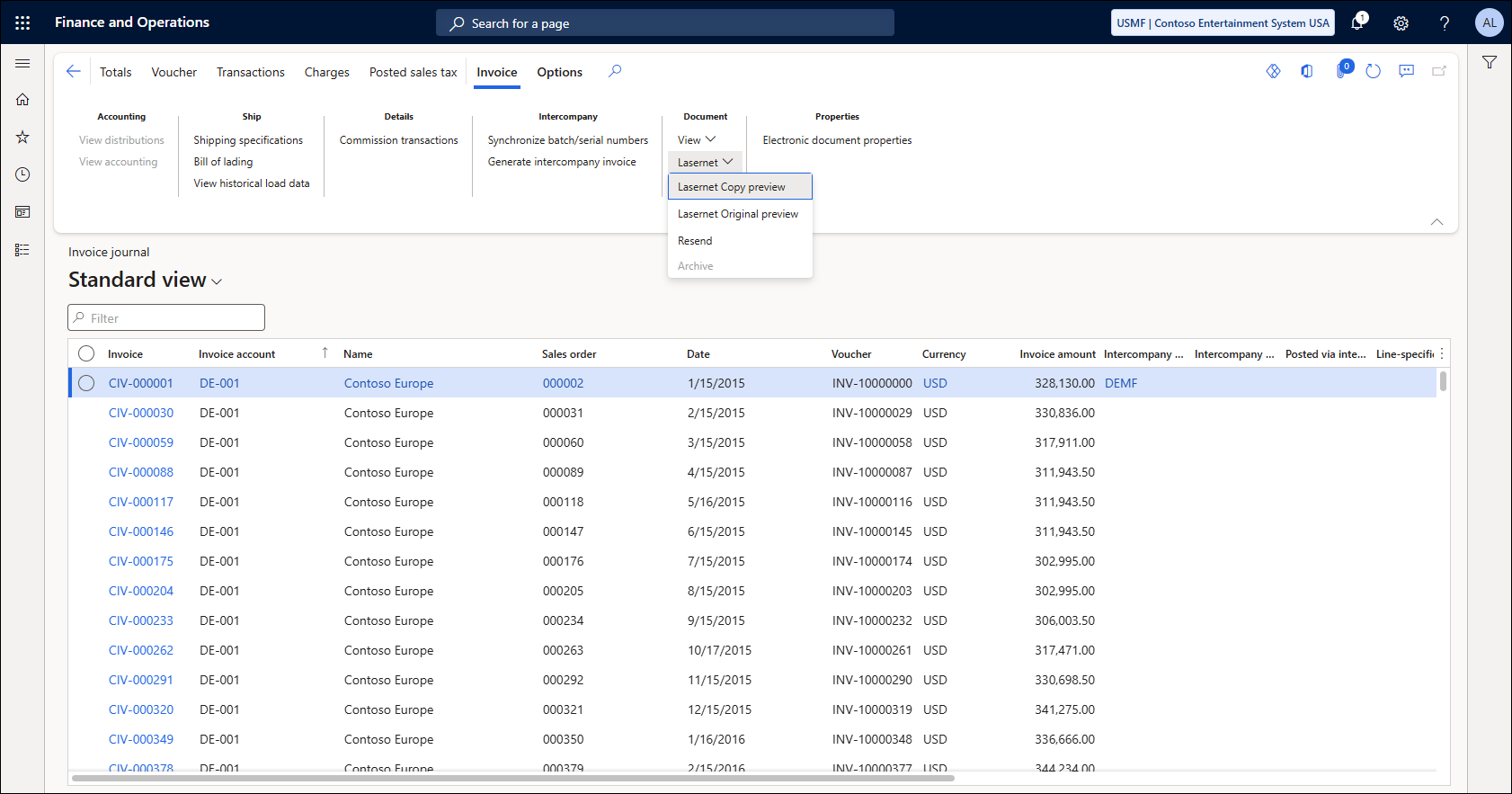
Print the SalesInvoiceReplacement report from the Invoice journal form in the Accounts receivable module.