Applies to: Lasernet Core 11
You can view a configuration’s revision history in Manage, the Lasernet Config web app, or Lasernet Developer. For each revision, the revision history provides the commit date, the name of the user who created the revision, and the message that describes the revision. Lasernet Developer also lists the changes that were committed to create each revision.
Note
For Lasernet Core 10 documentation on this subject, see the Lasernet Config Server and Deployment Guide and Lasernet Developer Guide.
Manage
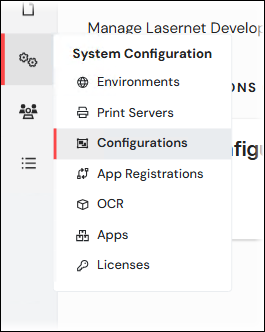
In the System Configuration menu, click Configurations.
Click the tile of the configuration whose revision history you want to see. The Revisions area of the properties pane displays the configuration’s revision history.
.png)
Lasernet Config Web App
Note
The Lasernet Config web app was provided with earlier versions of Lasernet Core. It is a legacy web app and will be deprecated in a future version of Lasernet Core.
Expand for information
In the Tools menu, click Configurations.
Click a configuration in the table, then click Edit in the toolbar.
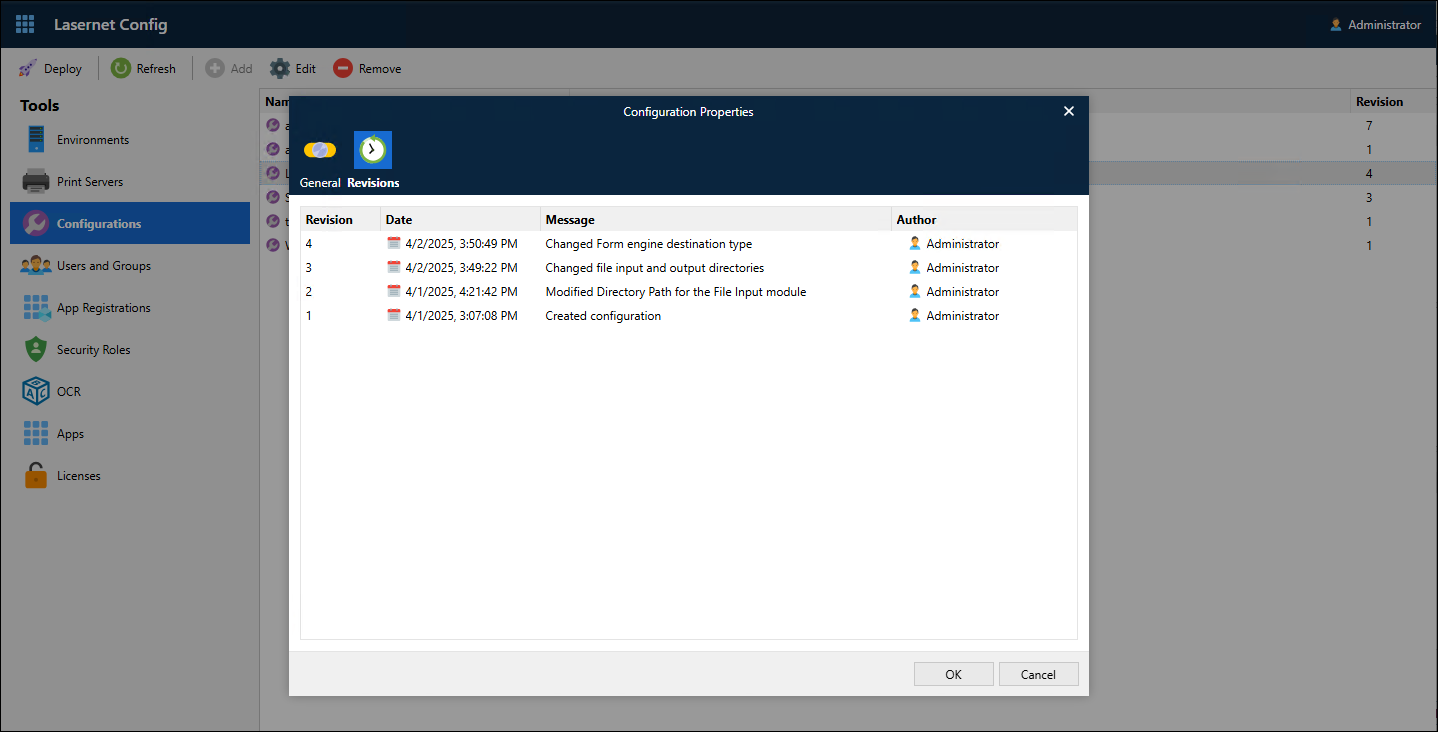
In the Configuration Properties window, click the Revisions tab. Each row of the table describes a revision of the configuration.
Lasernet Developer
In Lasernet Developer, open the configuration that you want to view revision history for.
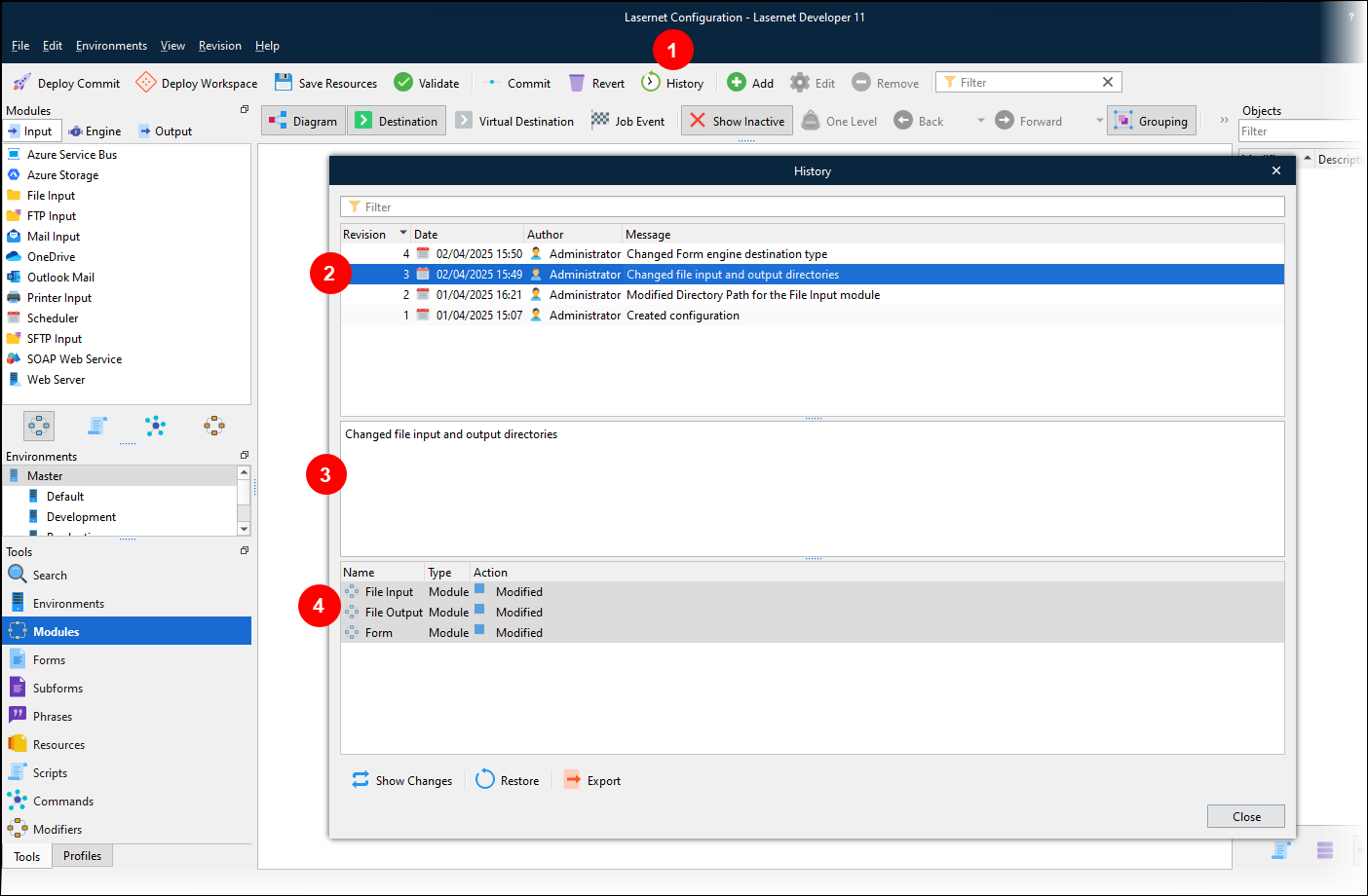
In the Lasernet Developer toolbar, click History (see 1 in the image below). The History window:
Contains the configuration’s revision list (2).
Displays the description of the selected revision (3).
Displays a list of the object changes that were committed to create the selected revision (4).
Note
In the History window you can see how selected objects changed between revisions (Show Changes) and you can restore objects from past revisions (Restore).