---
title: "XML Merger"
slug: "xml-merger"
description: "Information about the XML Merger engine."
tags: ["Engine", "Lasernet Core 11", "Lasernet Developer", "XML"]
updated: 2026-01-30T12:32:00Z
published: 2026-01-30T12:32:00Z
canonical: "kb.lasernetgroup.com/xml-merger"
---
> ## Documentation Index
> Fetch the complete documentation index at: https://kb.lasernetgroup.com/llms.txt
> Use this file to discover all available pages before exploring further.
# XML Merger
**Applies to:** Lasernet Core 11
The XML Merger engine can merge two or more similar XML documents into one.
The JobData JobInfo will contain the data for all the combined jobs. It will be attached to the JobInfos that were created in the first job. JobInfos for all other jobs expect that the first job will be deleted.
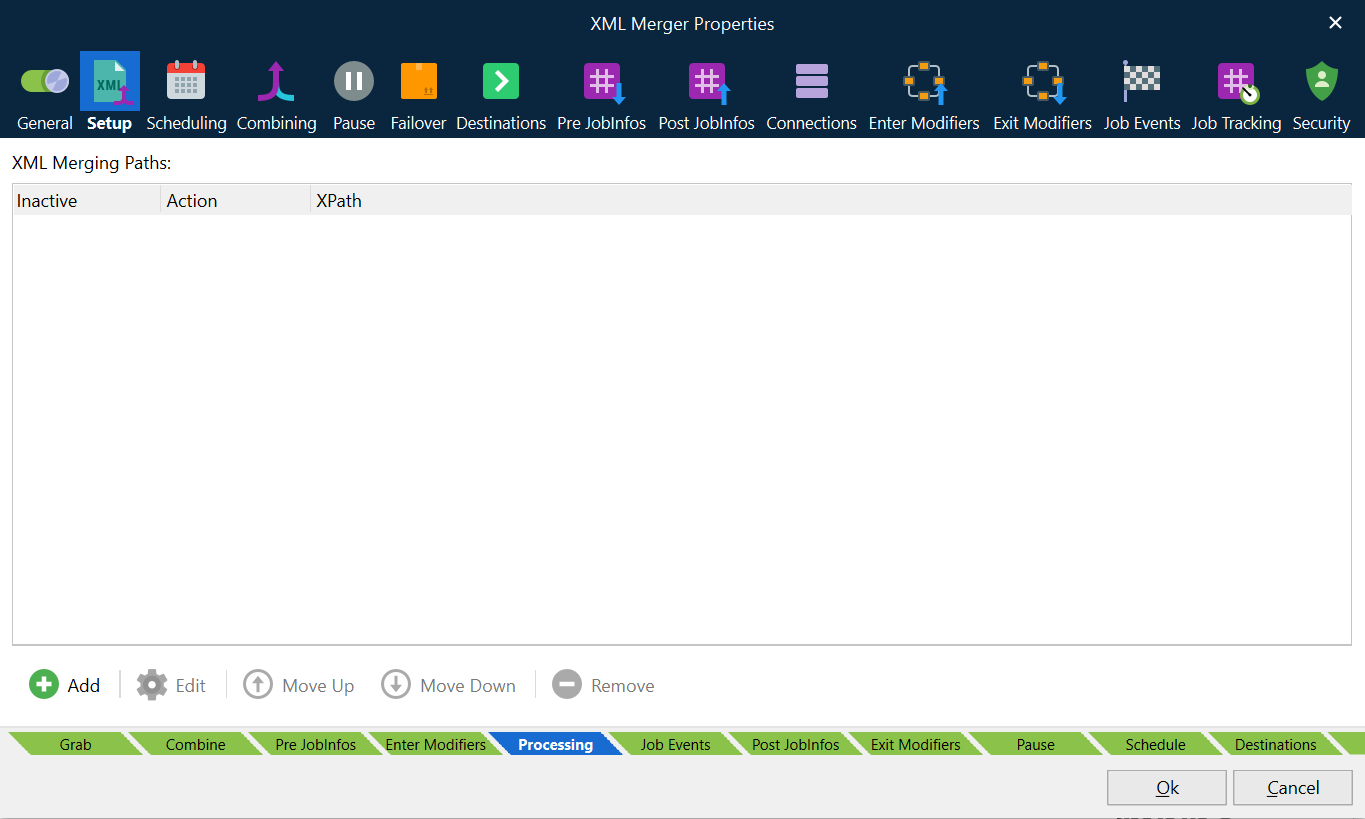
The first XML is the template for the output XML. It contains all data as well as the data merged from the other XMLs or inserted from the last XML.
The combining rules determine which XMLs are merged.
## Actions
- **Merge:** Taken from all documents in the batch.
- **Last Job:** Taken from the last document in the batch.
## Example
In this example, we have an output structure, which will use the first XML, plus all body/lines from additional XMLs and finally the header/tag3 and footer/total from the Last XML.
JobData in job no. 1:
```xml
1111
```
JobData in job no. 2:
```xml
2222
```
JobData in job no. 3:
```xml
3333
```
Our resulting XML will look like this (without the comments):
```xml
1 //generated from JobData1
1 //generated from JobData1
3 //generated from JobData3
1 //generated from JobData1
2 //generated from JobData2
3 //generated from JobData3
```
## Combining
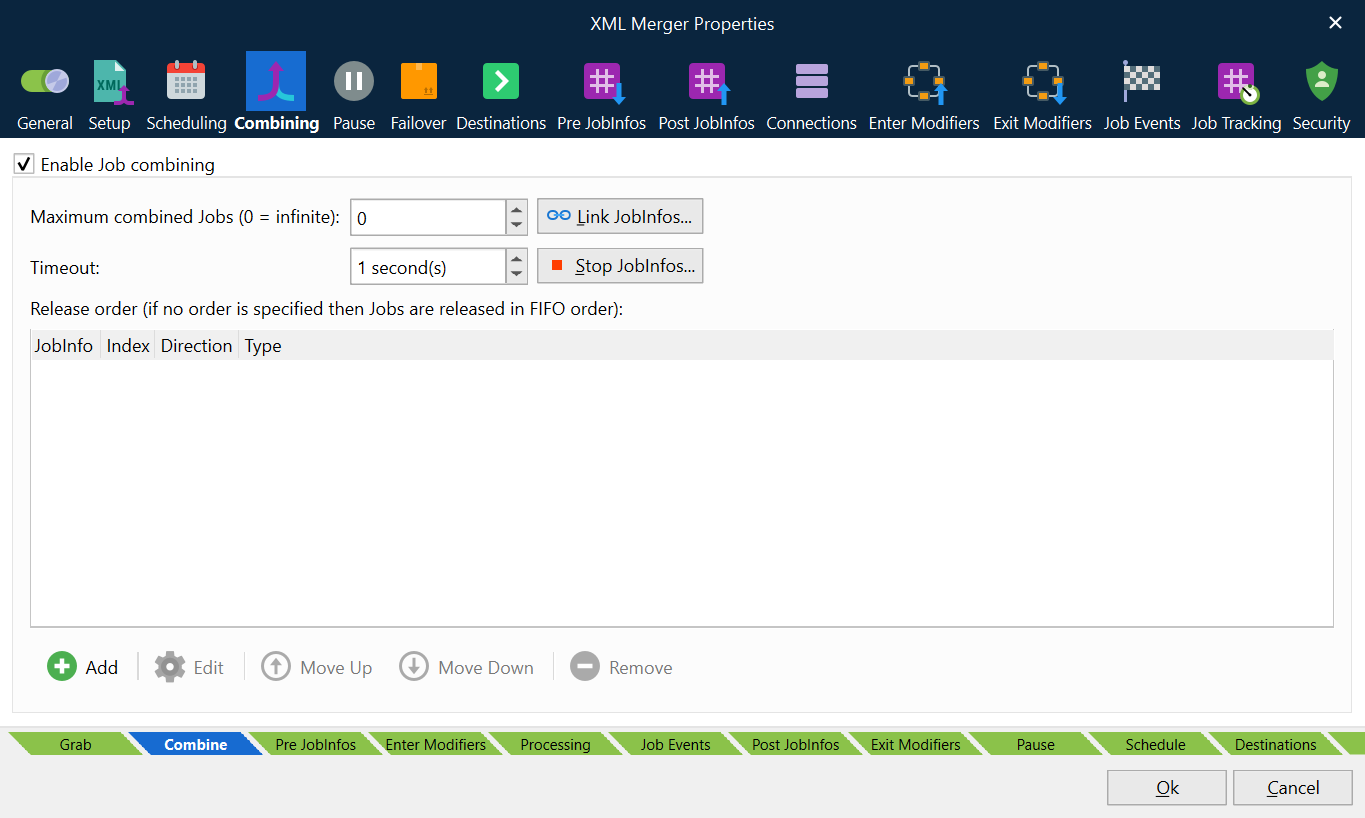
The **Enable Job combining** box must be activated on the **Combining** tab (in the XML Merger module), to make use of the action rules defining how the XML data will be merged. For more information about combiner settings, see [Combining Jobs](/v1/docs/combining-jobs).