
Applies to: Lasernet Core 11
An Azure Storage connection is used by an Azure Storage Command to authenticate Lasernet Core with Microsoft Azure Storage.
A connection to Azure Storage is added through the Connections tab of the Commands pane in Lasernet Developer.
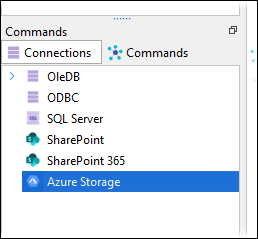
.png)
Connections added here have Name and Description properties to describe the connection itself.
Three types of authentication are available. For information on how to configure them, see the following sections on the Azure Storage Input Module page: