Applies to: Lasernet Core 11 and 10 (not Lasernet Essentials / Professional / Advanced)
By default, the output is added as flatten meaning that a document being generated contains fields filled with corresponding object values, but it is locked so that those those values cannot be changed. However, you can disable the Flatten option to make interactive fields editable. To this end, follow the steps listed below:
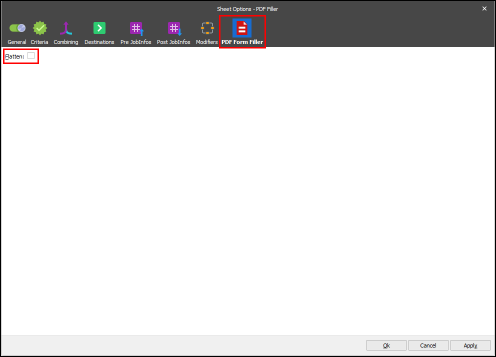
Open the Sheet Options dialog on the PDF Form Filler tab, and then clear the Flatten checkbox. This enables manipulating the form fields.
Note
You can lock or "flatten" the PDF document after completing the fields to prevent, for example, other users from manipulating or editing the information. To this end, select the Flatten checkbox.
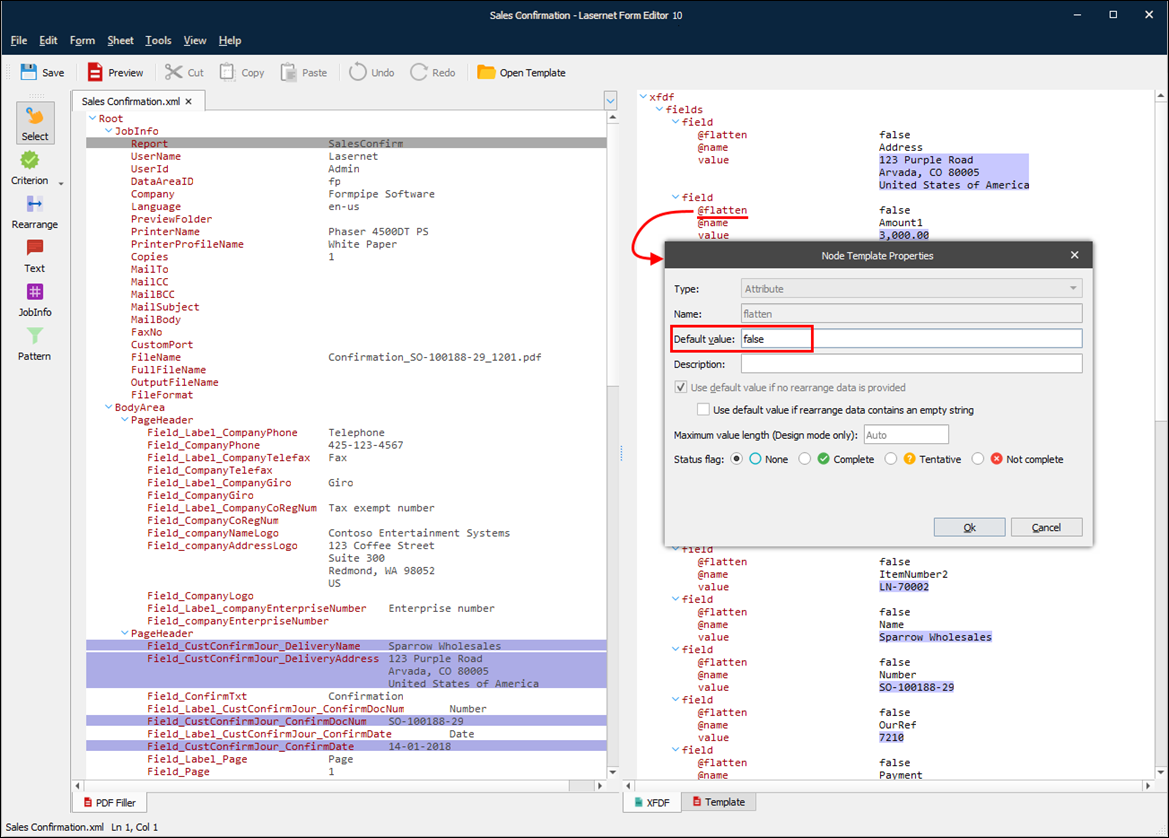
Additionally, you can change the default value of the Flatten attribute for the form field that you want to unlock (to allow field value modification). To this end, open the node properties for editing and then specify false as the default value.