You can permanently delete documents from the Keep archive.
However, you can delete only hidden documents. For this reason, to delete a document, you must follow this process:
Search Keep for the documents that you want to delete.
Important
The search configuration that you use must be set up as follows:
Settings > Document Visibility set to Visible Documents.
Enable Document Hide selected.
Select those documents in the search results, click Hide Documents in the action bar, then click Confirm in the Hide documents window. The documents are now hidden.
.png)
Use a different search to find the documents that you hid.
Important
This search configuration must be set up as follows:
Settings > Document Visibility set to Hidden Documents.
Enable Document Restore selected.
Enable Document Deletion selected.
Select those documents in the search results, click Delete documents in the action bar, then click Confirm in the Delete documents window. The files are now permanently deleted.

Tip
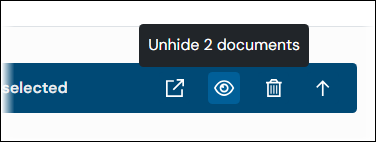
To unhide the documents (and make them available to users again) instead of deleting them, click Unhide documents in the action bar.