The Designs form provides a historical overview of Lasernet designs, and it can be accessed in two ways:
Navigate to Lasernet > Common > Reports, select the desired report, and click Designs in the Configuration group of the Setup ribbon.
Navigate to Lasernet > Setup > Overview > Designs.
In this section, we will choose the first option and access the Designs form via the Reports list page. Here, all Lasernet Developer form designs are stored locally.
These designs can be imported or created using functions such as What’s used and Update design.

The following image shows two designs imported from Lasernet. The Description they receive is “Imported design”.

The report named Version3 has been created by clicking Update design > Create new design version. This saves the new version with the Description “Updated design in D365 Design updated”.

Action Pane Functions

Field name | Description |
|---|---|
New | Create a new design record. |
Delete | Delete the selected design. |
Import | Import the report design from a file. |
Export | Export the report design. |
Export with configuration | Export the report design as a Lasernet configuration. |
View design xml | View the design XML. |
Compare | Compare the Lasernet design XMLs. |
Grid Header Functions

Field name | Description |
|---|---|
Report name | The name of the report in Lasernet FO Connector |
Description | If the design is imported from Lasernet, the description will read “Imported design.” If modified in Update design, it will read “Updated design in D365 Design updated”. Description is an open, free-text field and can be edited at any time. |
Version date and time | Date and time of import, saving, or creation of a new version |
Form engine | The name of the Form engine in Lasernet Developer |
Design version | Identifies the version of the report's Lasernet layout design. If the same design version name is used for multiple saved designs, only the latest one will be grabbed. |
Design version id | Uniquely identifies the Lasernet design version. |
Version by | ID of the user who imported or modified and saved/created in Update design. |
Preview
The Preview FastTab provides a thumbnail from the Lasernet Developer Form engine.

Additional Data
The Additional data FastTab specifies additional information about the design in Lasernet, such as which modules and regional profiles are used. Clicking the Download button will download an XML file containing the relevant details for the selected category.

Name | Description |
|---|---|
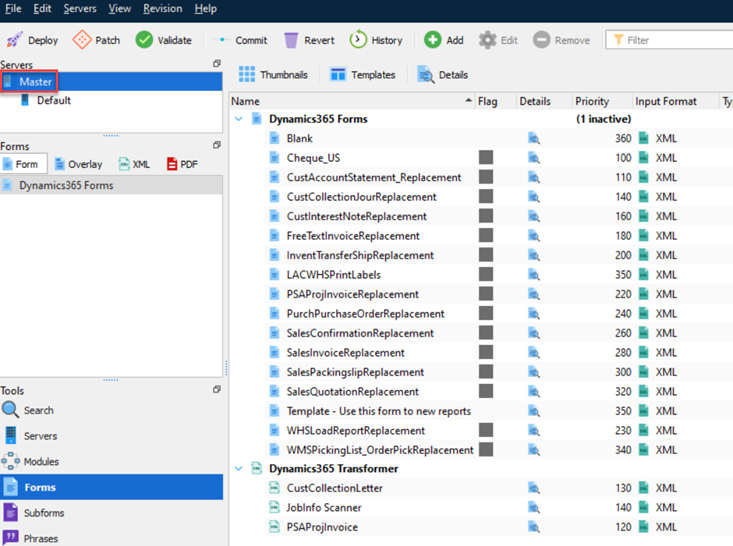
Computer/Master | The current form comes from the Master server in Lasernet.
|
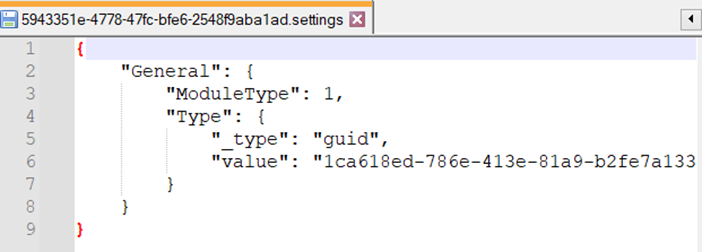
Modules/Form engine | Specifies the Form engine in Lasernet Developer.
|
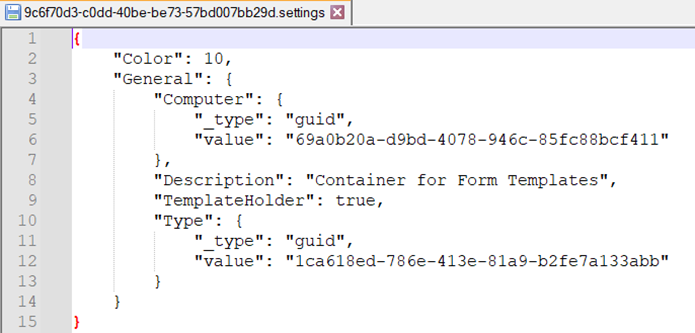
Modules/Templates | Specifies the templates used in Lasernet Developer.
|
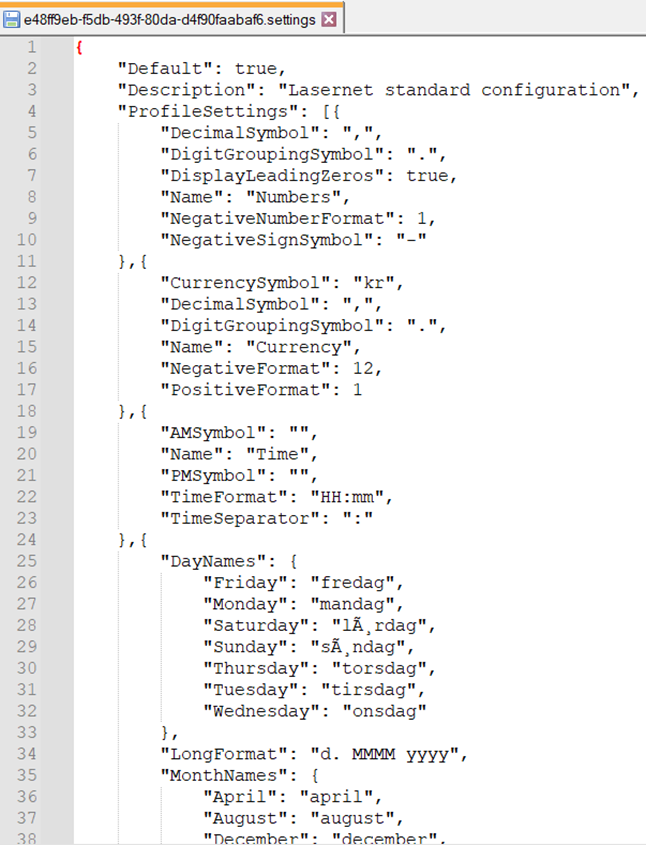
Regional profiles/Default | Specifies the regional profiles used in the form.
|