When generating a document, you may get the following error message:
Error
Customer#, Invoice# was not delivered because of a print management setup issue
When the error message is expanded, the following additional error messages are shown:

Error
Microsoft][Odbc Driver 17 for SQL server][SQL Server]Cannor create a row of size 8070 which is greater than the allowable maximum row size of 8060.
This error is related to the standard Dynamics 365 Finance and Operations/SQL and occurs because the fetch to the SQL server is becoming too complex. To resolve this issue, follow these steps:
Navigate to Lasernet > Common > Reports.
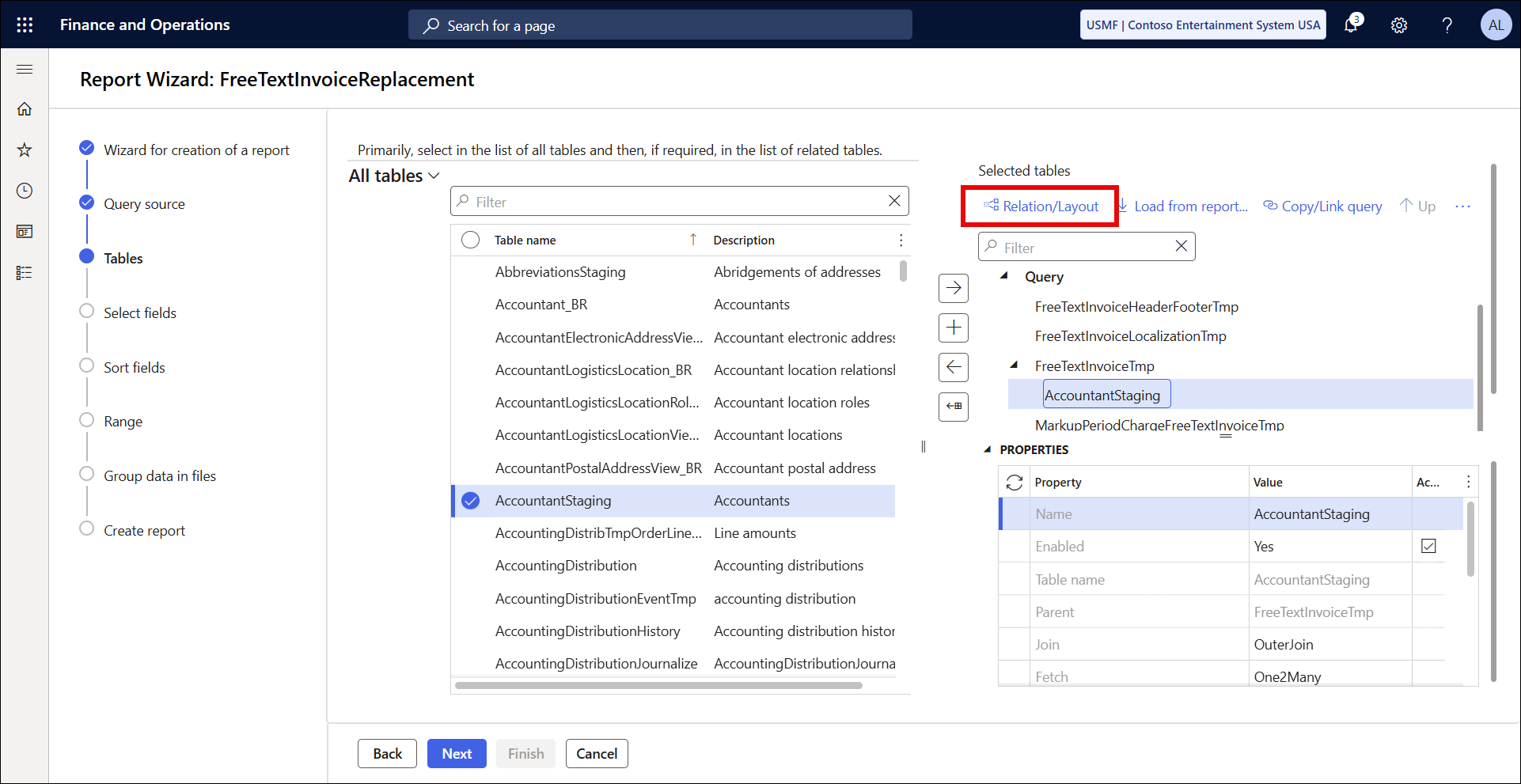
Open the Query wizard, select BUILD QUERY WITH WIZARD, and click Relation/Layout.
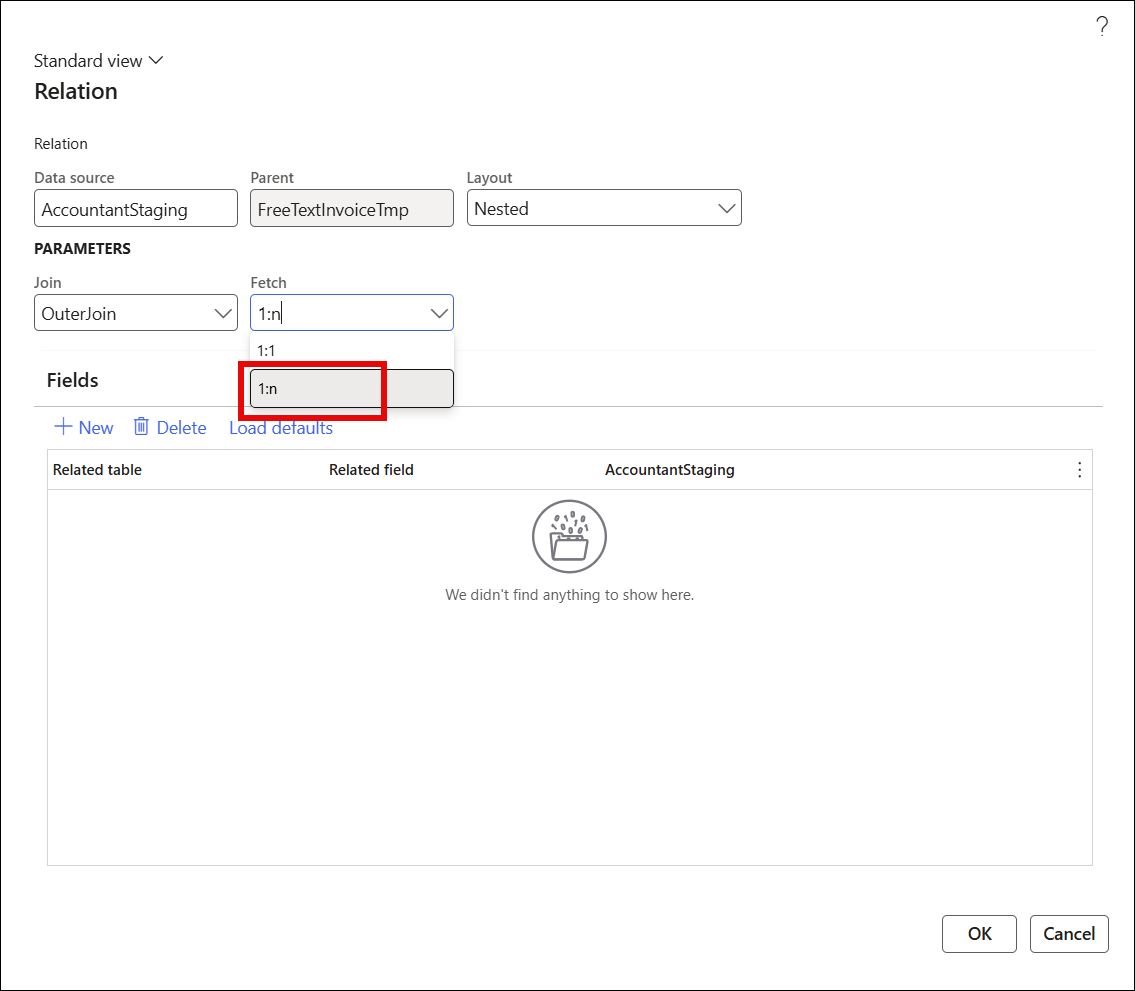
In the Fetch dropdown, replace 1:1 with 1:n, which will simplify the SQL fetch and remove the error. 1:n should be the default option.