Applies to: Lasernet Core 10
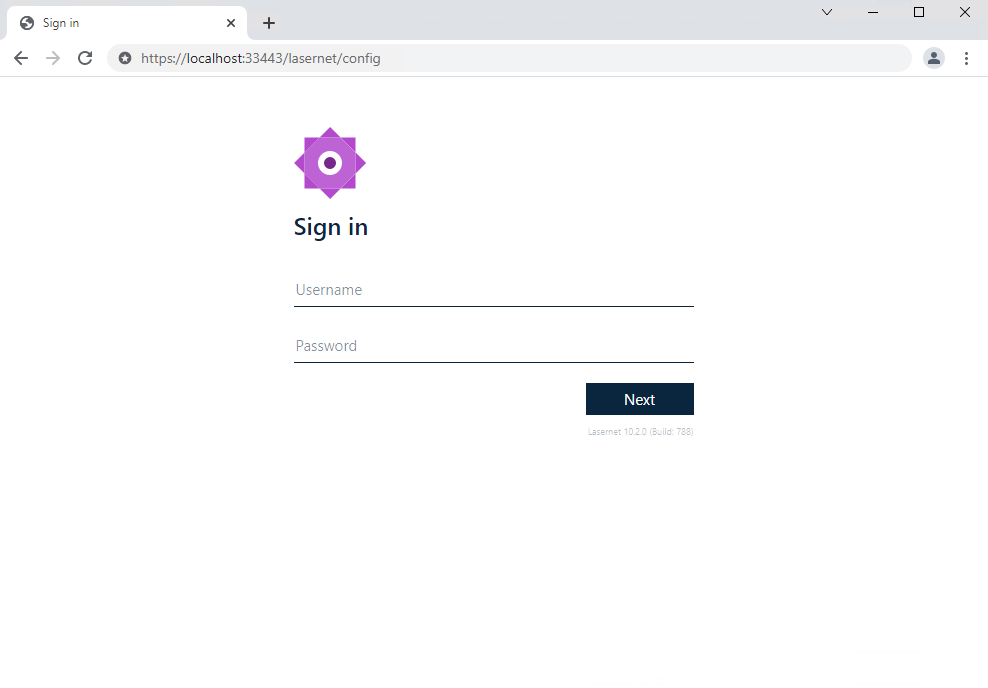
When your services have been installed and licensed, you can log in to the Lasernet Config Server 10.
https://localhost:33443/lasernet/config or replace localhost with the name of your server where the Lasernet Config Server is installed.
Sign in as Admin and leave password empty to create a new password.
You will be re-directed to the Lasernet Config Server 10, where you can view configurations, manage deployments, view the history log, as well as manage servers, users, groups and security roles.
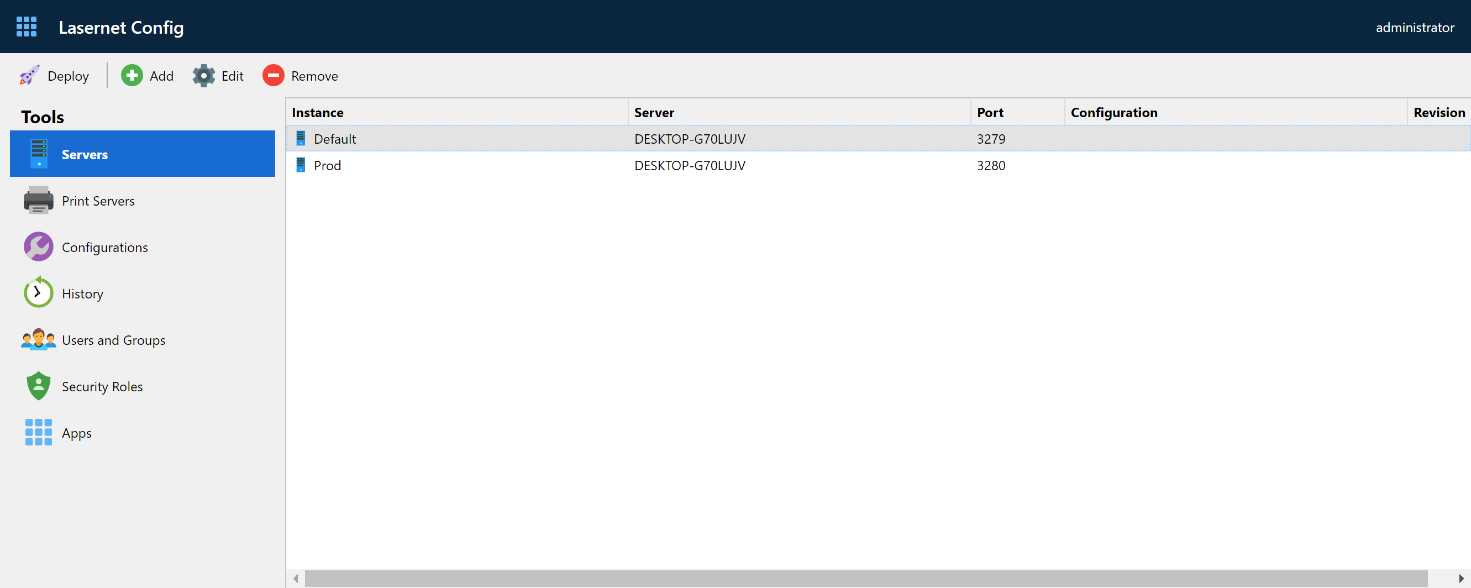
Configurations
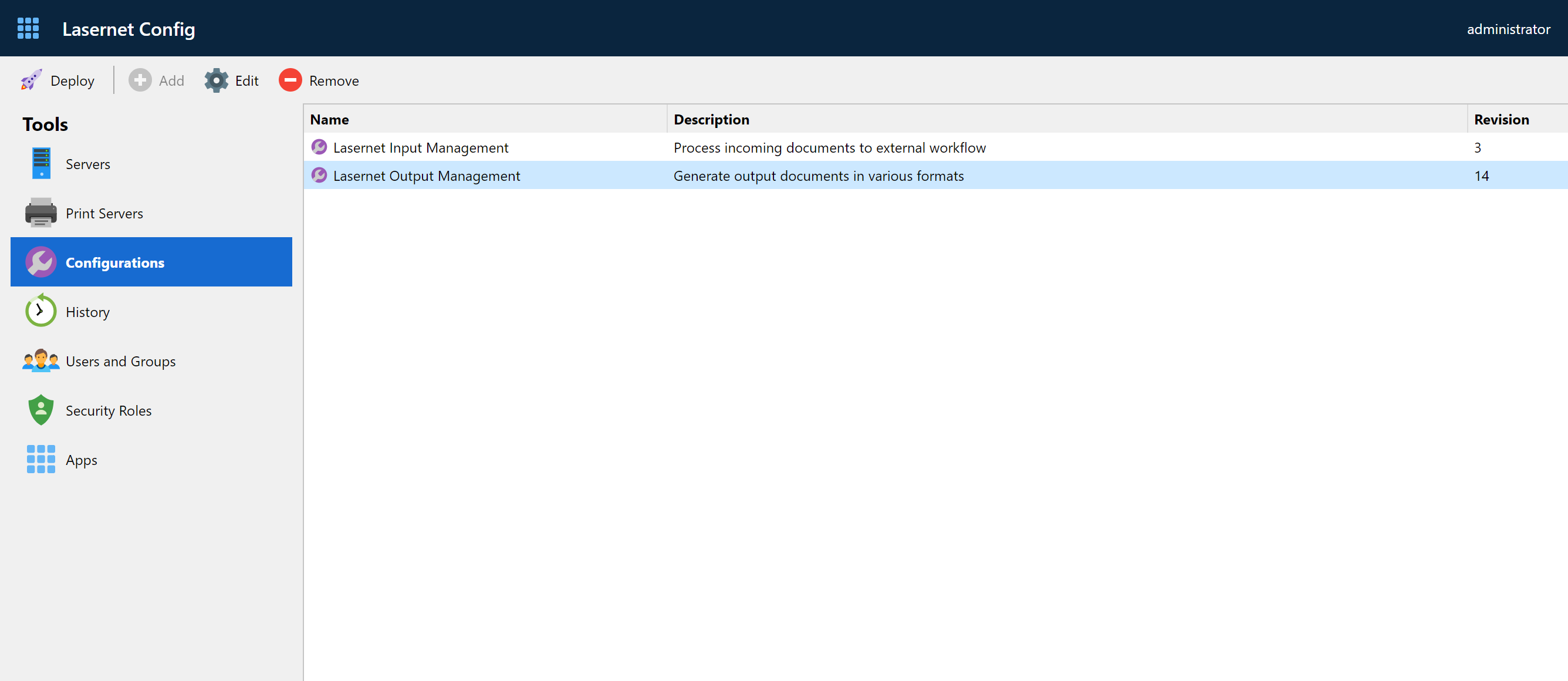
This allows you to view, rename and remove configurations in a database running as backend for Lasernet Config Server 10.
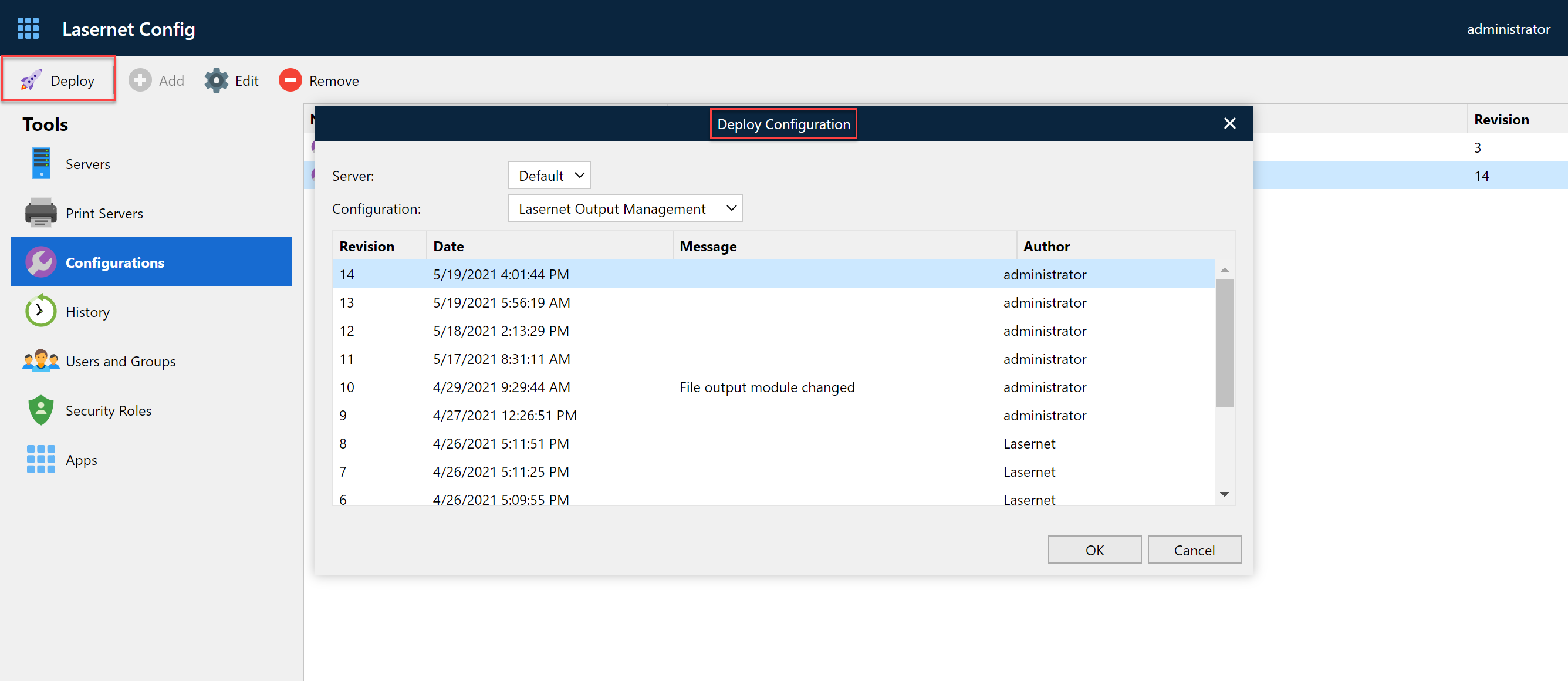
Deployment
The Deployment tool is used to manage and deploy revisions to any configuration. You can view the revision number, date, check in messages, author and the active running revision and history for servers can configurations
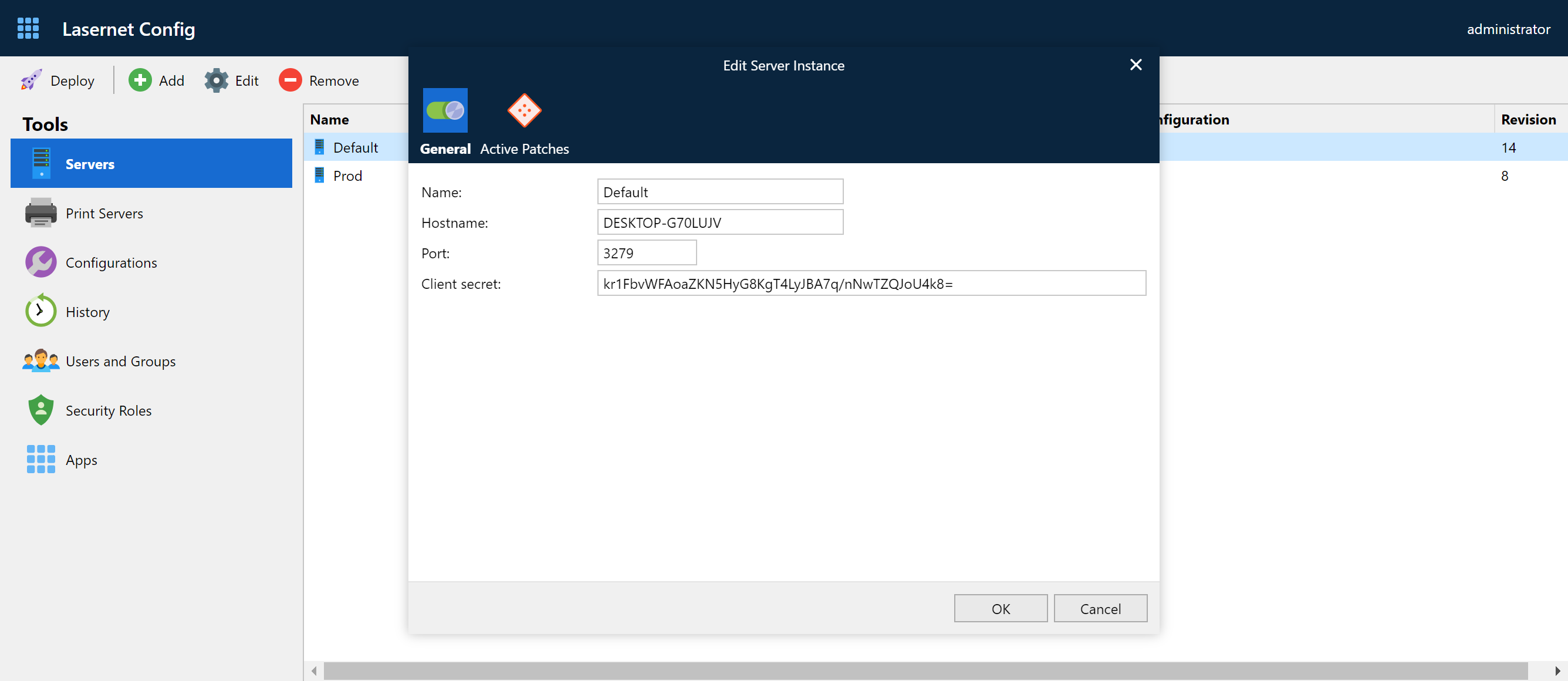
Servers
From here you can manage instance names, server names and port numbers for running servers.
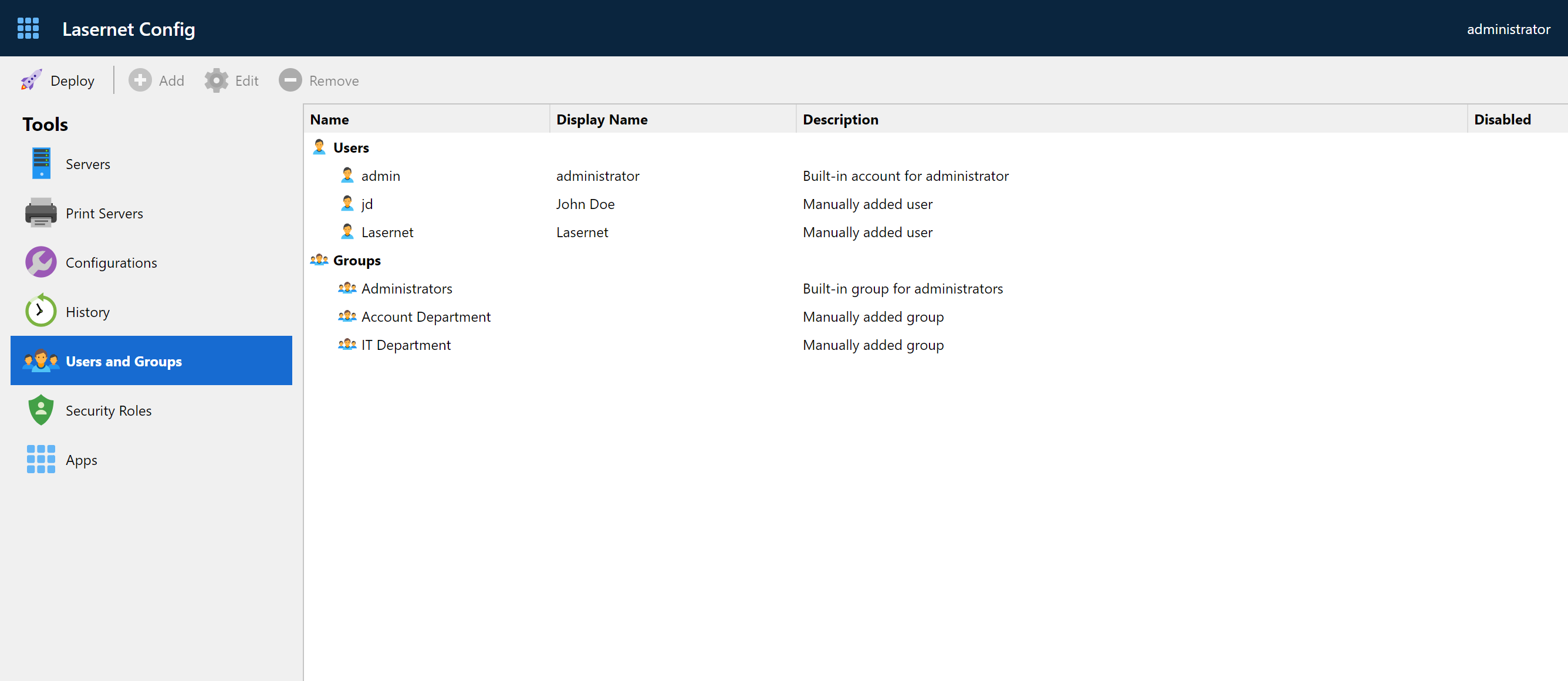
User and Groups
This tool allows you to manage local Lasernet Core users and groups. An alternative to Active Directory users and groups.
Security Roles for Developer and Client
You can manage access control to products and services provided by Lasernet Core from here.
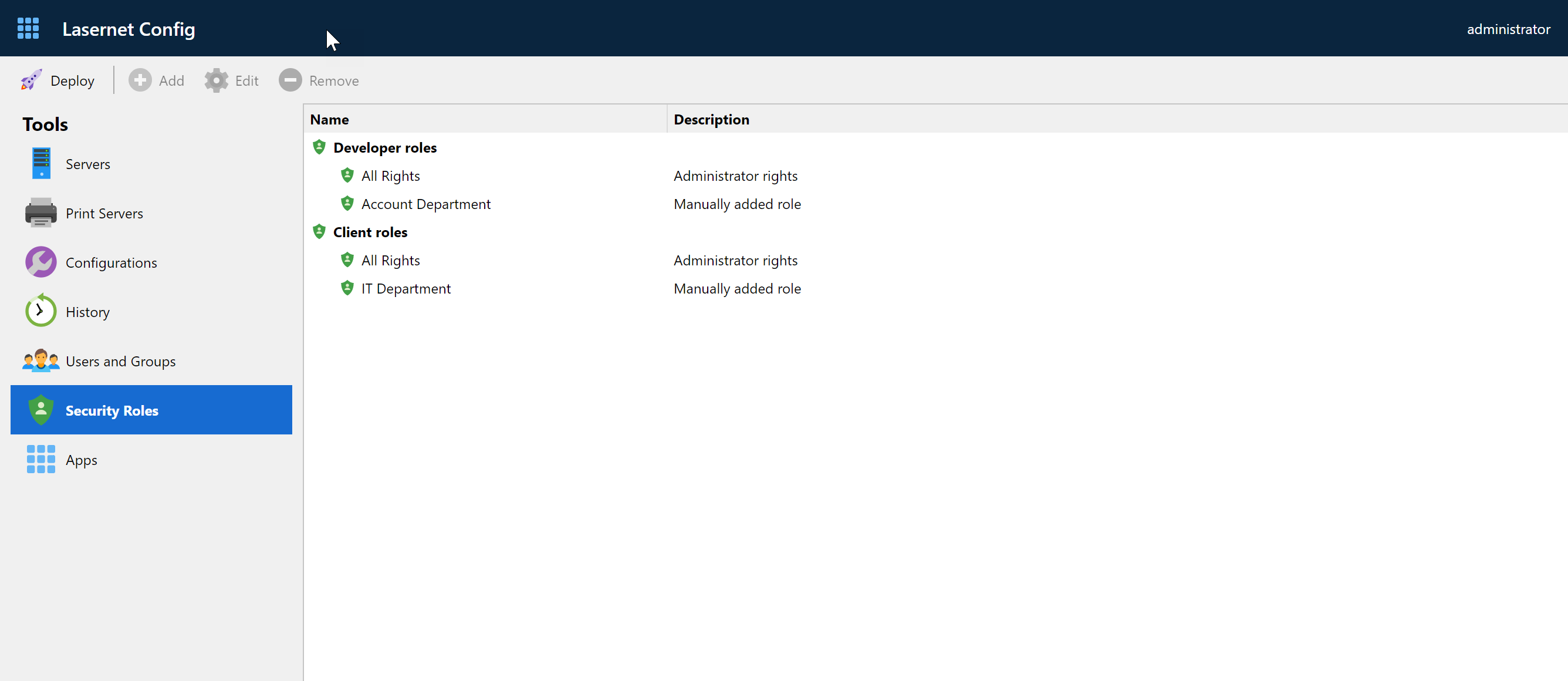
You can set web, developer and client access by adding role members for local/AD users and groups.