Applies to: Lasernet Core 10
Home
The web interface of the Lasernet Config Server has the following sections:
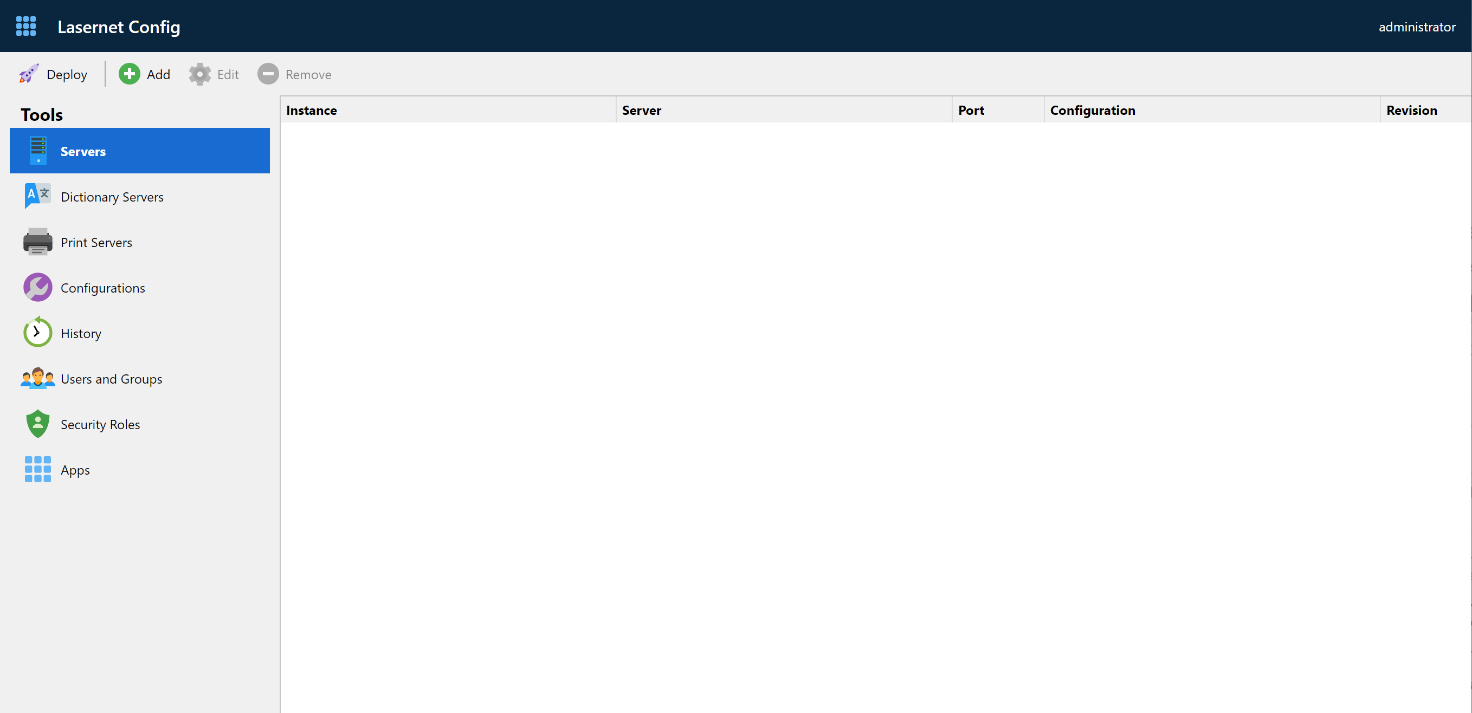
| Name | Description |
|---|---|
| Servers | Manage name of Lasernet Core instances, servers, port numbers and client secrets. |
| Dictionary Servers | Manage name of Dictionary Servers, hostname and port number to be used by the OCR Editor and OCR Engine. |
| Print Servers | Manage the name of Windows printer servers and connection strings for printing via cloud or on-premises. |
| Configurations | Shows all the available configurations. |
| History | Allows you to view the deployment history. |
| Users and groups | Allows viewing and editing names of local users and groups. |
| Security roles | Allows you manage security roles for Lasernet Developer and Client |
| Apps | Allows you to manage access to web applications and services. |