Note
This article is applicable only to standalone setups.
To put Autoform DM in or out of logging mode, change the node properties file. To do this, follow these steps:
Open the node properties file in the following location:
OS(C:)\Program Files\Formpipe Software\Autoform DM\Server xx\wildfly xx\standalone\configuration\node properties.
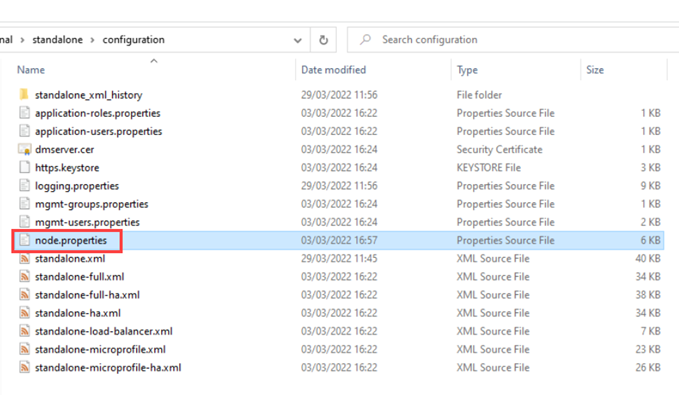
Locate the lines shown below (see labels) and remove the # so the property is read:
# Core Autoform DM code
#logging.level.efstech=INFO

# Web Services v1
#logging.level.apsuk=DEBUG

# Web Services v2
#logging.level.websvc21=DEBUG

# Connection pool logging
#logging.level.efstech.jca=DEBUG
Click Save and then restart Autoform DM to apply the changes.