Applies to: Lasernet Core 10
List of Servers
A list of servers added can be accessed via the Servers tab.
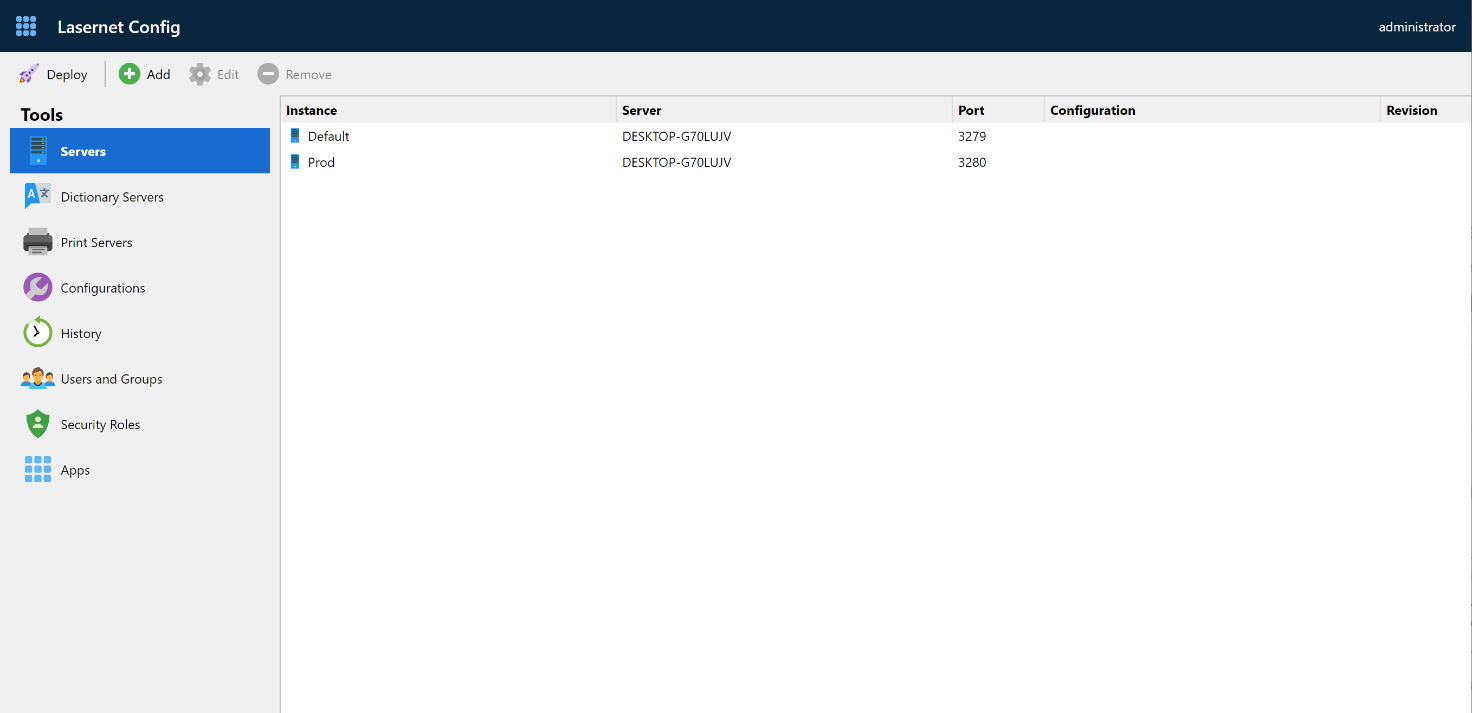
Use the command buttons to manipulate items in the list:
Click Add to add a server
Select Click Remove to remove a server.
Add Server
You can add a server to the Lasernet Config Server by clicking the Add button on the Servers page. This will display the Edit Server Instance dialog.
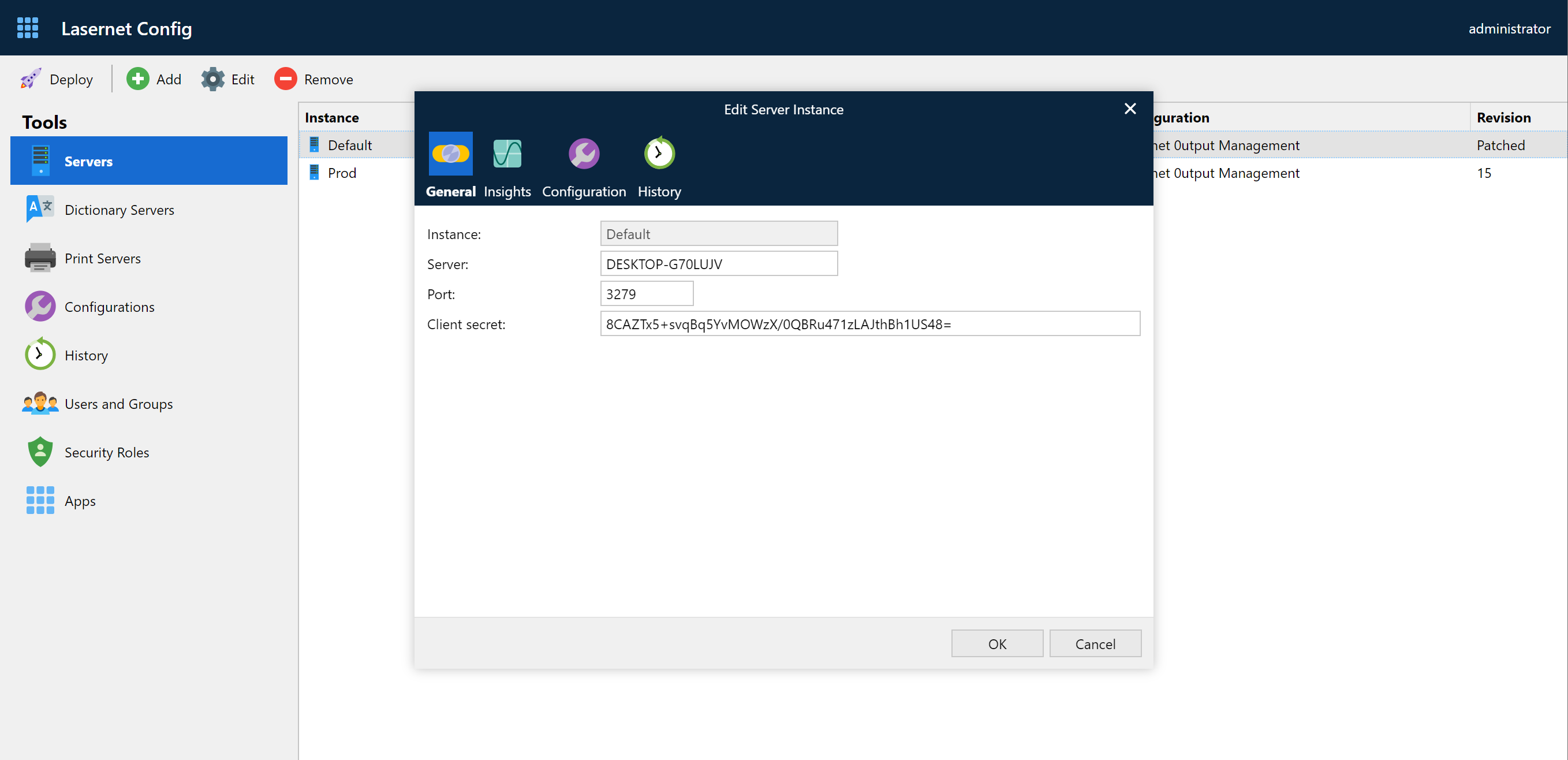
When entering data, please note that instance names are unique and cannot be changed; they can be only removed.
The hostname and port number can be changed at any time. Both the host and port must have an active connection to the server when a configuration is deployed or patched.
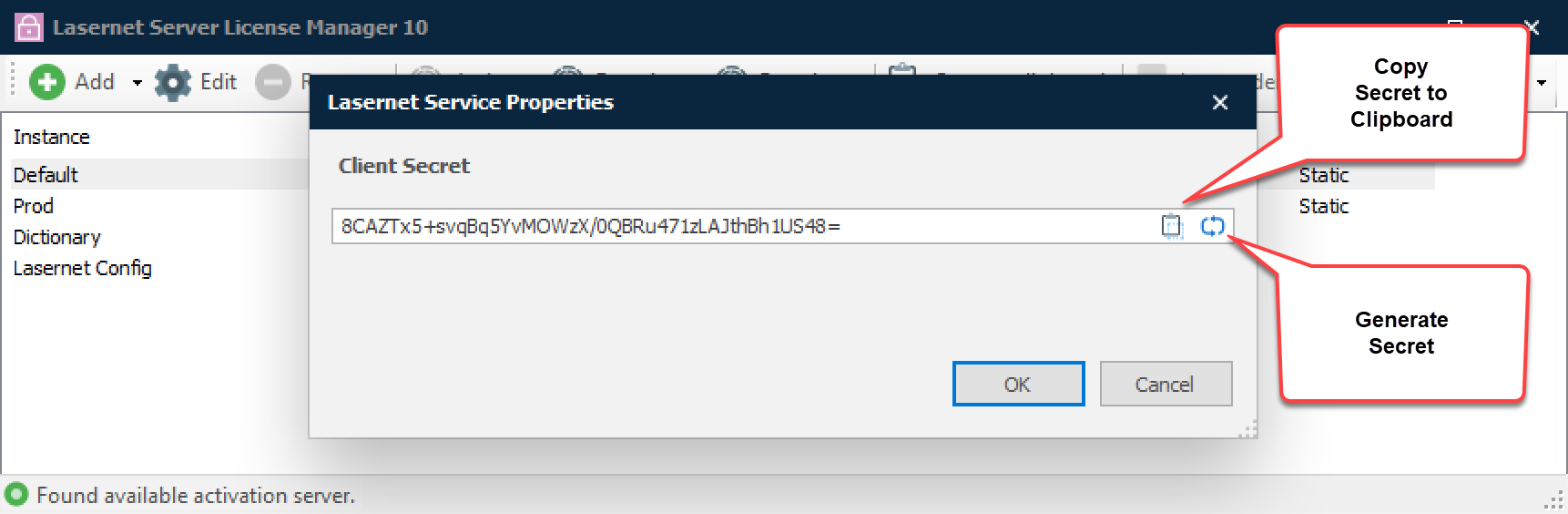
The client secret for each instance can be found and copied from the Lasernet Server License Manager. This was created when the instance was added to the server.
Remove Server
You can remove a server from the Lasernet Config Server by clicking the Remove button on the Servers page.
You are prompted to confirm your action before the server is removed.
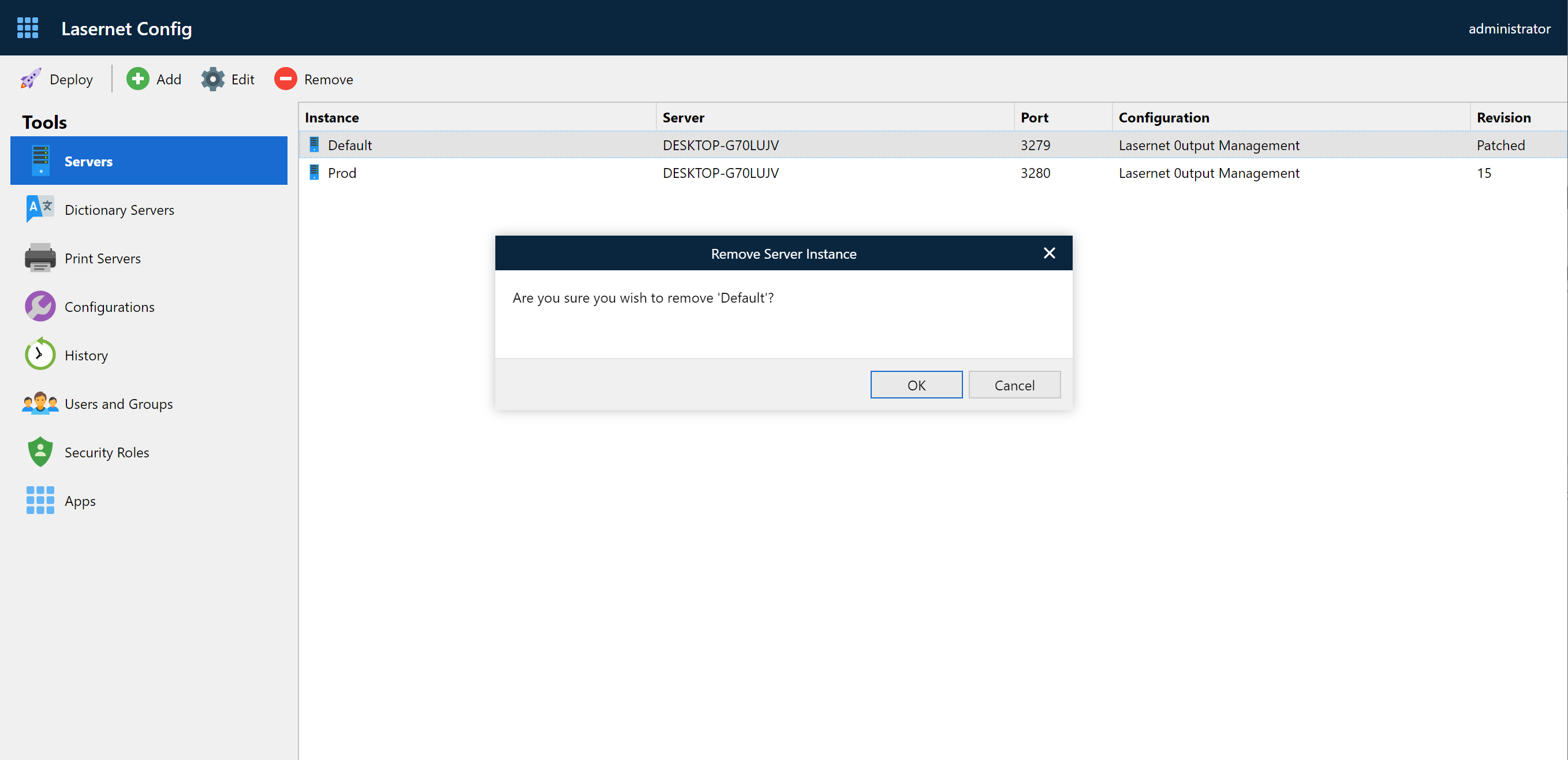
Services installed on the Lasernet Core server are not removed after a server instance is removed from the Lasernet Config Server.
Please note that you are not able to deploy or patch to a server instance after removing it.
Insights
For each server instance you can activate the Performance and Transactions counters.
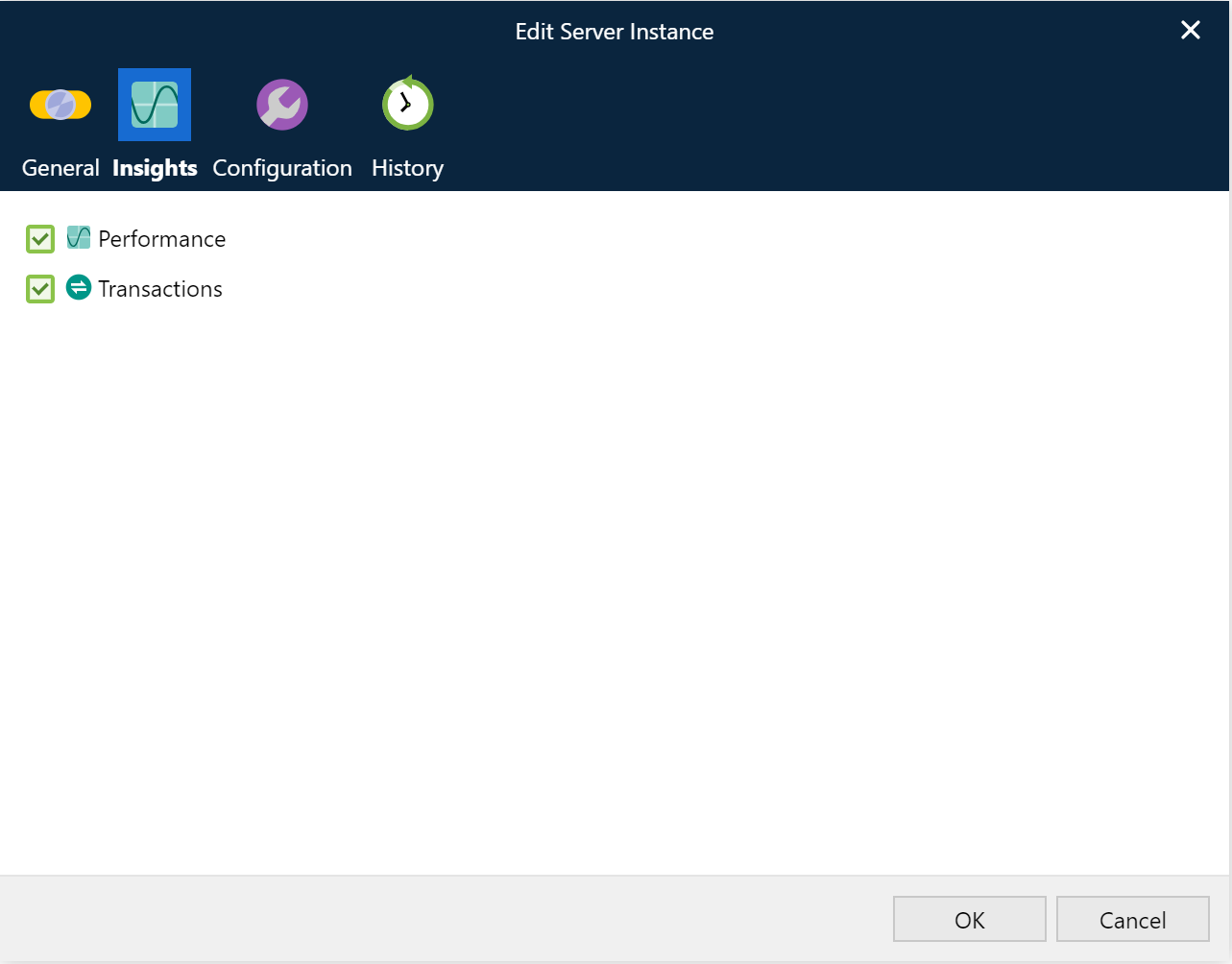
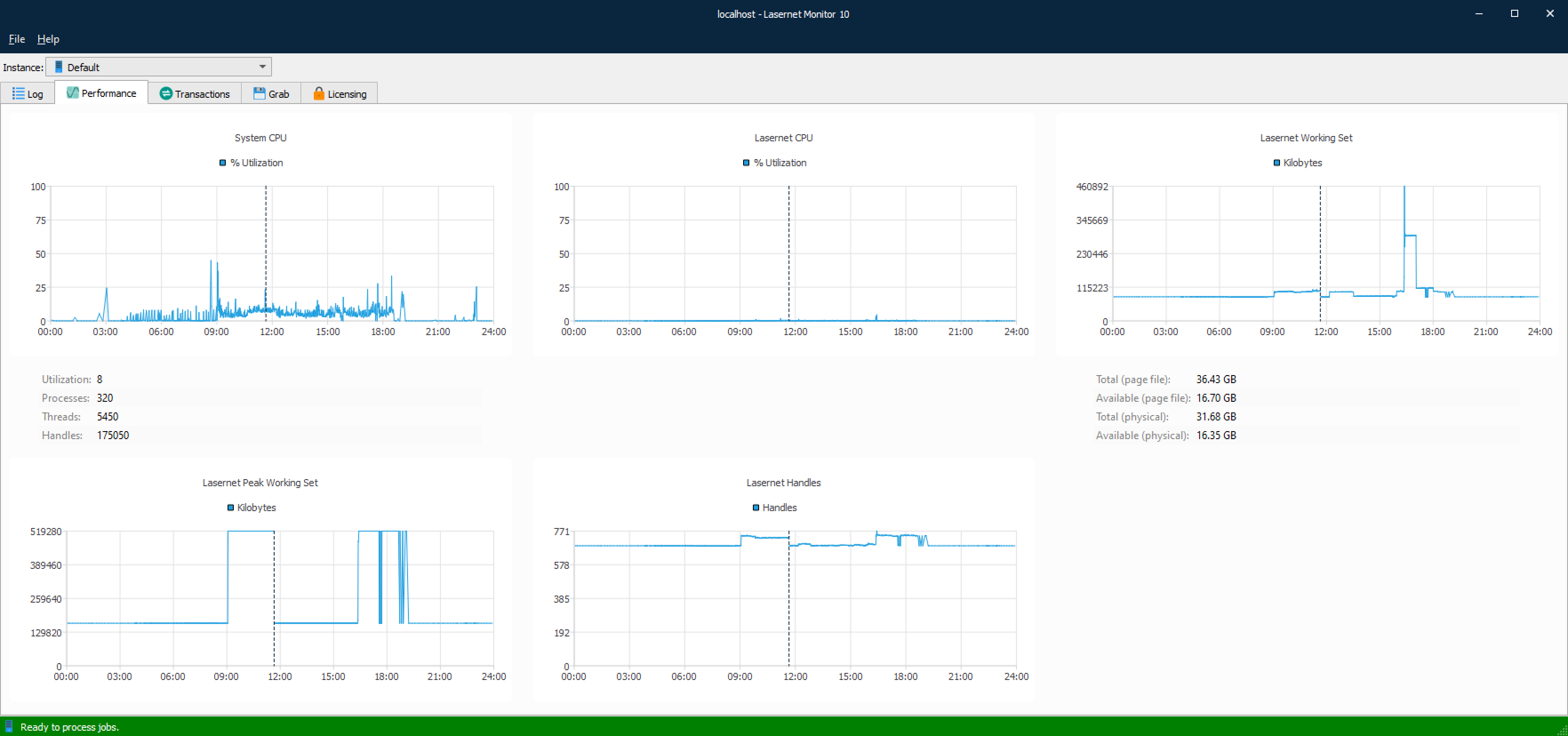
Insights will collect system details for the selected server instance when running jobs through Lasernet Core. Start the Lasernet Monitor, select the server instance and the Performance tab to show system details for the latest 24 hours.
Important
You must manually restart the Lasernet Core Server Instance, in the Windows Services app, before the selected settings will have impact on the selected Lasernet Core Server Instance.
Performance
Activate Performance to show details for:
Lasernet CPU
System CPU
Lasernet Workset Set
Lasernet Memory Load
Lasernet Handles
Transactions
Activate Transactions to show details for:
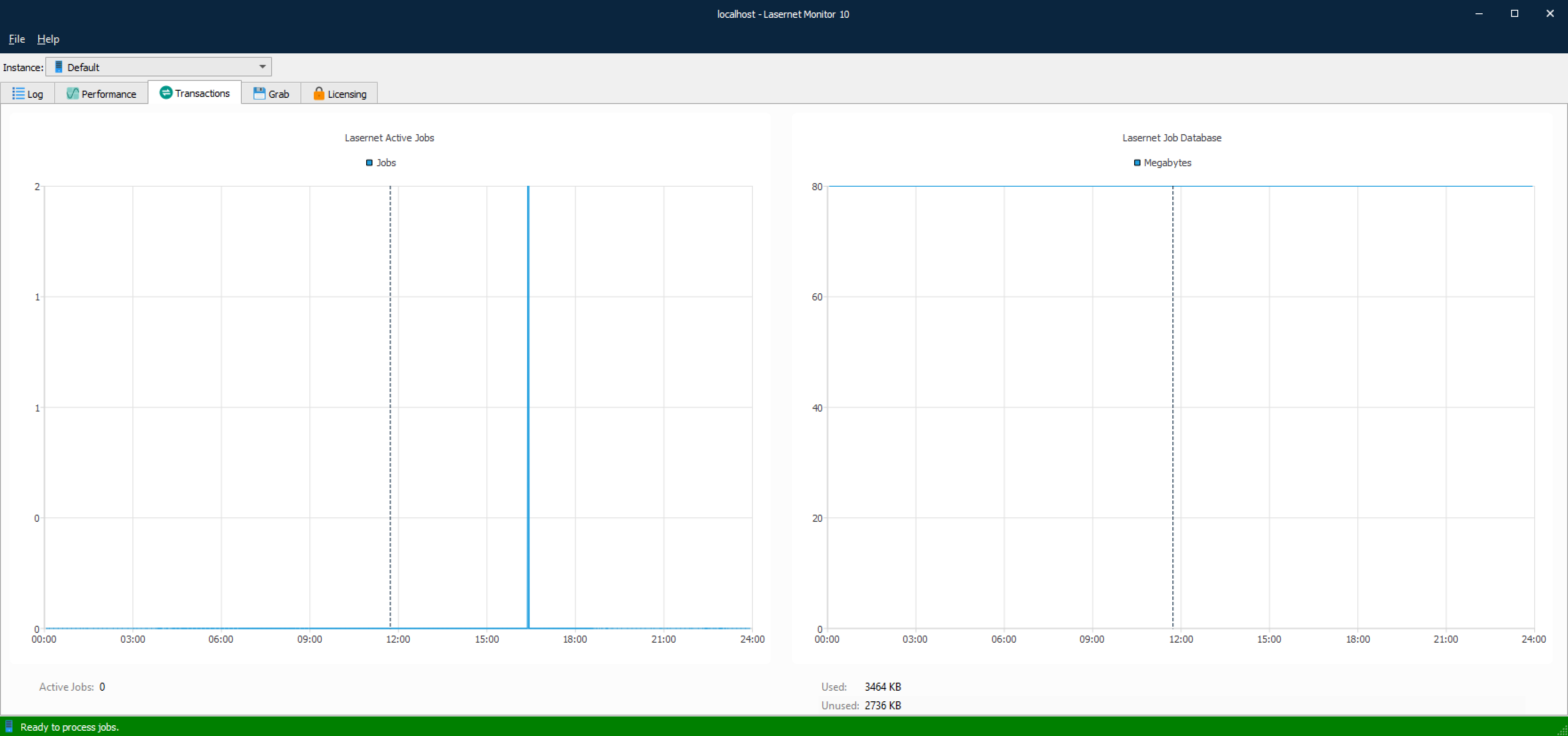
Lasernet Active Jobs
Lasernet Job Database (Monitor app only)