Introduction
The Metadata (Lasernet Keep) template page in Lasernet FO Connector enables you to parse the metadata (mapping) for the reports through Lasernet.
Load Metadata
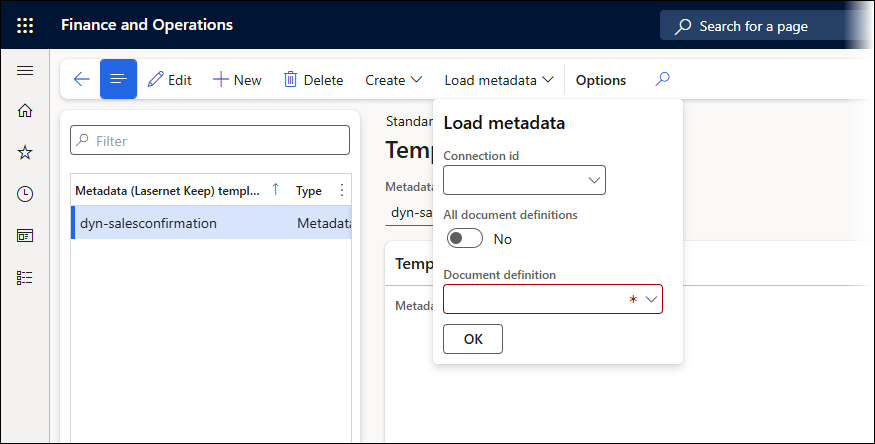
The Load metadata option automatically loads the information/metadata from Keep.
The metadata needs to be mapped for the reports where a new function has been added: Lasernet > Common > Reports > Setup > Metadata (Lasernet Keep).
Metadata (Lasernet Keep) - Reports Page
This option enables you to use Keep as an archive for the Lasernet reports from Finance and Operations.
To use the Metadata (Lasernet Keep) option, select the report you want to archive in Keep and click Metadata (Lasernet Keep) found in the Setup ribbon.
A metadata mapping Template form will be shown:
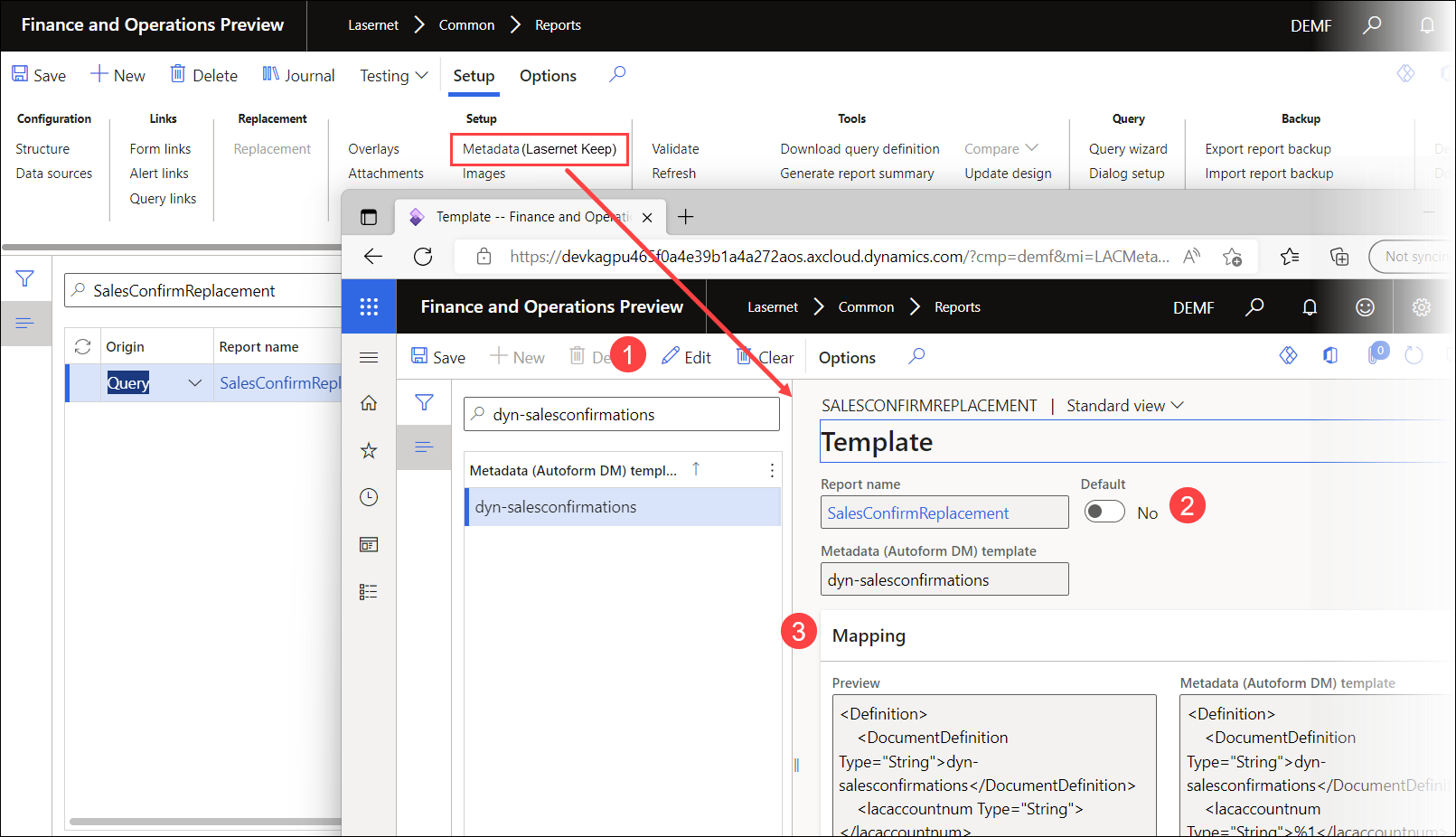
Edit: Shows the 2.2 Metadata (Lasernet Keep) template, from which you can load metadata from Keep again.
Default: Select one of the following options:
No: The first application will be chosen. The example shows account-opening.

Yes: The Lasernet Keep application with Default settings will be used.


Mapping: Enables you to view the added values. Not editable.

With Values, you can map the reports table and fields to the relevant Lasernet Keep Metadata for the Lasernet Keep application. The fields returned are from the table browser A to Z.
Note
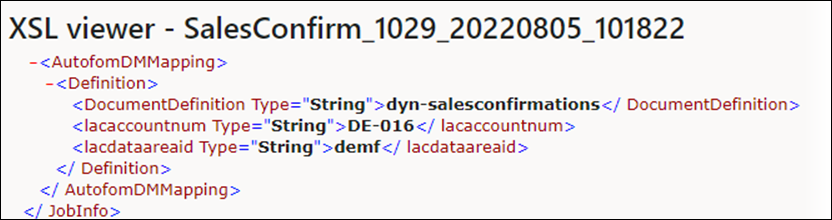
Executing the report will add an additional section within the XML file which contains the information required by Lasernet.