Applies to: Lasernet Core 10
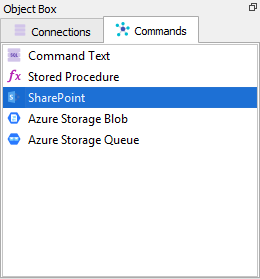
SharePoint commands are added through the Databases menu in Lasernet Developer.
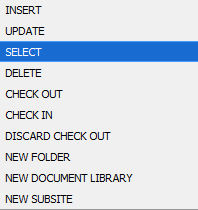
There are ten different command types for REST API but only five for Graph API. They will be listed in the following sections.
INSERT and UPDATE
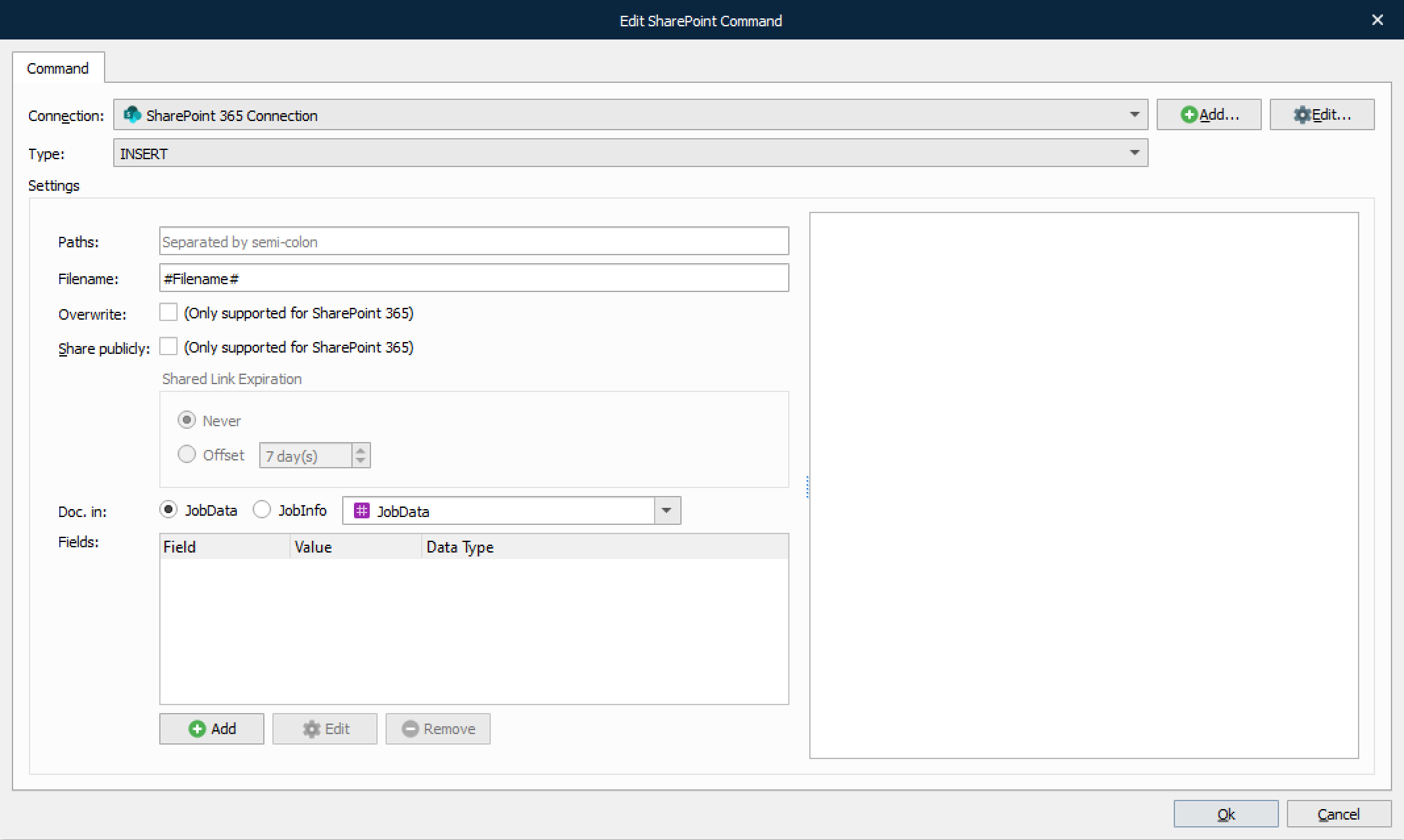
These command types work exactly like the SharePoint output module but are split in two different command types.
Setting | Description |
|---|---|
Overwrite | Select the checkbox to allow an Insert command to overwrite an existing document.
|
Share publicly | Select the checkbox to share the inserted file publicly with or without shared link expiration.
 The offset can be set from 1 to 999 days, where 7 is the default value. |
Doc. in | Describes where Lasernet Core should read the document data.
|
Fields | SharePoint documents can contain a lot of metadata, so it is possible to choose which fields should be stored, and in which JobInfos, in Lasernet Core. |
SELECT
This command type is used to retrieve documents or metadata.
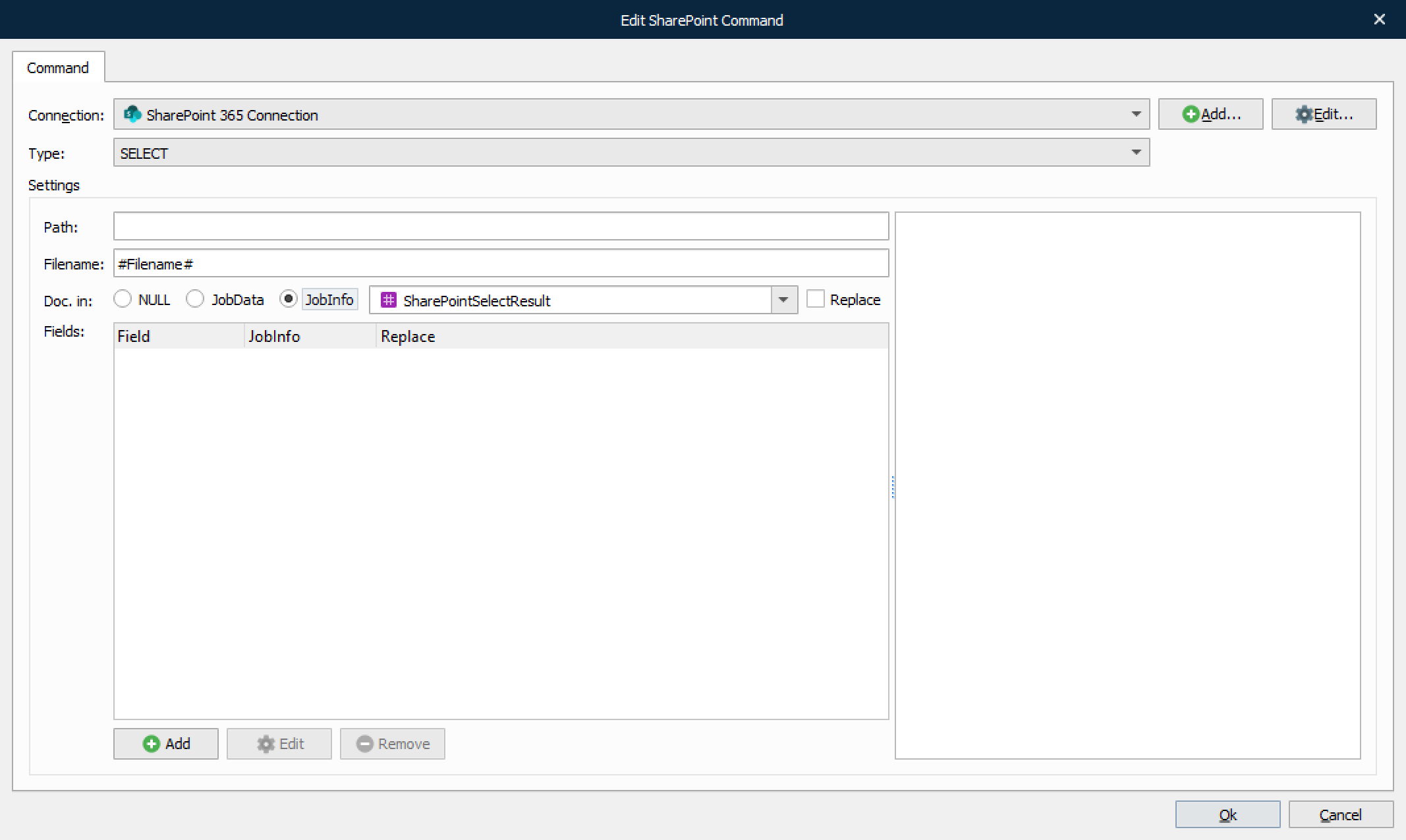
Setting | Description |
|---|---|
Doc. in | Describes where Lasernet Core should store the actual document data
|
Fields | SharePoint documents can contain a lot of metadata, so it is possible to choose which fields should be stored, and in which JobInfos, in Lasernet Core. |
DELETE
This command type is used to delete specific documents or entire folders of documents.
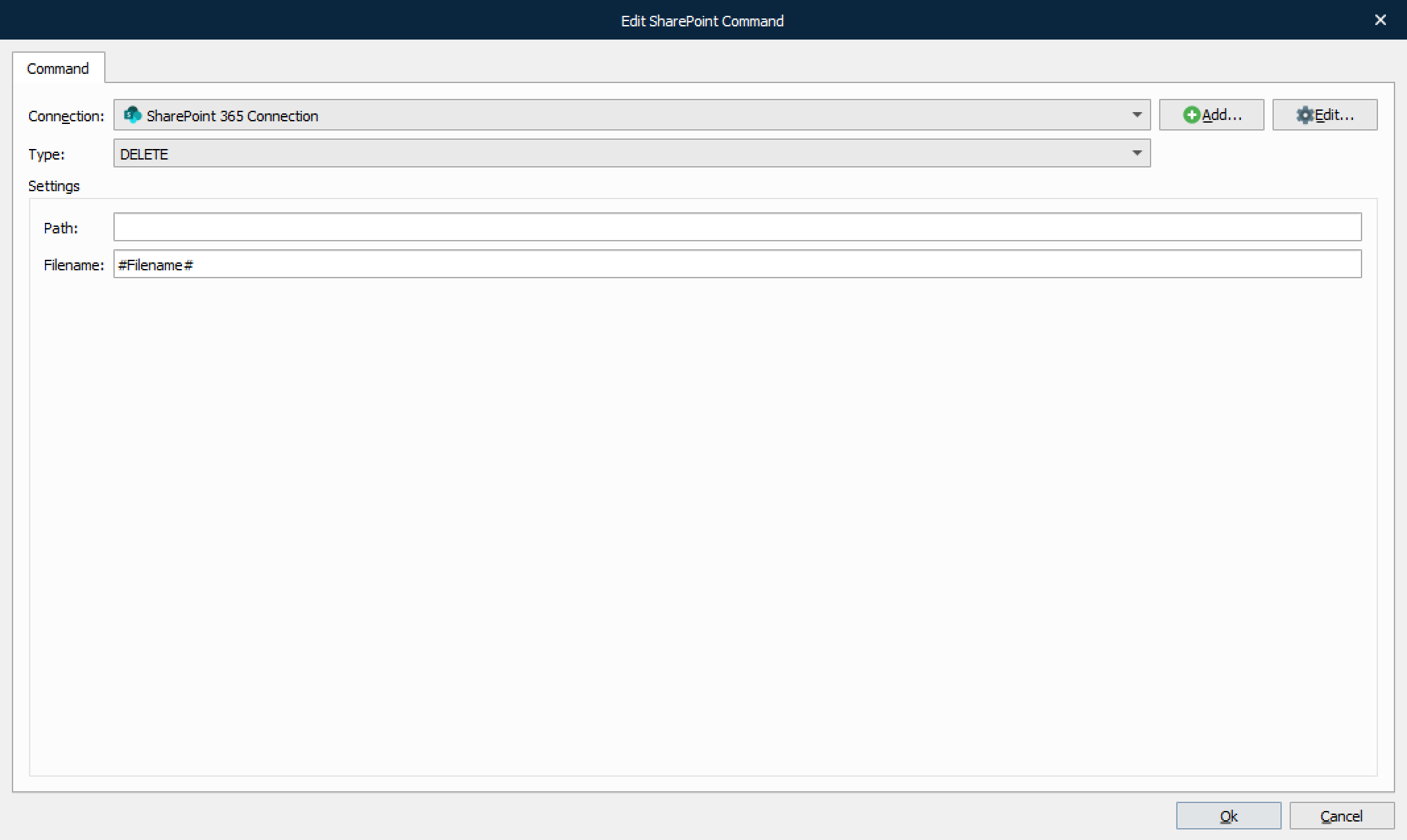
If no filename is specified, the folder specified by the Path setting will be deleted.
CHECK OUT
This command is used for checking out documents for editing.
Note
This command type is not supported by Graph API.
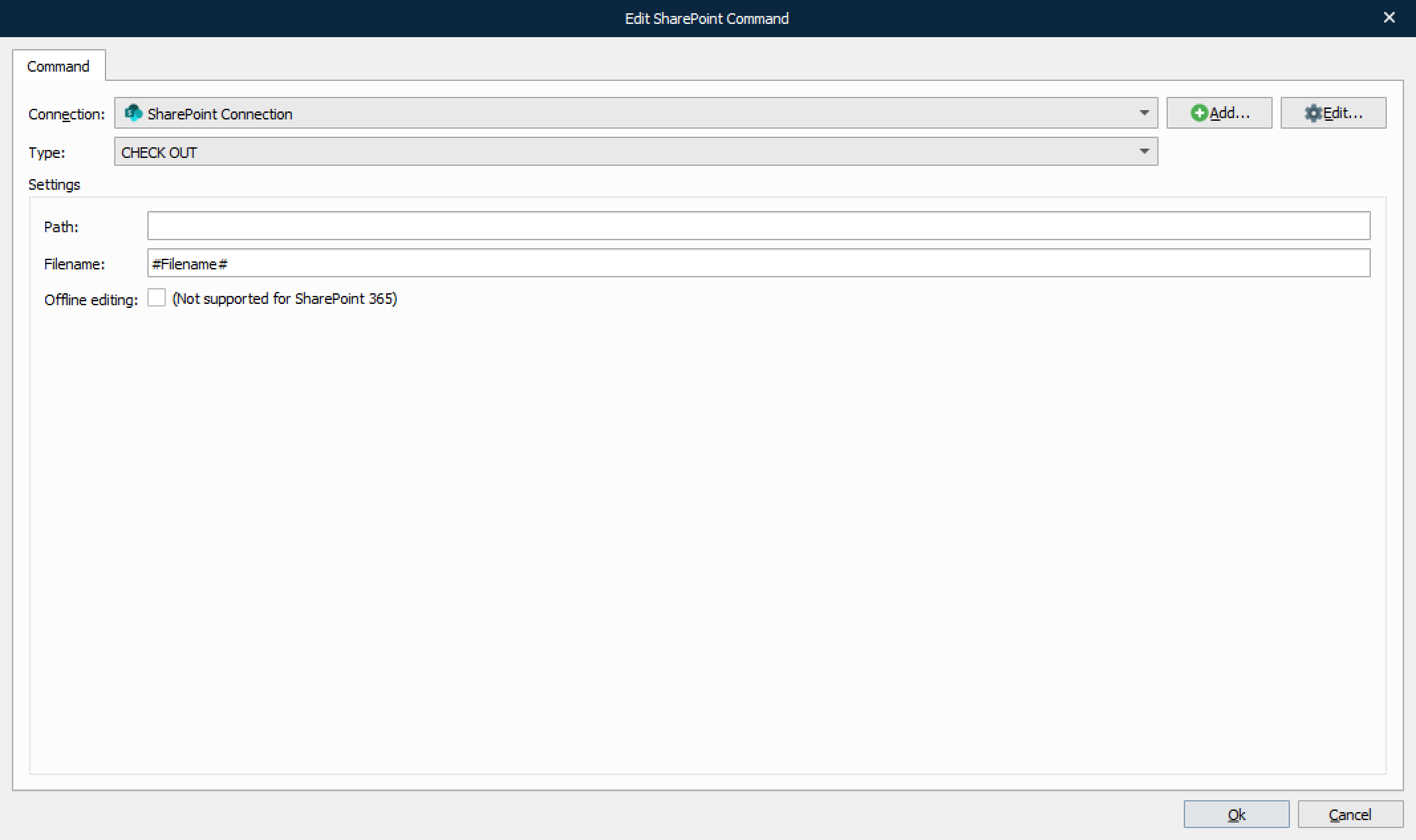
Offline editing is used to edit documents when you are not connected to the SharePoint server.
CHECK IN
This command type is used for checking in documents that were previously checked out.
Note
This command type is not supported by Graph API.
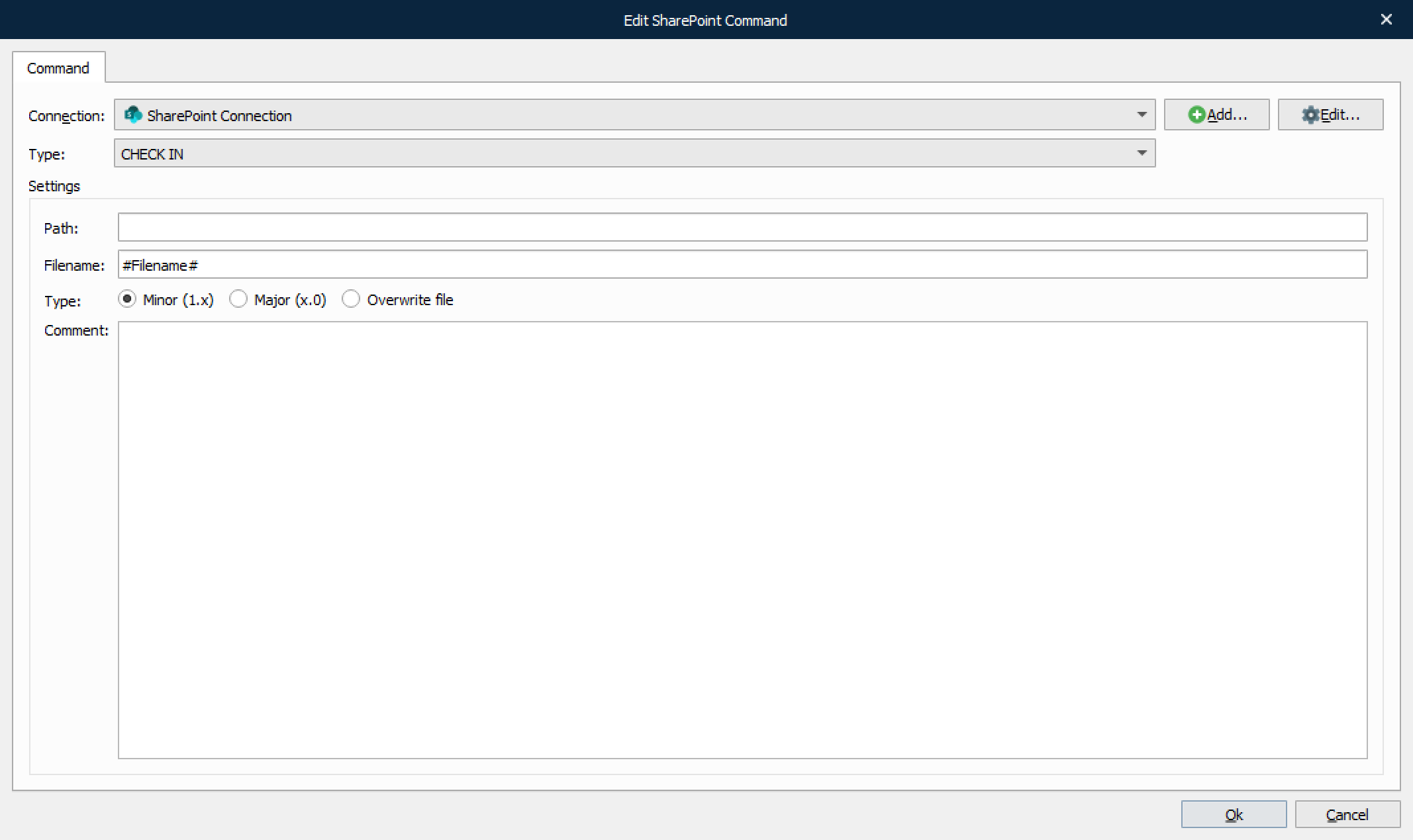
Setting | Description |
|---|---|
Type | When checking in documents it is possible to update revision number of the document in three ways (if enabled in SharePoint).
|
Comment | Optional comment for check in. |
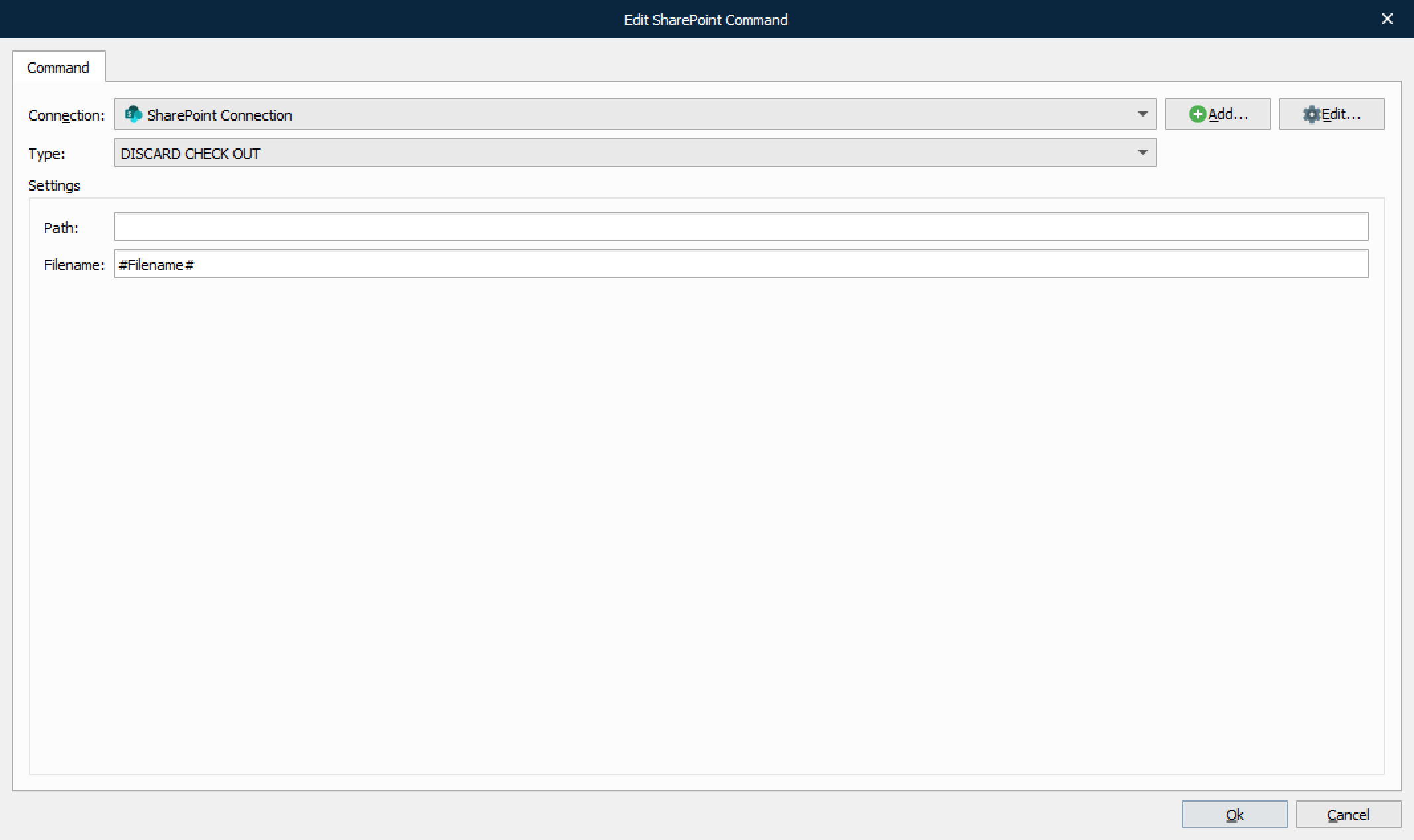
DISCARD CHECK OUT
This command type is used to rollback any changes done since the document was checked out.
Note
This command type is not supported by Graph API.
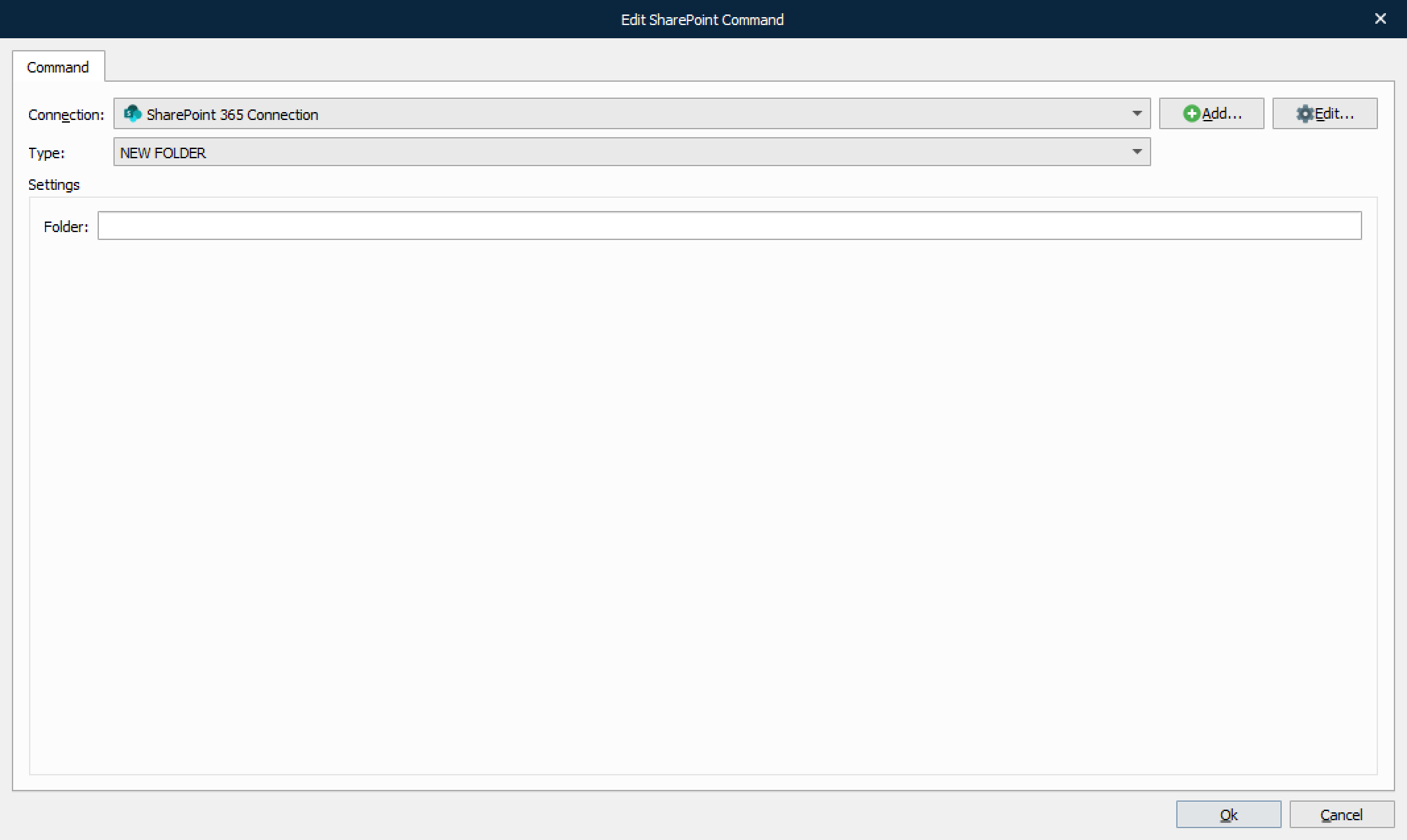
NEW FOLDER
This command type is used to create a new folder in the document library.
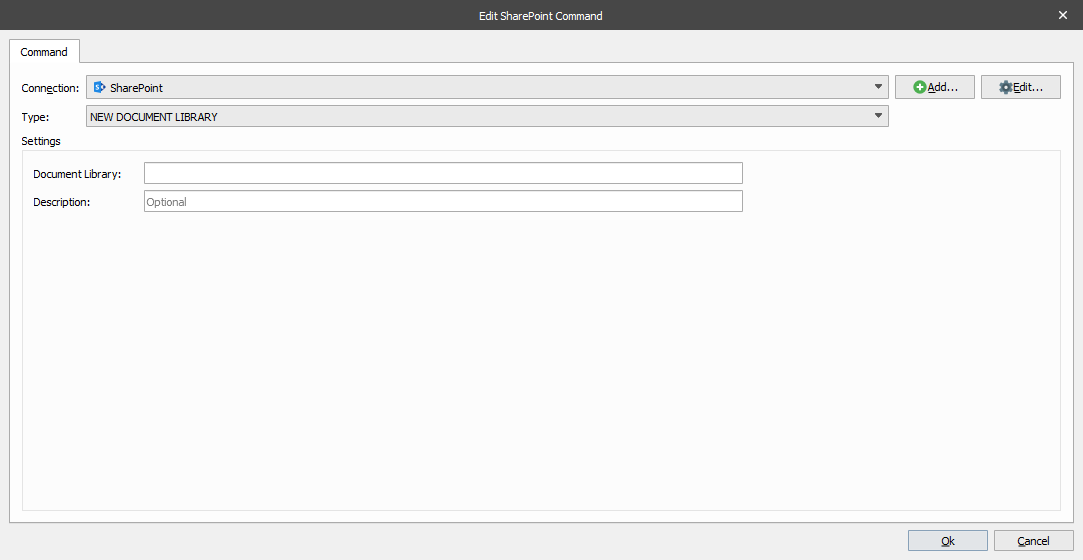
NEW DOCUMENT LIBRARY
This command type is used to create a new document library
Note
This command type is not supported by Graph API.
NEW SUBSITE
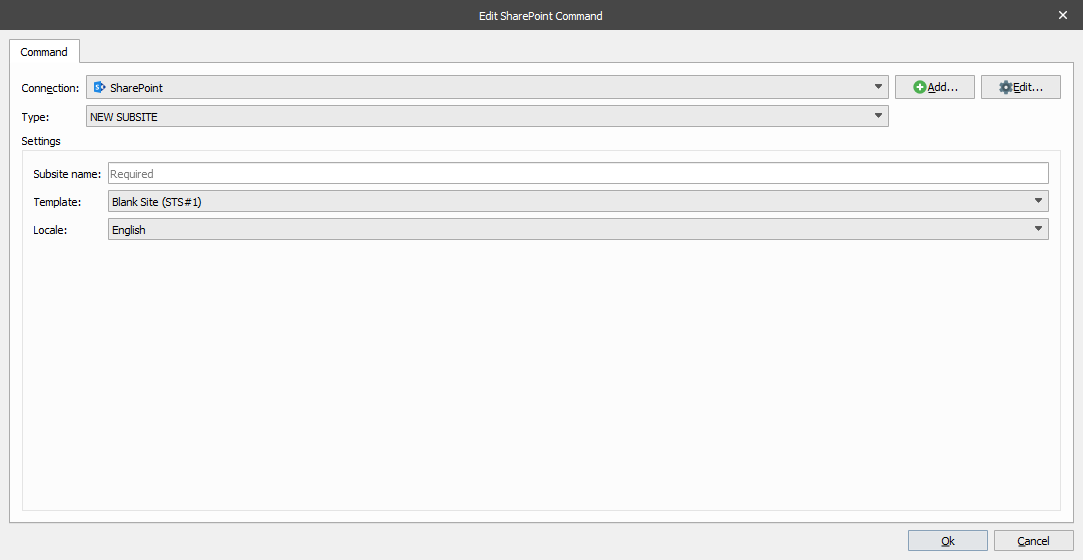
This command type is used to create a new subsite.
Note
This command type is not supported by Graph API.
Note
This command type is not supported by REST interface (SharePoint 365).