Applies to: Lasernet Core 10
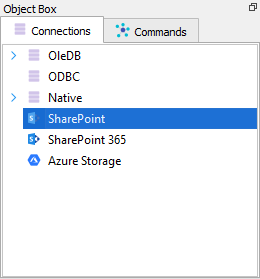
SharePoint connections are added through the Databases menu in Lasernet Developer. Select SharePoint to use Web Service as connection type.
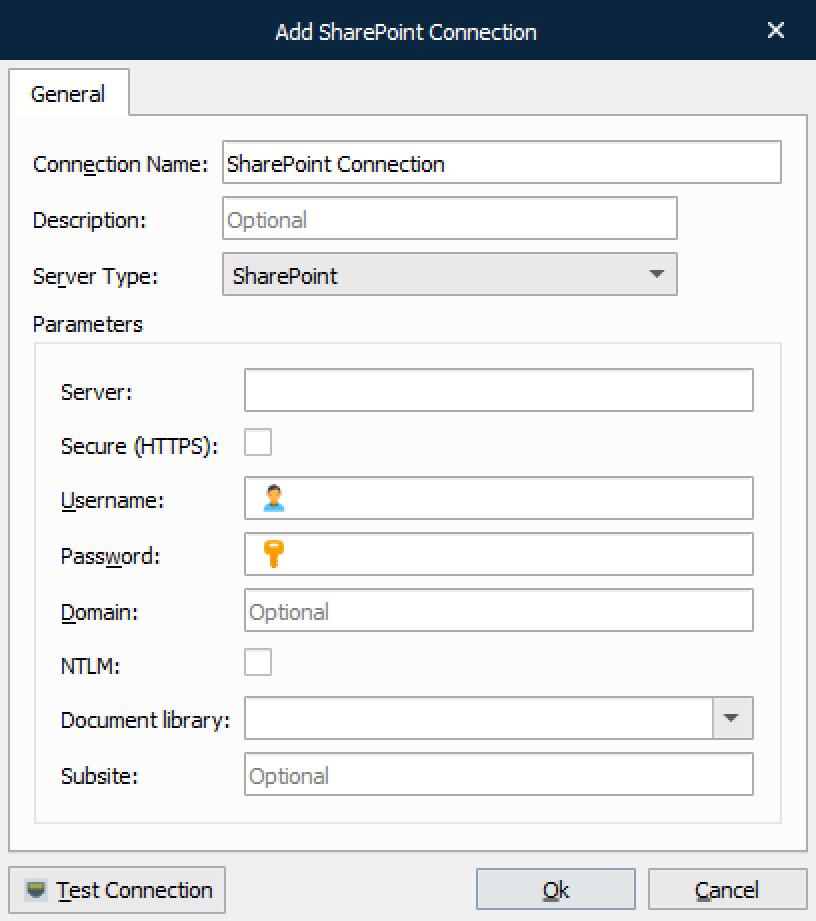
In addition to testing the connection, Test Connection fetches the list of libraries from the SharePoint server. These can then be accessed via the dropdown menu of the Document library setting.
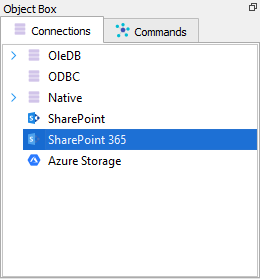
Select SharePoint 365 to use REST API with Legacy or Graph communication.
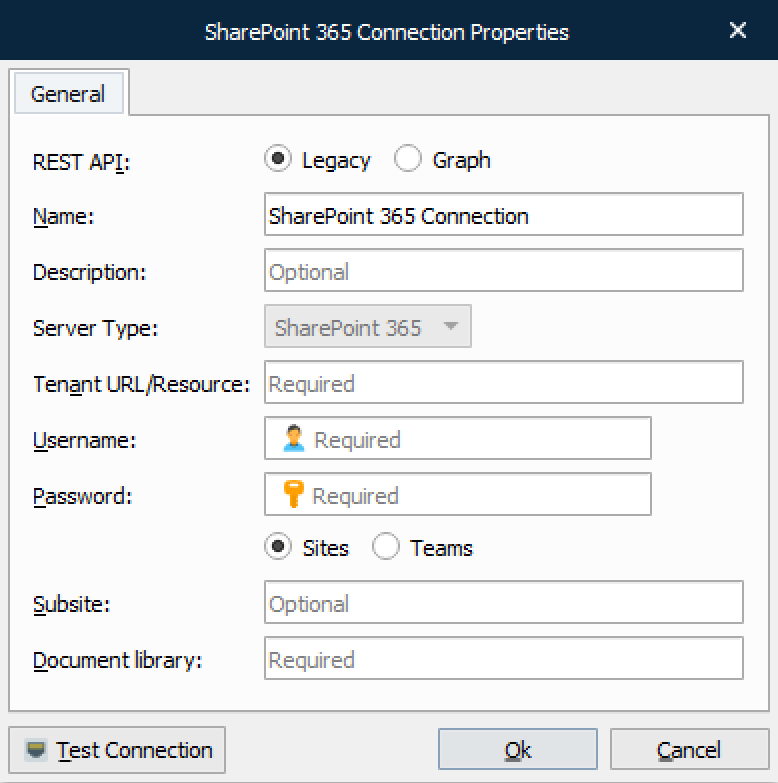
Click the Test Connection button to validate the connection between the Lasernet Core module and SharePoint.