
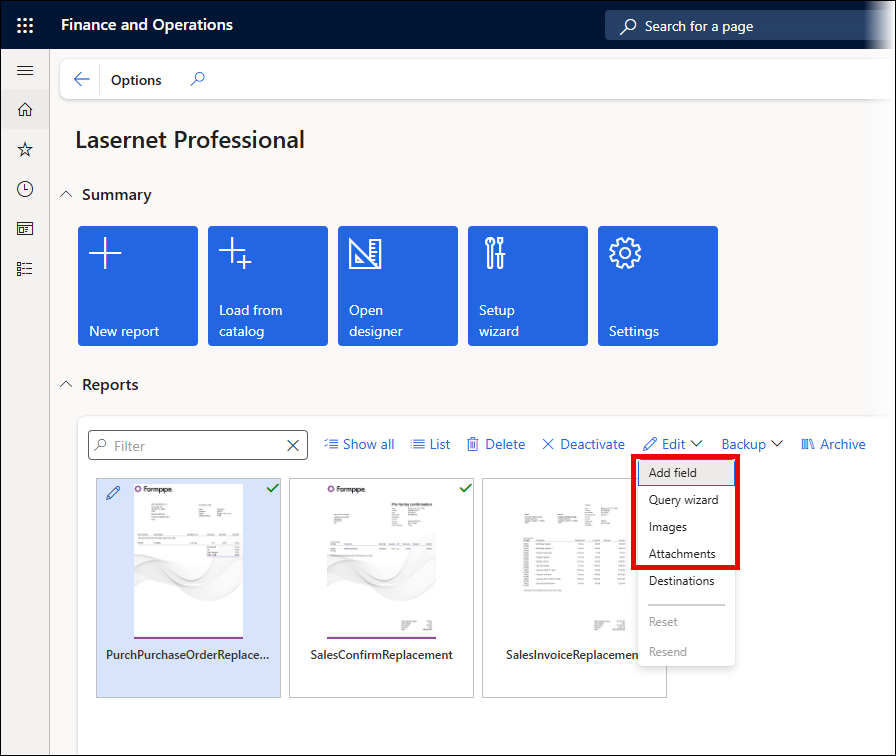
A powerful option to automatically re-execute a report has been introduced in the Lasernet Essentials and Lasernet Professional when using Add field, Query wizard, Images, or Attachments from the Lasernet Professional workspace Edit dropdown menu.
The following prompt is displayed to enable users to automatically regenerate the report directly from the workspace or from the Preview.
Resending a report will ensure additional tables, fields, images, and attachments are added even when the report Preview is already open or when working within the workspace.
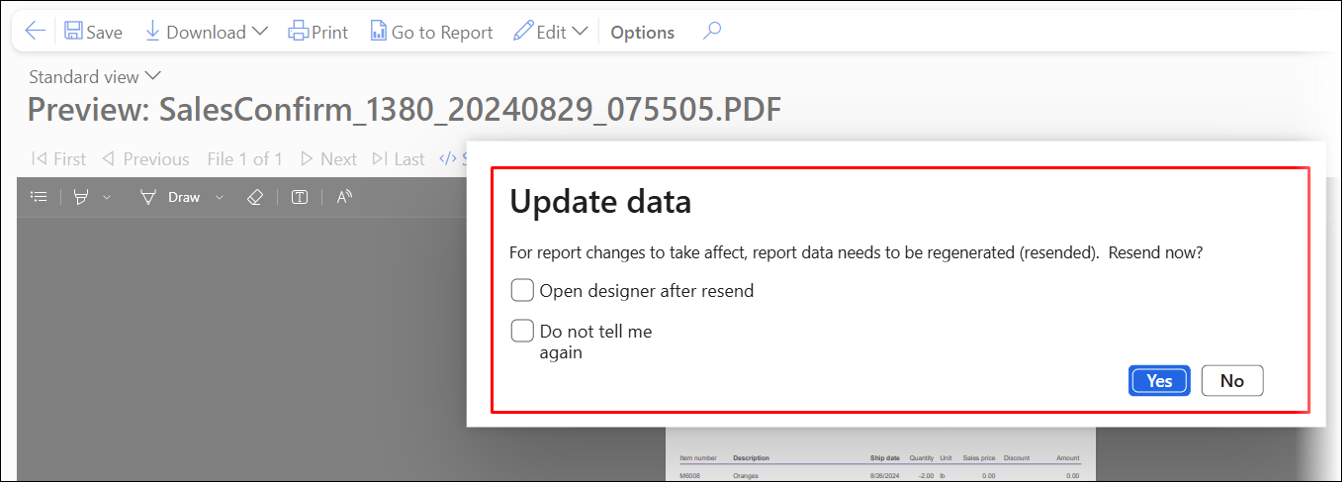
Command | Description |
|---|---|
Open designer after resend | Will automatically open the Lasernet Form Editor after the report has been regenerated. |
Do not tell me again | Will skip this prompt next time for this report. |
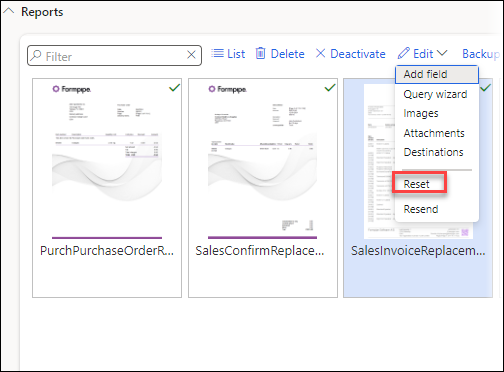
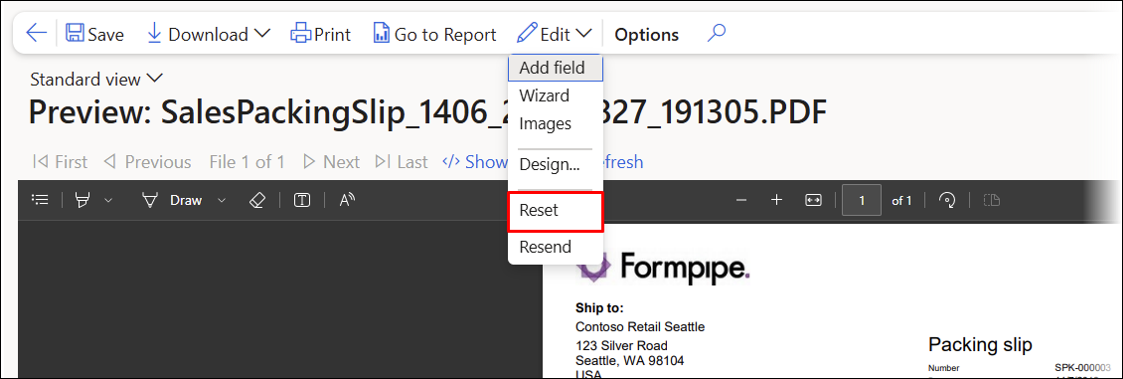
You can reset this selection through the Reset option from the Edit dropdown menu in the Lasernet Professional workspace or the report Preview.
If a Proforma report is selected, the following warning will be shown:
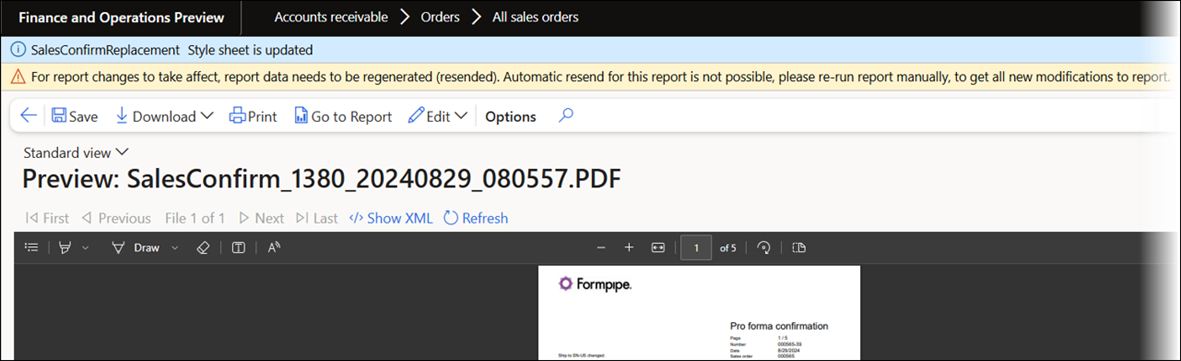
Warning
For report changes to take affect, report data needs to be regenerated (resended). Automatic resend for this report is not possible, please re-run report manually, to get all new modifications to report.