
Problem
When trying to access the Consolidate tab within Lasernet > Setup > Parameters, the tab might appear to be missing.
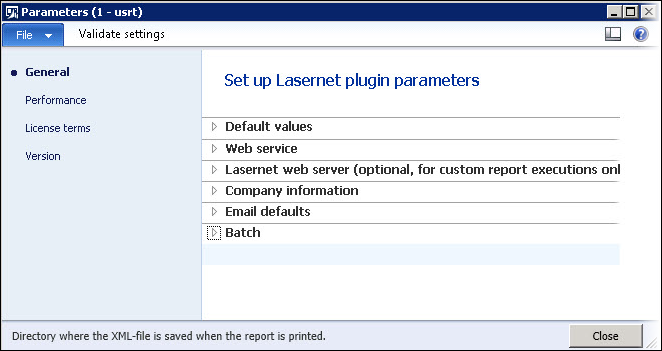
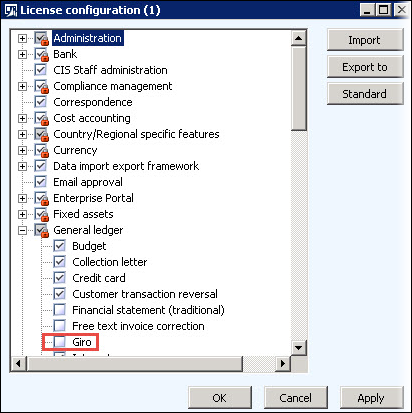
This occurs because Consolidate will only show up if the AX company is defined to use Giro as payment within License configuration.
Resolution
Navigate to System administration > Setup > Licensing > License configuration > General.
Select Giro and then close the windows. The system will then start to synchronize the database.
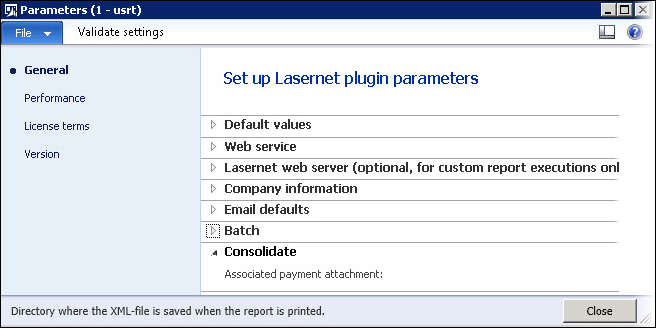
Consolidate is visible again.
Note
This could happen to any menu within Lasernet, if a license key is available.