
It is possible to add a Custom Code to a Lasernet-activated report. This article contains an example of how to add a logo string using custom code.
Adding custom code
Navigate to Lasernet > Reports and select the report required.
Select Elements on the Action pane.
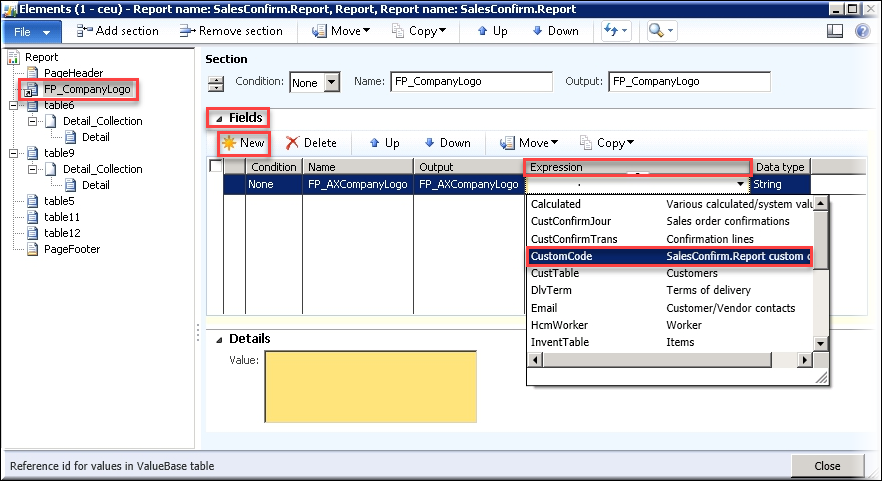
Locate the section where you want the logo string to be.
Expand the Fields section and click New to add an element.
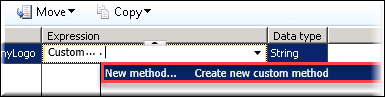
Navigate to Expression > CustomCode > Create new custom method.
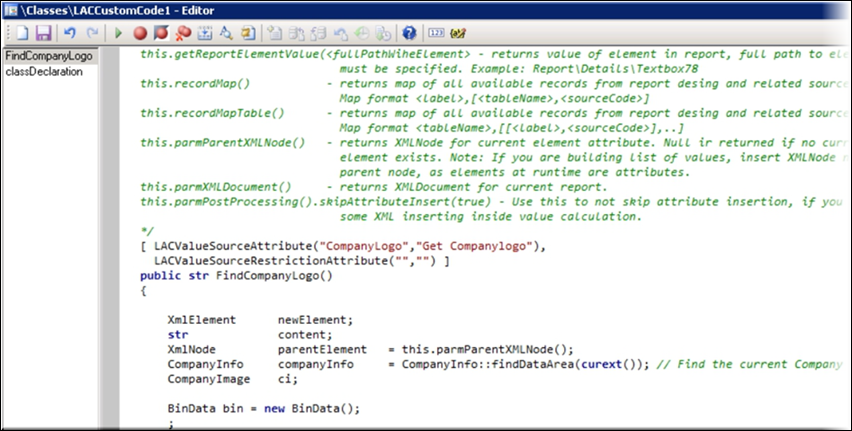
Add your code to the Expression editor.
Click Save and close the Expression editor.
Refresh the window by clicking the F5 key.
Select the new method.

Close the Elements form.
Note
An Infolog will be shown with the ‘Stylesheet updated’ message.