
This article provides a solution for the following error after upgrading the Lasernet Connector:
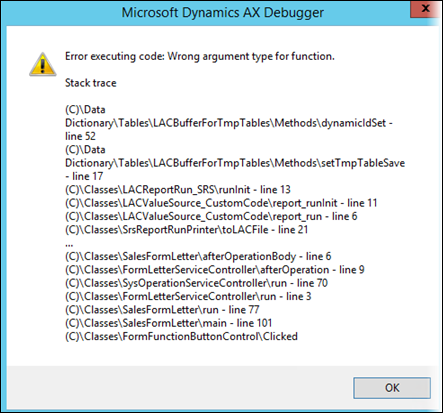
Error
Error executing code: Wrong argument type for function.
Resolution
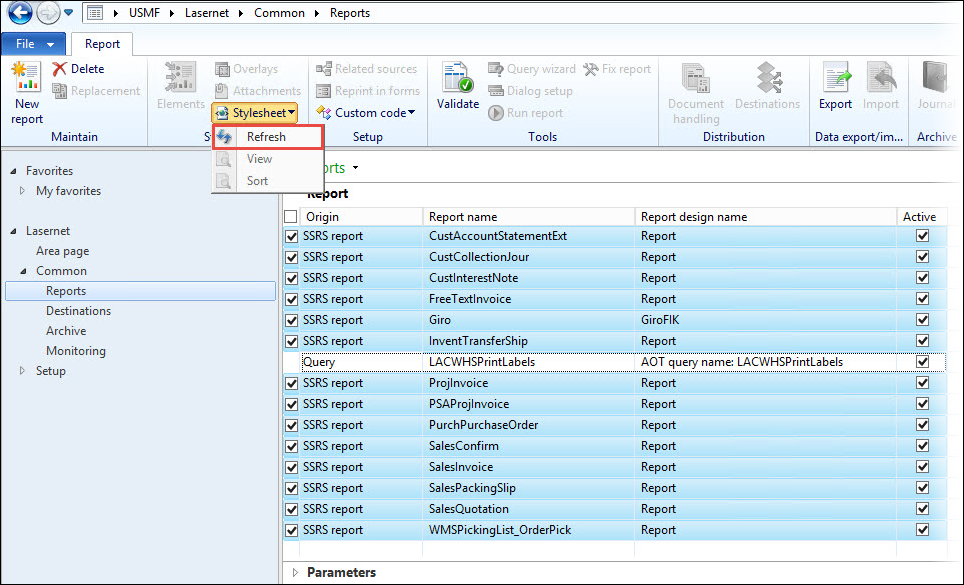
Within AX, select Lasernet.
Select Reports.
Mark all SSRS reports. No Lasernet query reports should be selected.
In the top menu, click Stylesheet and then Refresh.
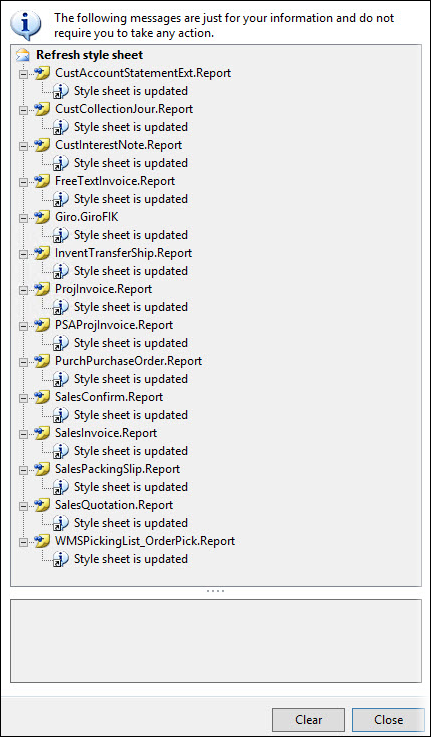
Printing should be available again.