
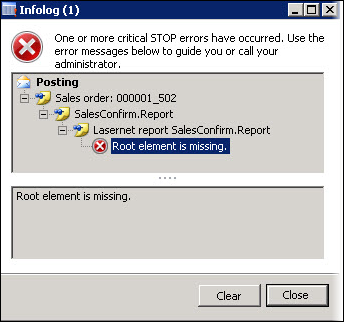
This article provides a solution for the following error message that may appear in AX 2012:
Error
Root element is missing.
Resolution
Follow these steps to resolve the error:
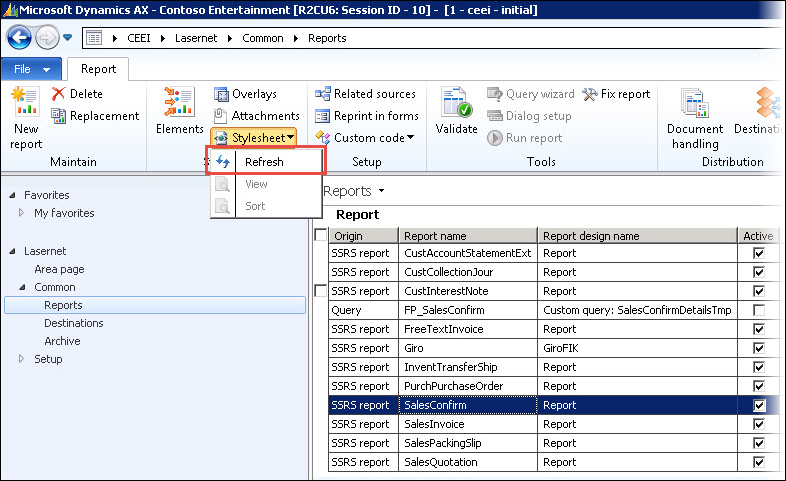
Navigate to the report in Lasernet > Reports.
Select the affected report and, on the Action pane, click Stylesheet and then Refresh.
Try to print the report through Lasernet again.