
This article provides a solution for the following error message, which may appear in AX 2012 when trying to import a configuration via the Lasernet Export/Import tool:
Error
The file type is incorrect.
The import is canceled.
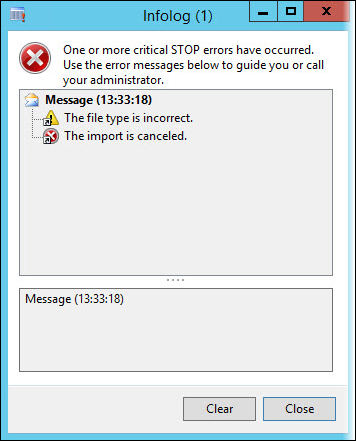
This error is triggered by incorrect formatting on the filename.
Resolution
Follow these steps to resolve the error:
Check your filename. AX does not allow the filename to have more than one period in the export filename.
Example of an incorrect filename: DEV.USPI.dat
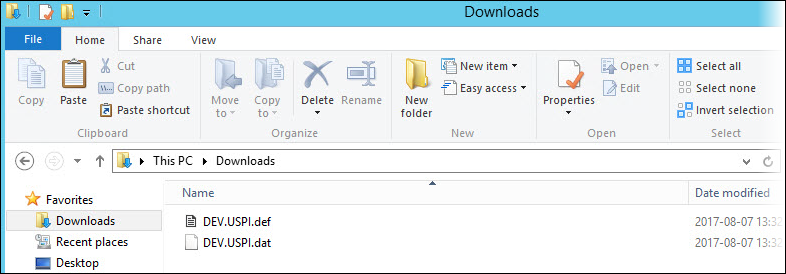
Correct your export filename so it only has one period in the naming.
Example of a correct filename: DEV_USPI.dat