
This article provides a solution and additional information for the following error that maybe appear in AX 2012:
Error
The record number does not comply with the original number. If the table uses entire table cache, this may be caused by the cache being flushed. Restart your job if this is the case.
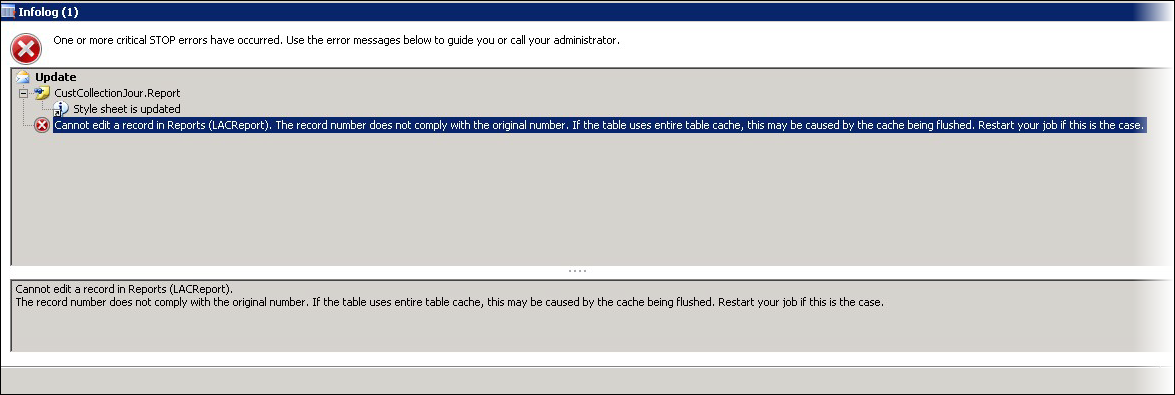
This error message occurs when you have multiple AOS, and Axapata is trying to synchronize the table cache.
Resolution
As the message indicates, re-try your job. For example, if you received the error when trying to run Fix report within the Lasernet Elements, try to fix the report again.
Additional information
You might also see this if you try to add Overlays within the Lasernet Overlay or Overlay Group menu. This can also occur within the standard Axapta application function.
See also: