Applies to: Lasernet Core 10
You can use Lasernet Client to view job queues and perform basic tasks such as editing JobInfos, rescheduling, searching, viewing and removing jobs, and releasing paused jobs.
You must ensure that your Lasernet Client and Lasernet Core versions are in sync. The Lasernet Client will only work if it is running the same version of the software as Lasernet Core.
Client/Server
Before you can retrieve paused, scheduled or failed jobs from the Lasernet Core environment, connect to a Lasernet Config Server.
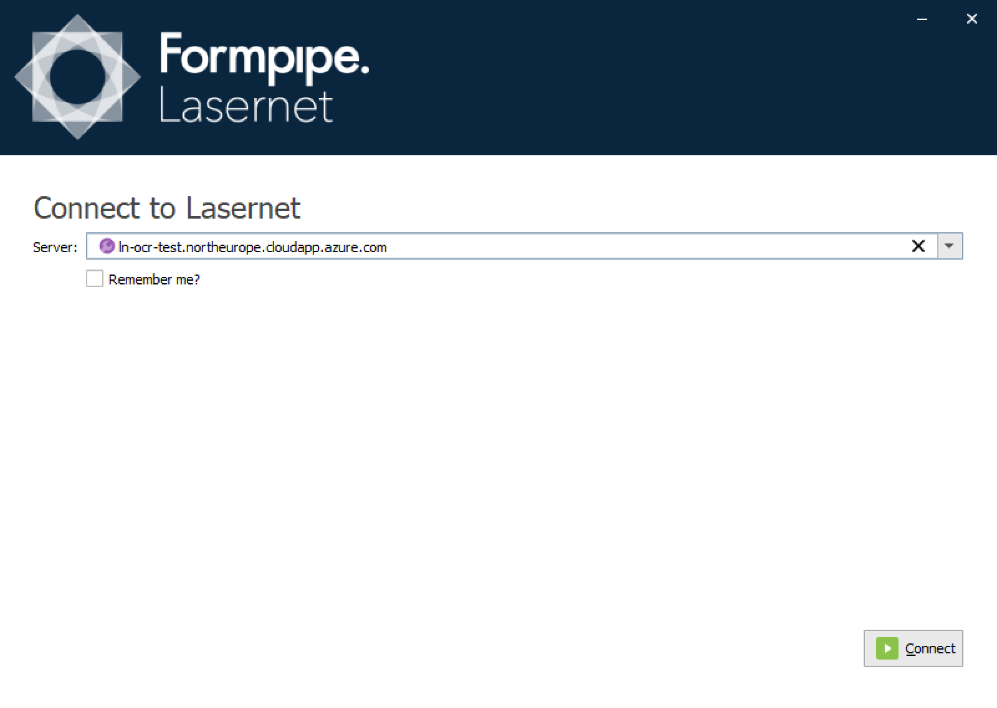
Sign in with your credentials.
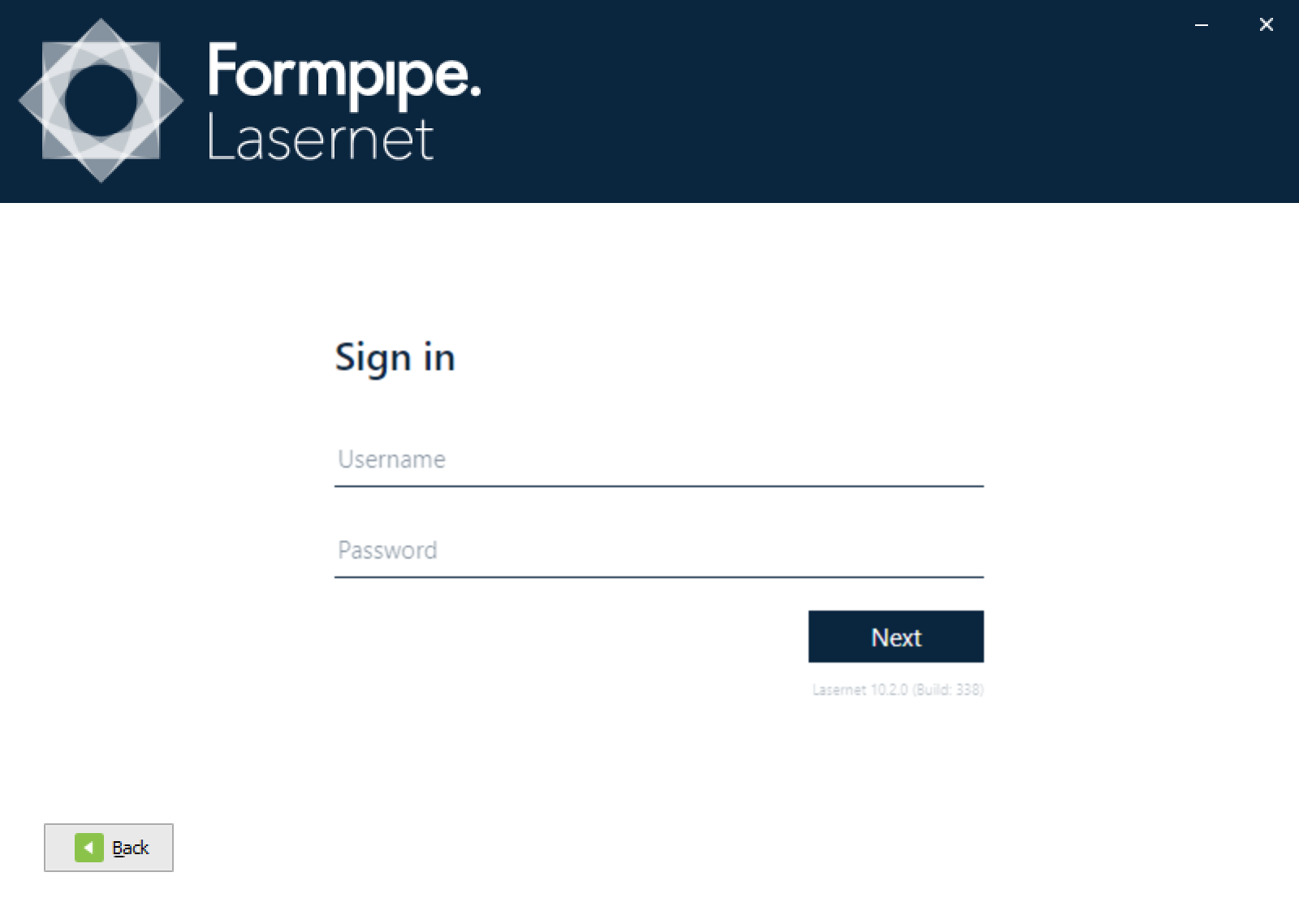
Select a server instance from the Lasernet Core server.
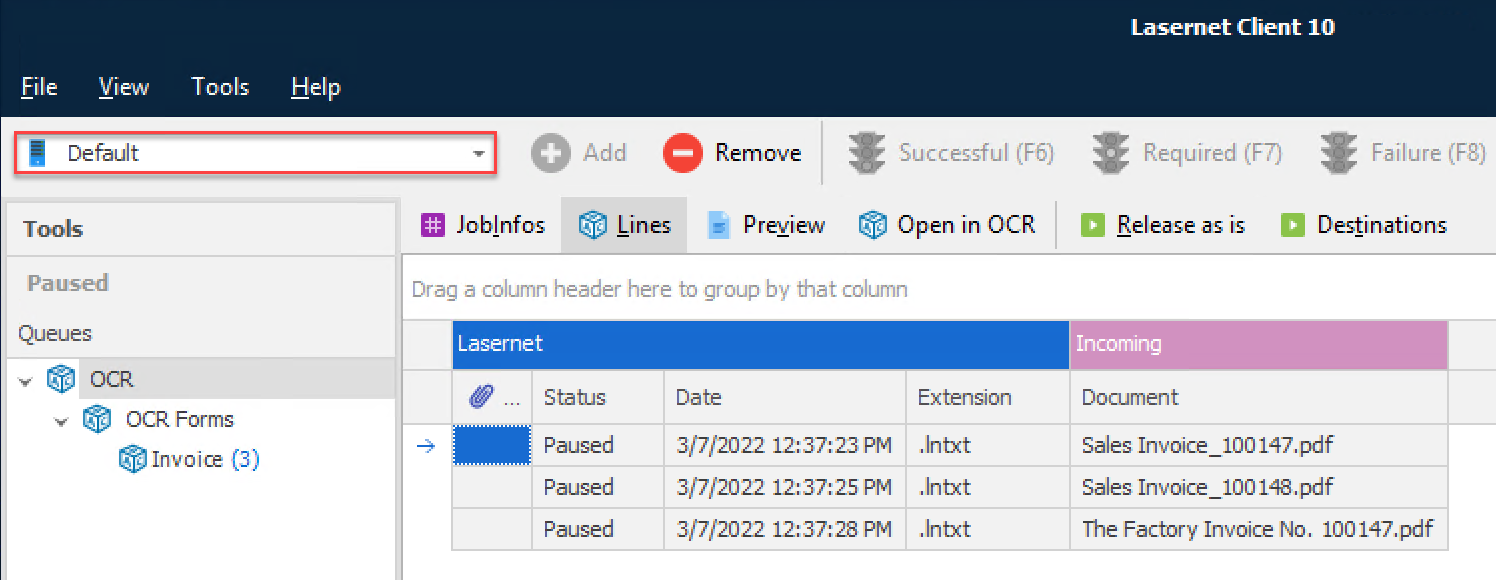
You can now view the jobs and metadata stored by Lasernet Core.
Note
If you are running the Lasernet Client on a different machine to your Lasernet Core server, please ensure that the correct port number is open in your server’s firewall.
Misc
The Misc settings contain various settings to control the behaviour for viewing documents in the Lasernet Client.
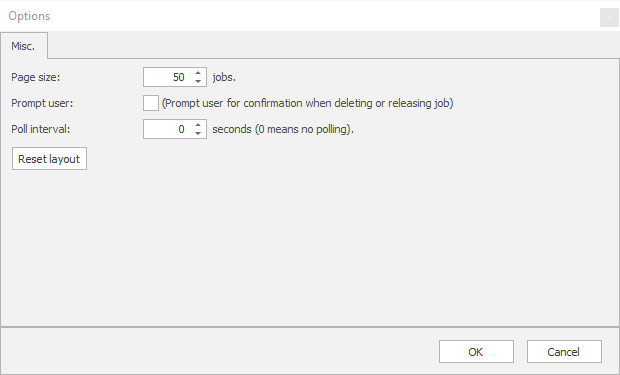
| Page size | Queues can contain thousands of jobs. Paging is used to limit how many jobs are actually retrieved and shown. Increasing the page size can severely reduce performance of both Lasernet Core and the Lasernet Client. |
| Trust untrustedRoot | Activate to accept that self-signed certificates with an untrusted root are valid. |
| Prompt user | Activate (Default) to prompt user for confirmation when deleting or releasing job. |
| Reset layout | Will reset the layout of docked windows in the application and bring them back to their default position. |