

Applies to: Lasernet Core 10, Lasernet Core 11
Important!
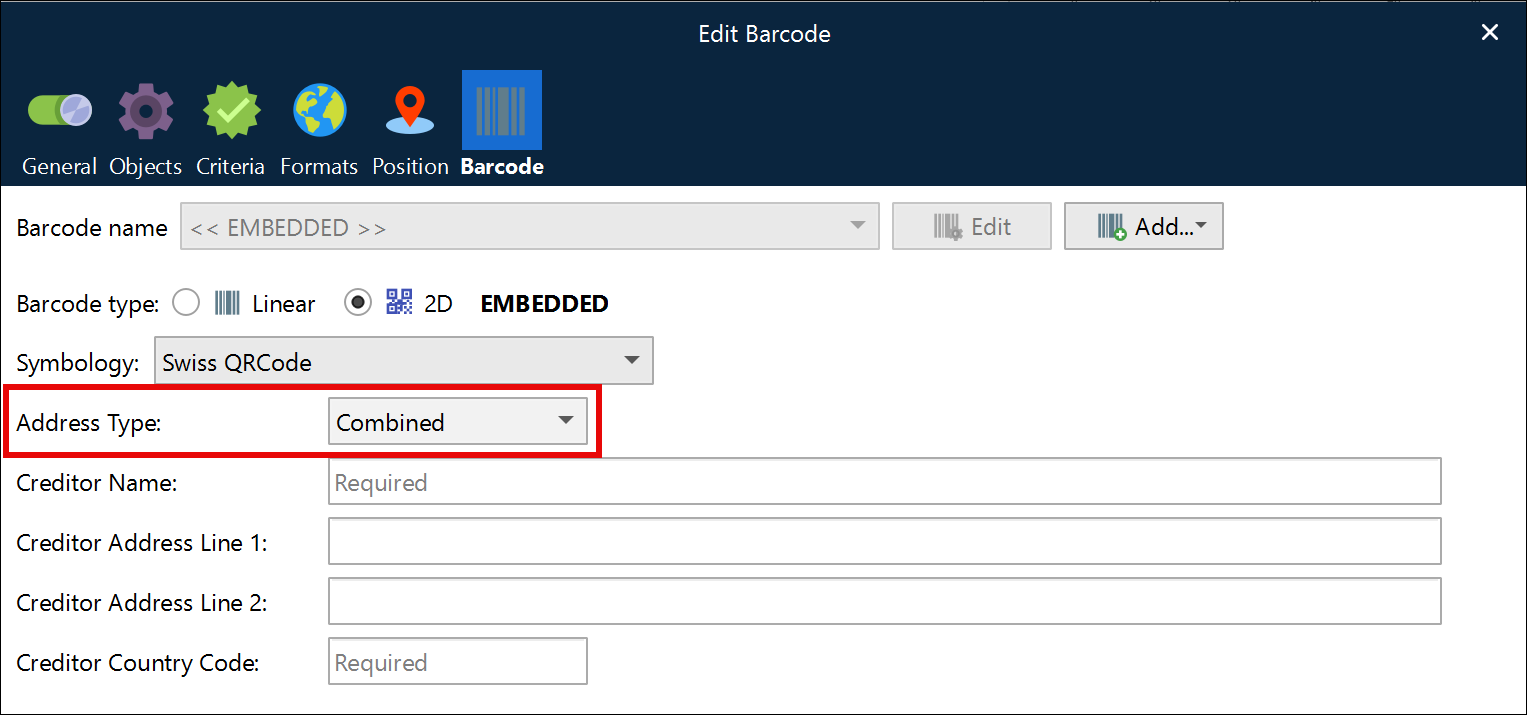
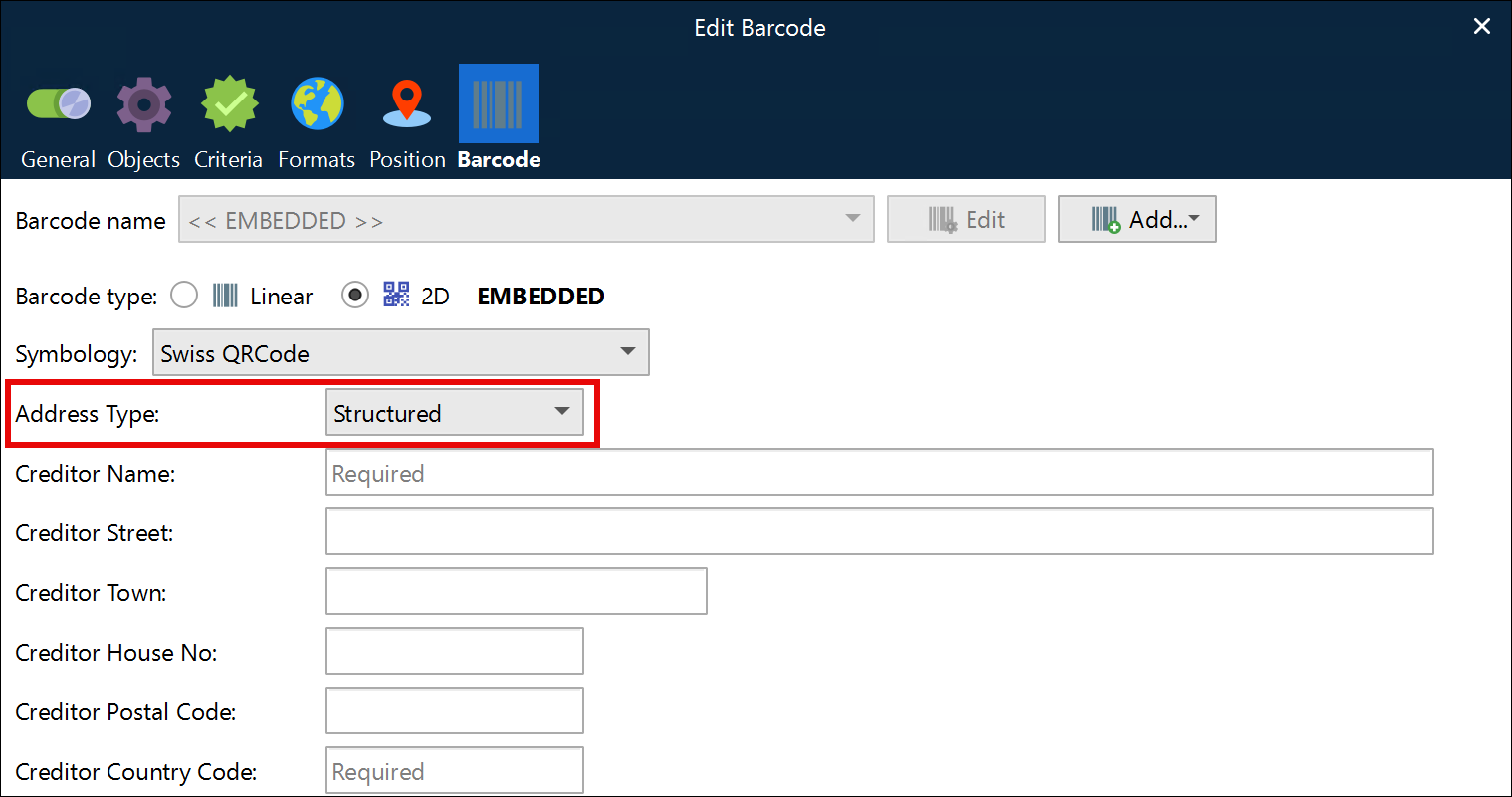
From November 21st 2026, Swiss QR-bills will no longer support the use of the Combined Address Type setting for Swiss QRCode Symbology barcode types.
Take the time to change the settings of your QR codes to use the Structured Address Type, which fits the new requirements.
Note
Add Barcodes to a Sheet describes how to use Lasernet’s built-in Swiss QR code feature.
Use the technique below only if you cannot use Lasernet’s built-in capability.
QR Codes created in Lasernet can be used to generate Swiss QR Code symbols as long as the Swiss cross is added as an overlay in the center of the symbol.

According to the Swiss Implementation Guidelines, "To increase the recognizability and differentiation for users, the Swiss QR Code created for printout is to be overlaid with a Swiss cross logo measuring 7 x 7 mm. A corresponding file with the logo can be downloaded from the https://www.paymentstandards.ch/en/shared/downloads.html website's download section at www.paymentstandards.ch".
Find attached the Swiss cross logo and an example form, with data fetched from this page.