
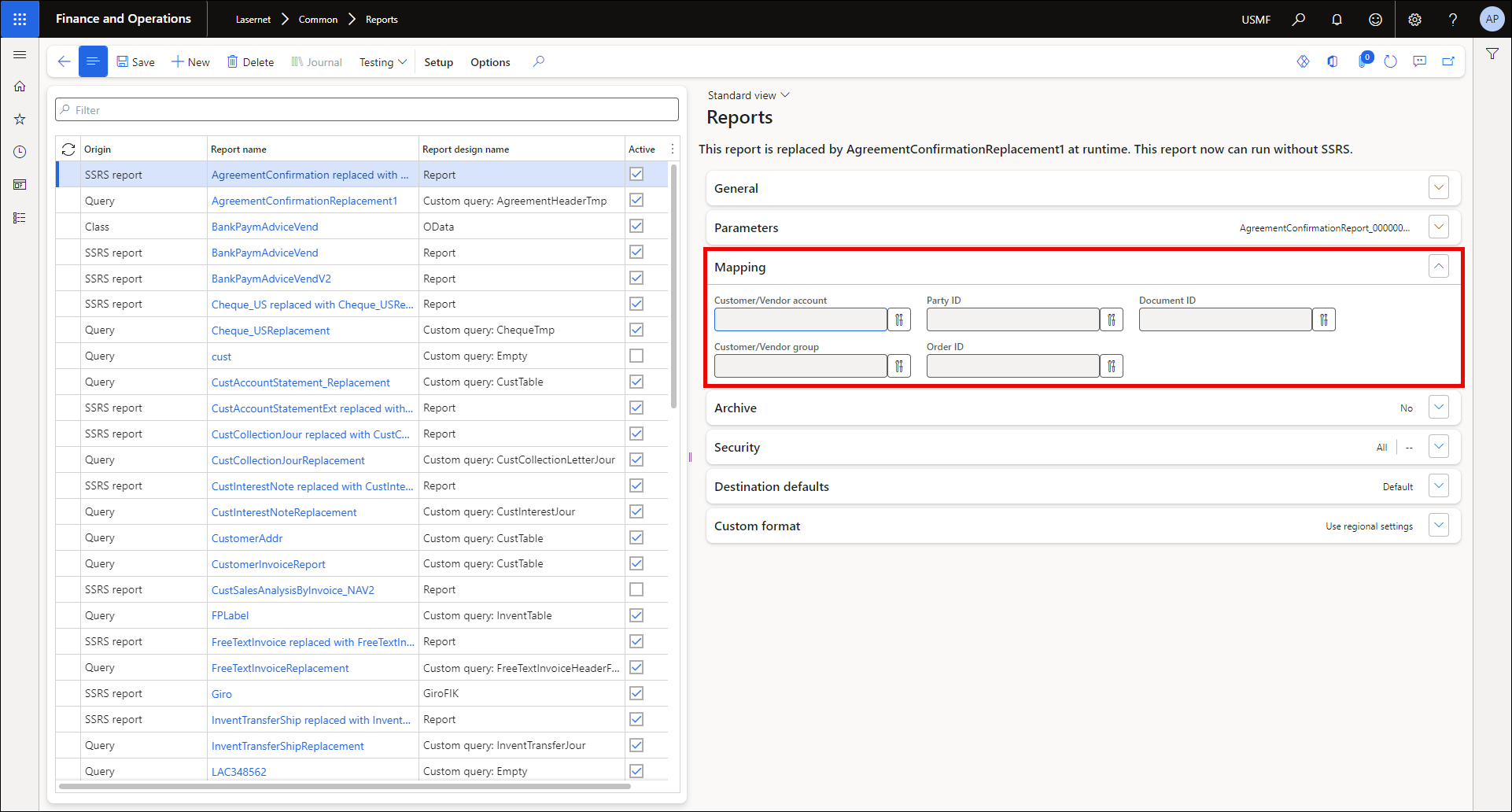
In the Mapping FastTab of the Reports page, it is possible to define and further modify the following settings:
Field name | Description |
|---|---|
Customer/Vendor account | Specifies the field where the mapping of the Customer/Vendor account is based. |
Customer/Vendor group | Specifies the field where the mapping of the Customer/Vendor group is based. |
Party ID | Specifies the field where the mapping of the Party ID is based. We do not recommend using it in conjunction with a Customer/Vendor account and a Customer/Vendor group. |
Order ID (Archive) | Specifies the field on which the mapping of the Order ID is based. |
Document ID (Archive) | Specifies the field on which the mapping of the Document ID is based. |
Custom Port | Used to apply a custom port to define an overlay. |
Description | Description of an overlay. |
Condition | None: Specifies no use of either query or custom fields. Query: Used for a Query. Code: Used for a custom field. |
A button denoting custom fields is available next to the fields. Clicking the button opens the value selector.
If you are using a predefined destination or archive functionality, mapping parameters must be set up. The Customer/Vendor account, Customer/Vendor group, and Party ID values will be used for the predefined destination functionality. The Order ID and Document ID values must be defined when using the Archive functionality and creating the Lasernet log.