
The Autoform DM REST API is installed alongside the Autoform DM server software. To use a REST API endpoint, construct a URL that incorporates your Autoform DM system's base URL and the API endpoint that you want to use.
The REST API is accompanied by documentation that describes each API endpoint.
Construct REST API URLs
To construct REST API request URLs, append the endpoint that you want to use to <base-URL>/rest/v1. Substitute <base-URL> for the base URL of the Autoform DM installation.
For example, if you want to retrieve data about a document definition named 'invoice', you can use the /document-defs/{name} (GET) endpoint. If the Autoform DM installation's base URL is https://autoformDMserver, the complete URL for this example request is https://autoformDMserver/rest/v1/document-defs/invoice.
Note
To make a REST API request, a client must successfully authenticate. For more information, see REST API Authentication.
Documentation
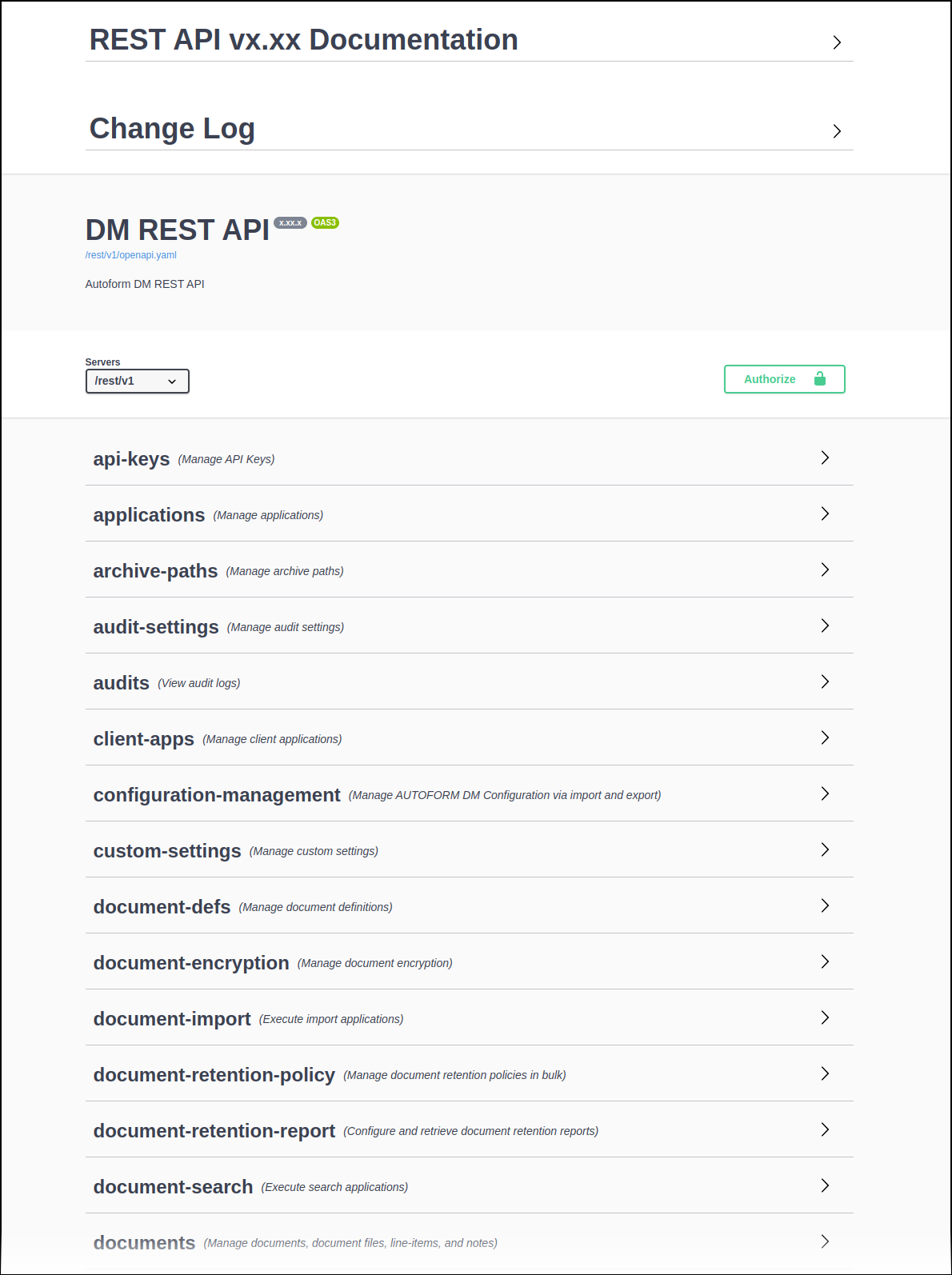
The Autoform DM REST API is accompanied by a web page that provides general and endpoint-specific documentation.
The page is also an interactive interface that you can use to make REST API requests. Each endpoint has a Try it out button.
General Documentation
The REST API Documentation area at the top of the page describes several important aspects of the REST API (such as authentication methods and error codes) and provides other essential information.
Resource and Endpoint Documentation
The resource-specific sections further down the page (such as applications, document-defs, and document-import) provide documentation for individual API endpoints.
For example, the applications section includes documentation for the /applications/{type} (GET) and /applications/{type} (POST) endpoints.
To access the documentation and interactive interface page, use one of the following methods.
Use the Link Provided by the Autoform DM Web Application.
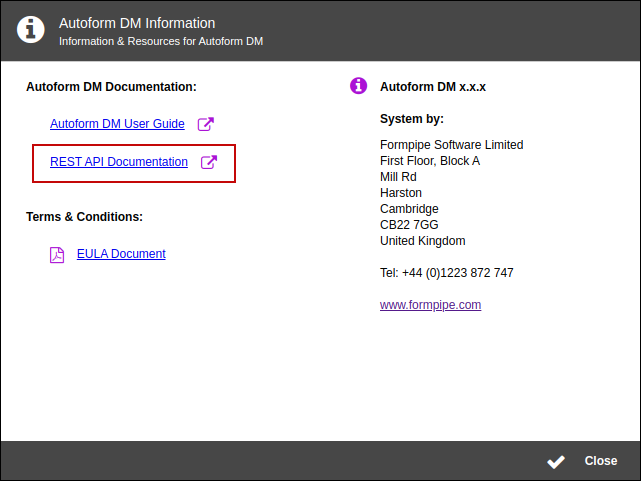
Log in to the Autoform DM web application, then click the i button in the application footer.
.png "i button(1).png")
In the Autoform DM Information window, click REST API Documentation.
Go Directly to the Documentation Page URL
Go to <base-URL>/rest/v1. Substitute <base-URL> for the base URL of the Autoform DM system.
For example, if the Autoform DM installation's base URL is https://autoformDMserver, go to https://autoformDMserver/rest/v1.