
Applies to: Lasernet Core 11
The XML Splitter module can split XML files into smaller fragments to ease the load on the Form engine.
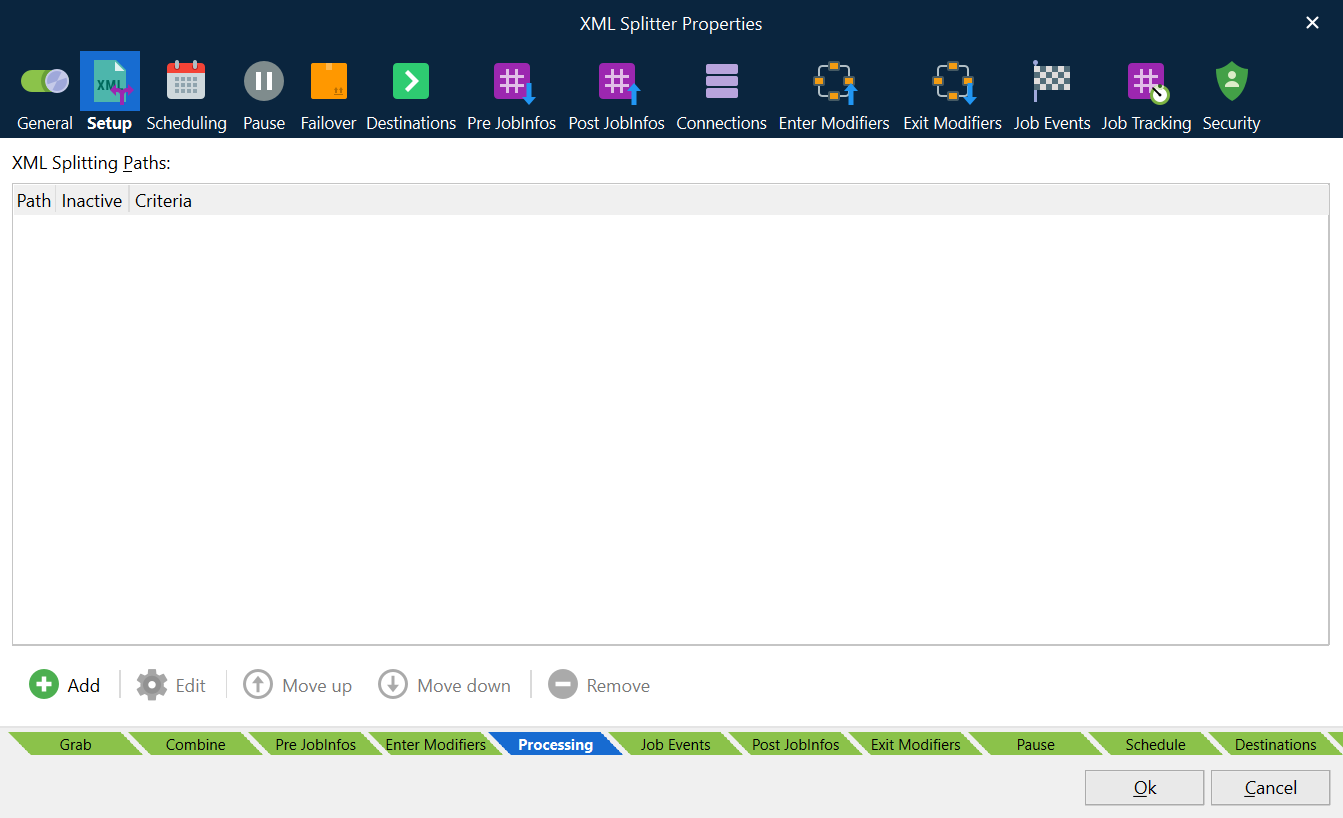
The XML Splitter module will split the XML file on each of the paths listed in the XML Splitting Paths list and create a new job for each. Any XML not mentioned in the XML Splitting Paths list and not a child of any of those will be present in all jobs.
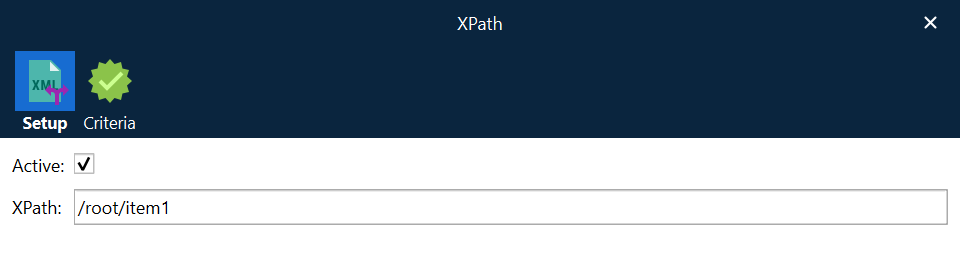
For each XPath, you can attach a JobInfo Criteria. The split action will only run if both the XPath and criteria are true. If the list of XML Splitting Paths contains multiple XPaths, any XPath that is true will run for the very same XML document.
The table illustrates how two sets of split paths separate a document into three and four jobs, respectively.
Split paths |
|
| |
Original document | |||
|
|
|
JobInfos
The XML Splitter sets some JobInfos when creating a job.
FirstFragmentInXMLJob | Set to 1 (true) when first fragment of the XML is created. |
LastFragmentInXMLJob | Set to 1 (true) when last fragment of the XML is created. |