Applies to: Lasernet Core 11 and 10 (not Lasernet Essentials / Professional / Advanced)
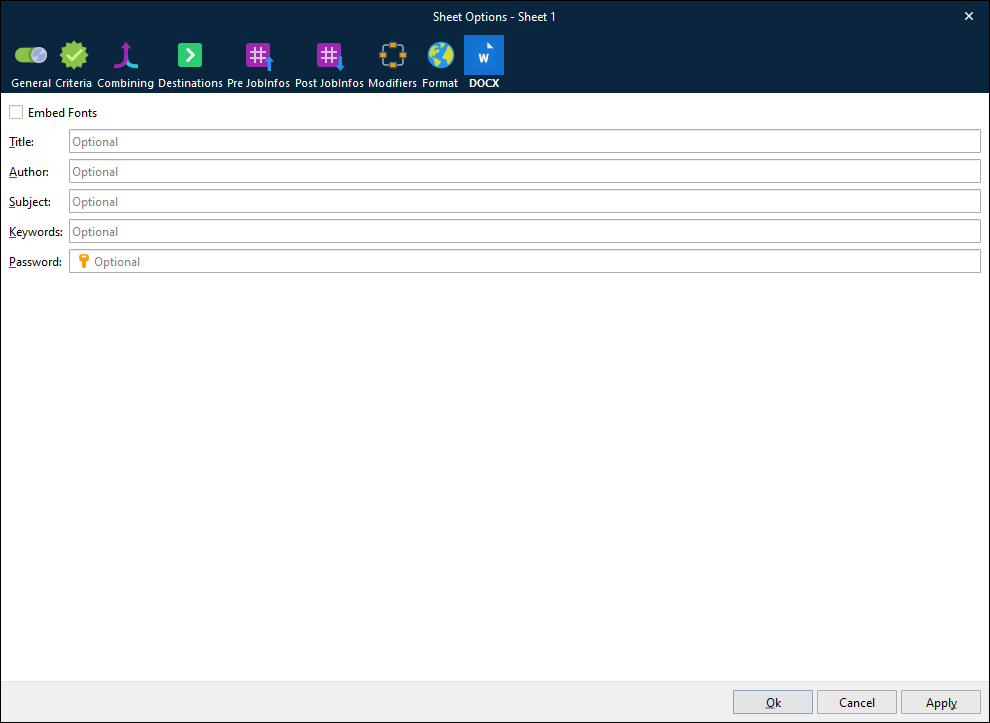
The DOCX output format properties can be accessed via the DOCX tab of the Sheet Options dialog. Right-click the sheet tab and then click Sheet Options on the context menu.
The Title, Author, Subject, and Keywords properties set the value of DOCX document properties.
Embed Fonts
Applies to: Lasernet Core 11
It is possible that a computer used to open a generated DOCX document does not have one or more of the fonts used by the document installed on it. To ensure that the DOCX document is formatted correctly in this scenario, select Embed Fonts. Lasernet Core will embed the necessary fonts within the generated DOCX document.