Applies to: Lasernet Core 10
Used for sending jobs to an Internet URL destination such as a HTTP or HTTPS server.
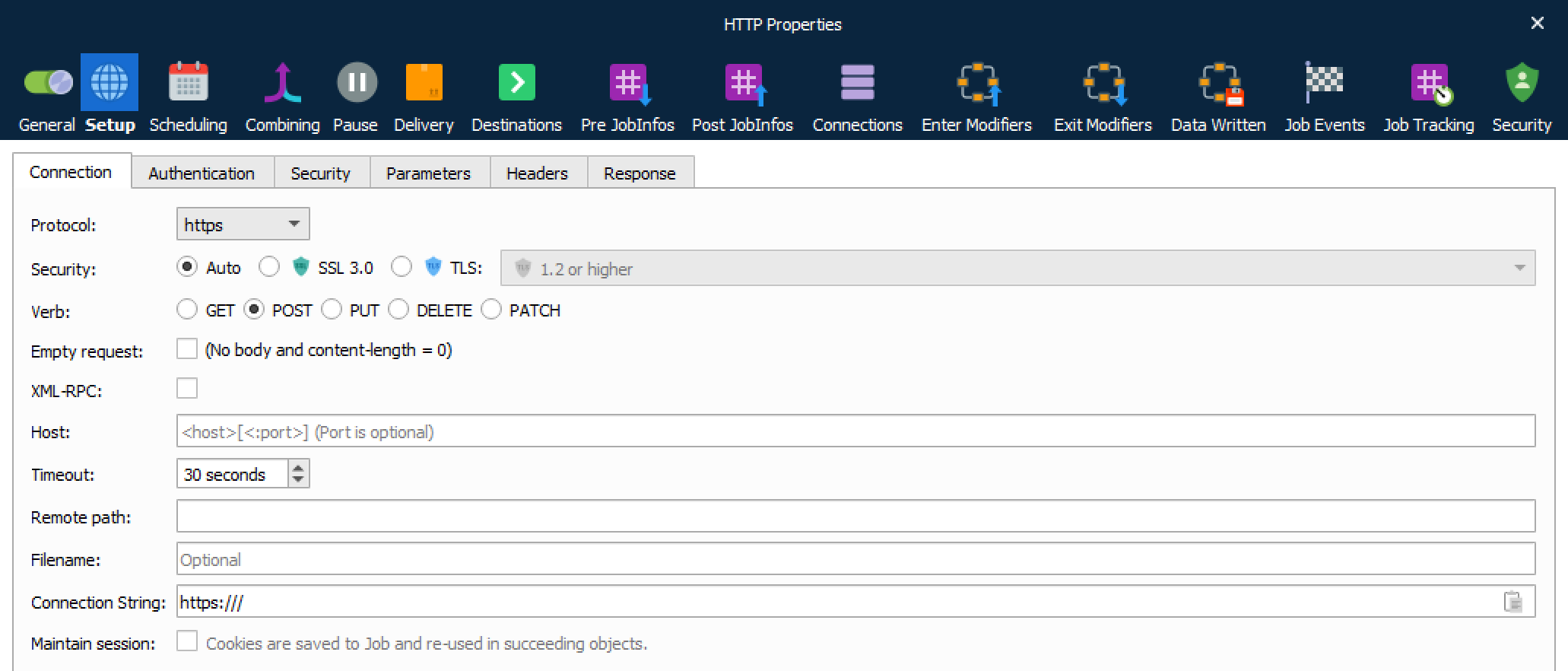
Connection
| Protocol | Supported protocols are HTTP and HTTPS. |
| Security | Only visible for HTTPS protocol. Selectable choices for security protocols are Auto, SSL 3.0 or TLS. Activate SSL port and set up the port number (default 465) to provide encrypted communication and secure identification and the TLS protocol to select between Auto, 1.0, 1.1, 1.2 and 1.3 or highest if negotiated with server. |
| Verb | The GET method is used to retrieve whatever information is identified by the Request-URI. The POST method is used to request that the origin server accept the entity enclosed in the request as a new subordinate of the resource identified by the Request-URI in the Request-Line. The PUT method requests that the enclosed entity be stored under the supplied Request-URI. The DELETE method requests that the origin server delete the resource identified by the Request-URI (JobData will not be send when using the DELETE method, only the resource is deleted). The PATCH method is used to update partial resources. |
| Empty request | To upload no content in body, activate this setting, and the job will not be inserted automatically. |
| XML-RPC | Activate to use HTTP as the transport and XML as the encoding. |
| Host | URL for HTTP. Protocol type or remote path should not be included as part of the URL. |
| Timeout | If the connection cannot be established by the timeout has been reached, the attempt will be abandoned. Default timeout is 30 seconds. |
| Remote path | The remote path on the HTTP server where files need to be uploaded to, if different from the default login directory. |
| Filename | Wildcards are supported for returning one or more files to retrieve. |
| Maintain session | Activate to save cookies to Job and re-use in succeeding objects. |
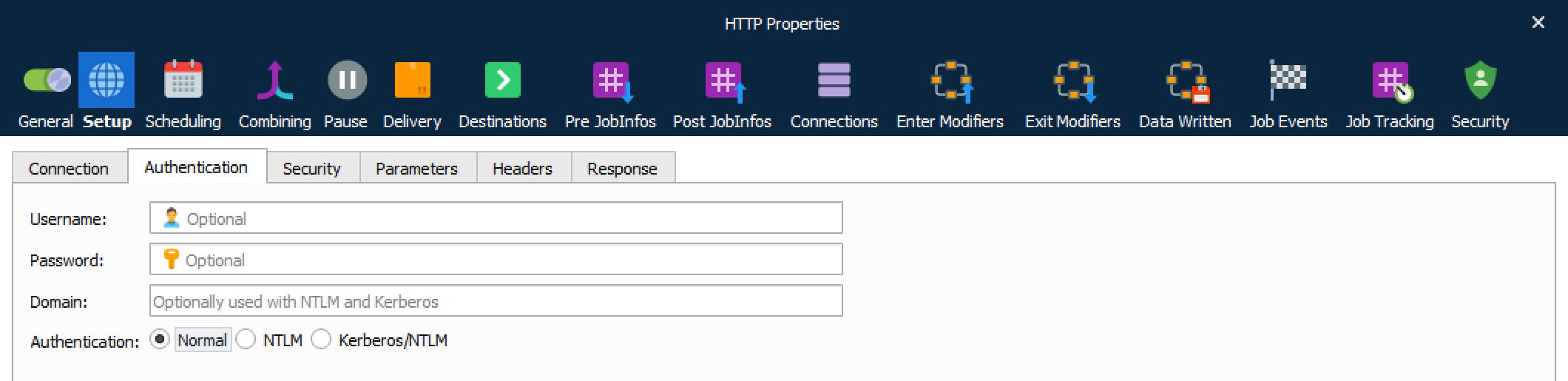
Authentication
| Username and password | Set username and password if basic authentication is required. |
| Domain | Used with NTLM and Kerberos authentication. |
| Authentication | Supported types are Normal authentication, NTML and Kerberos/NTLM. |
Security
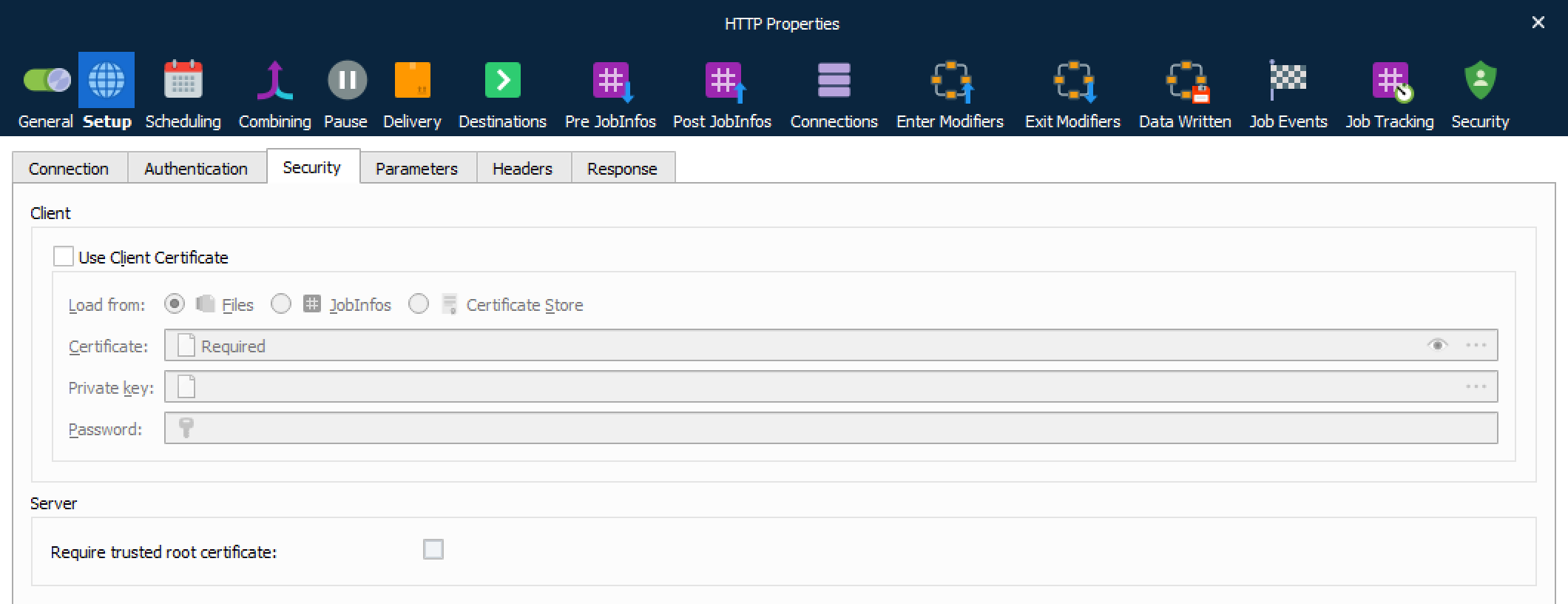
| Use Client Certificate | For HTTPS it is usually not necessary to specify a client certificate and private key. If required you must activate this setting, |
| Load from | Select to load the client certificate from:
|
| Client Private Key | To be authenticated select a private key for the client. |
| Private Key Password | Set the password for the private key. |
| Subject Common Name (CN) | When enabled you must set a CN to match the subject for the host being authenticated. |
| Require trusted root certificate | Enabling this option will perform a range of verifications of the certificate used for HTTPS:
|
Parameters
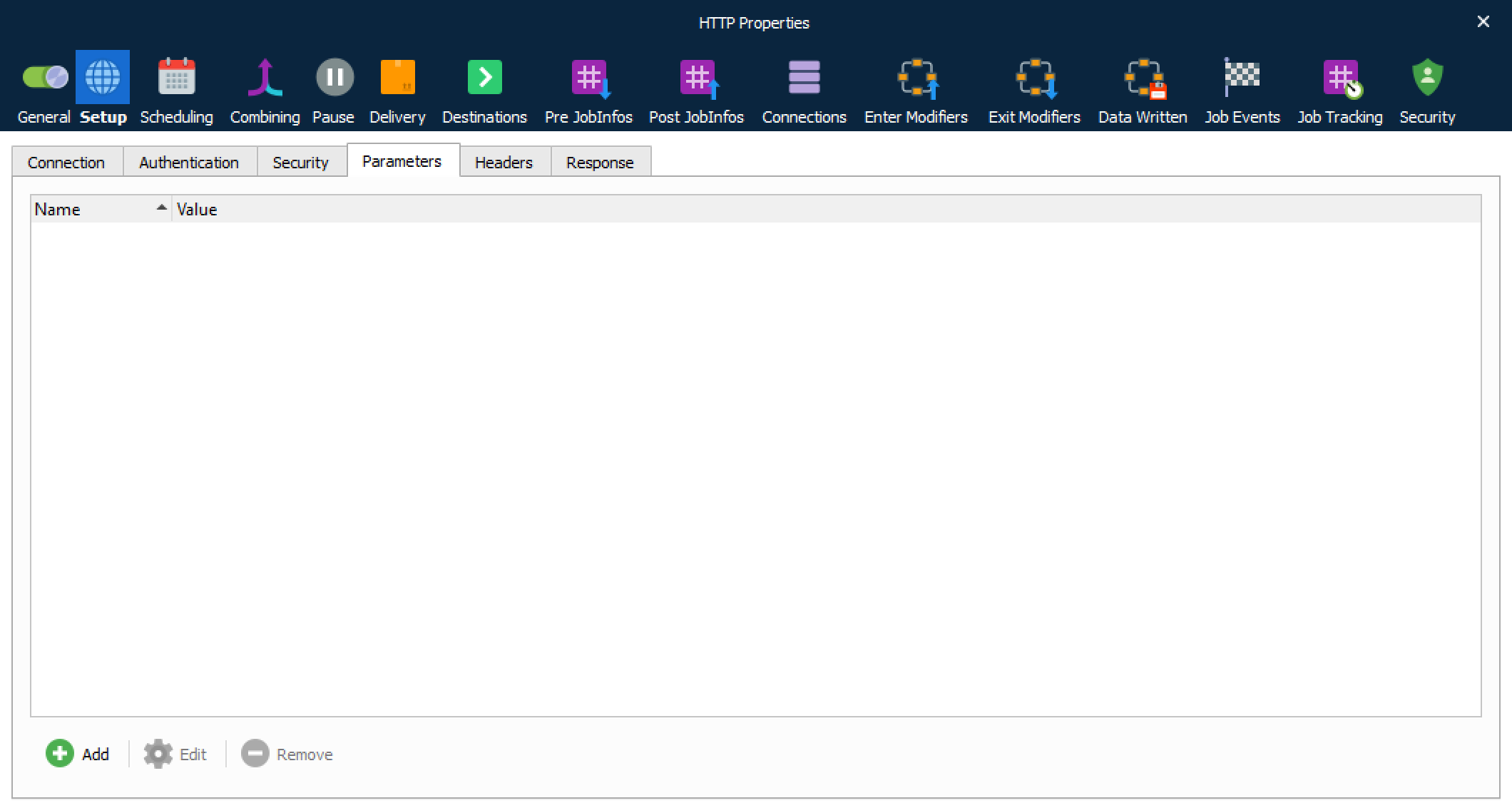
| Parameters | Add a set of parameters with values to the HTTP request. |
Headers
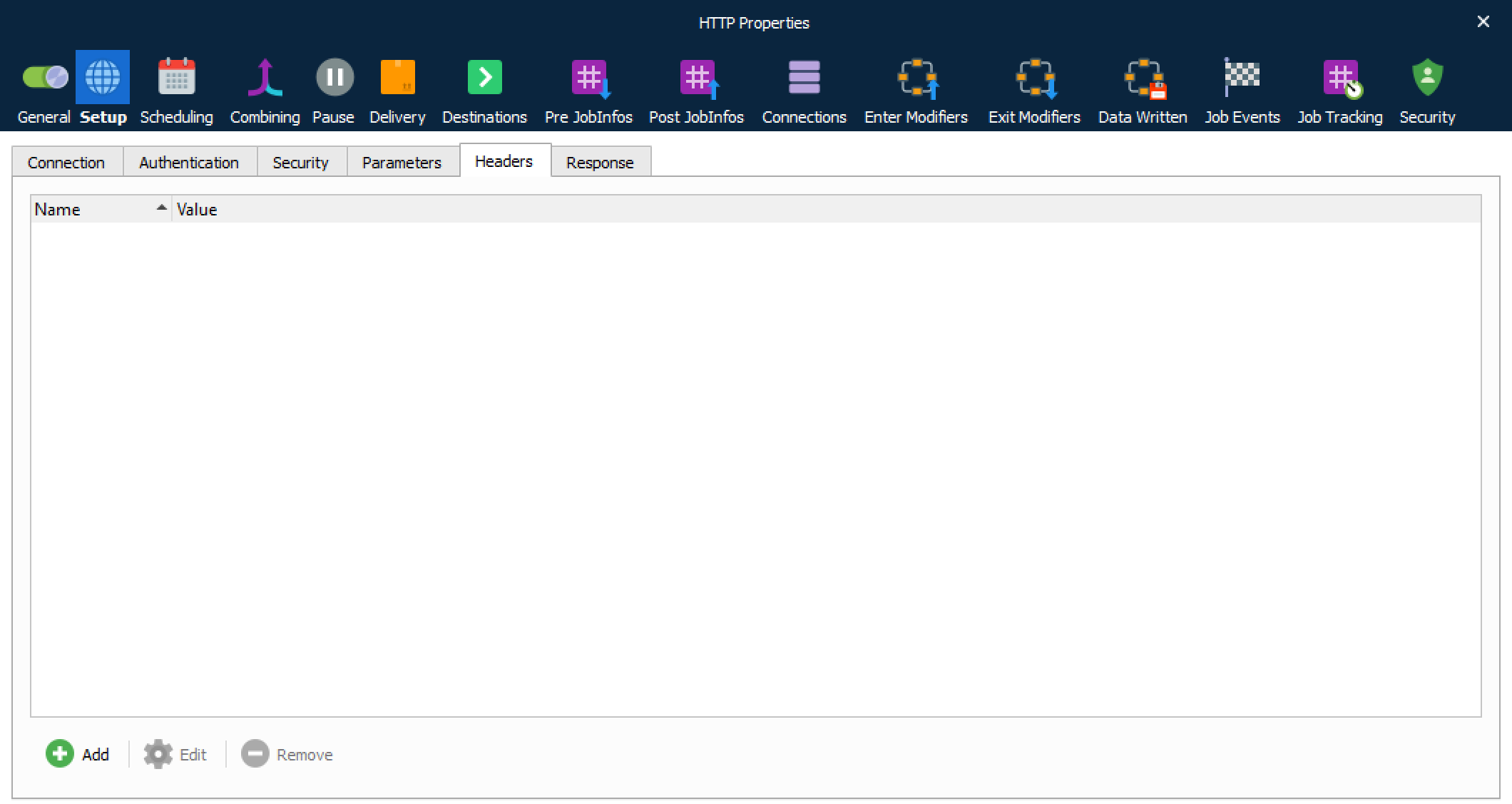
| Headers | Add a set of headers with values to the HTTP request. |
Response
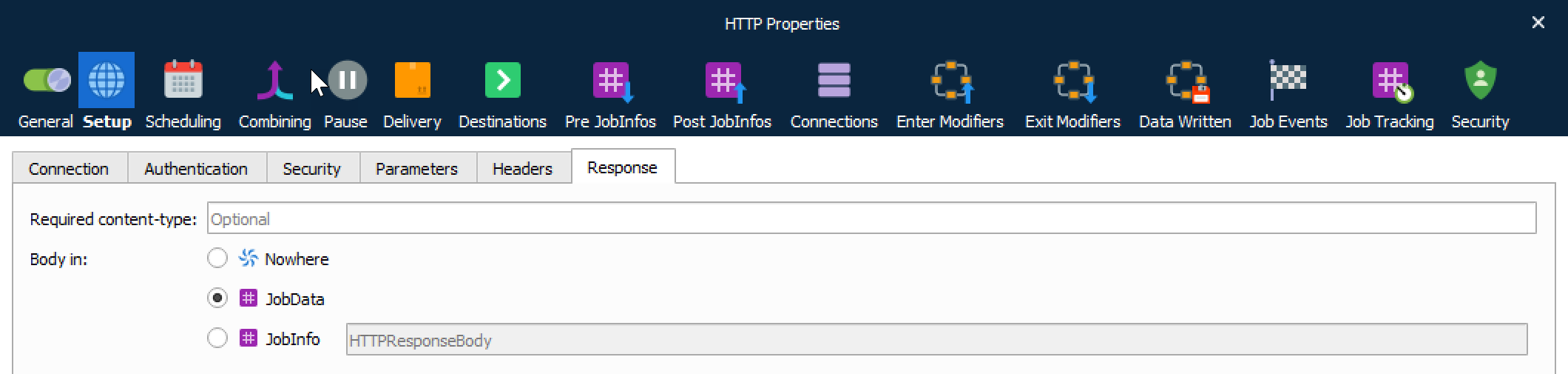
| Required content-type | Content-type required for document. |
| Body in | After receiving and interpreting a request message, the server responds with an HTTP response message. You can define where to insert the HTTP body. Select Nowhere to store it nowhere, JobData if you are going to use it as job data in another module, or JobInfo if you want to insert the value into a specific JobInfo. |
JobInfos
The HTTP Output module sets these JobInfos.
| HTTPHeaderFieldName | JobInfo list containing field names for the HTTP response headers. |
| HTTPHeaderFieldValue | JobInfo list containing field values for the HTTP response headers. |
| HTTPHeader* | The headers described by HTTPHeaderFieldName and HTTPHeaderFieldValue are also stored in individual dedicated JobInfos. For example, HTTPHeaderContent-Length. |
| HTTPStatusCode | Status code for HTTP response. |
| HTTPStatusText | Status text for HTTP response. |